

Use ADCM Wizard for ADH installation
ADCM Wizard presents an alternative way of installing an ADH cluster, which involves a step-by-step preconfiguration for some of the cluster settings such as SSL, Kerberos, and Ranger plugins.
The Wizard installation is available only for clusters in the created and faulty_installed states (starting with ADH 4.2.0). You can read more about Wizard in the ADCM documentation.
|
IMPORTANT
All the preparation steps like adding services, adding hosts, adding components, configuring services, and configuring a cluster still need to be performed. The Install Wizard action is an alternative only for the installation step.
|
Each configuration step except for the last one has the following navigation actions:
-
Discard changes — resets all the parameters of the current step to the default values.
-
Next step — saves the set parameters of the current step and navigates you to the next configuration page.
The last step has only the Run action which starts the installation.
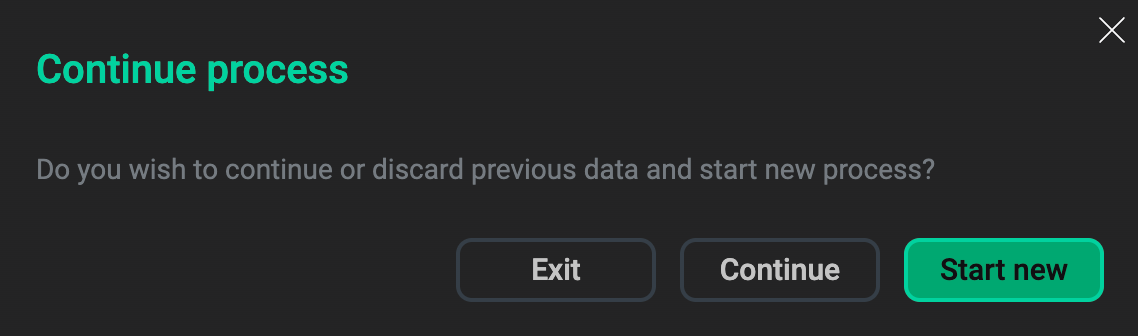
To exit the installation wizard, click Exit in the top right corner. Your current progress will be saved, and the next time you run the Install Wizard action, you will be prompted to choose whether you want to continue from the last completed step or to start over.
To install ADH using Wizard, follow the steps below:
-
Run the Install Wizard action for your ADH cluster.
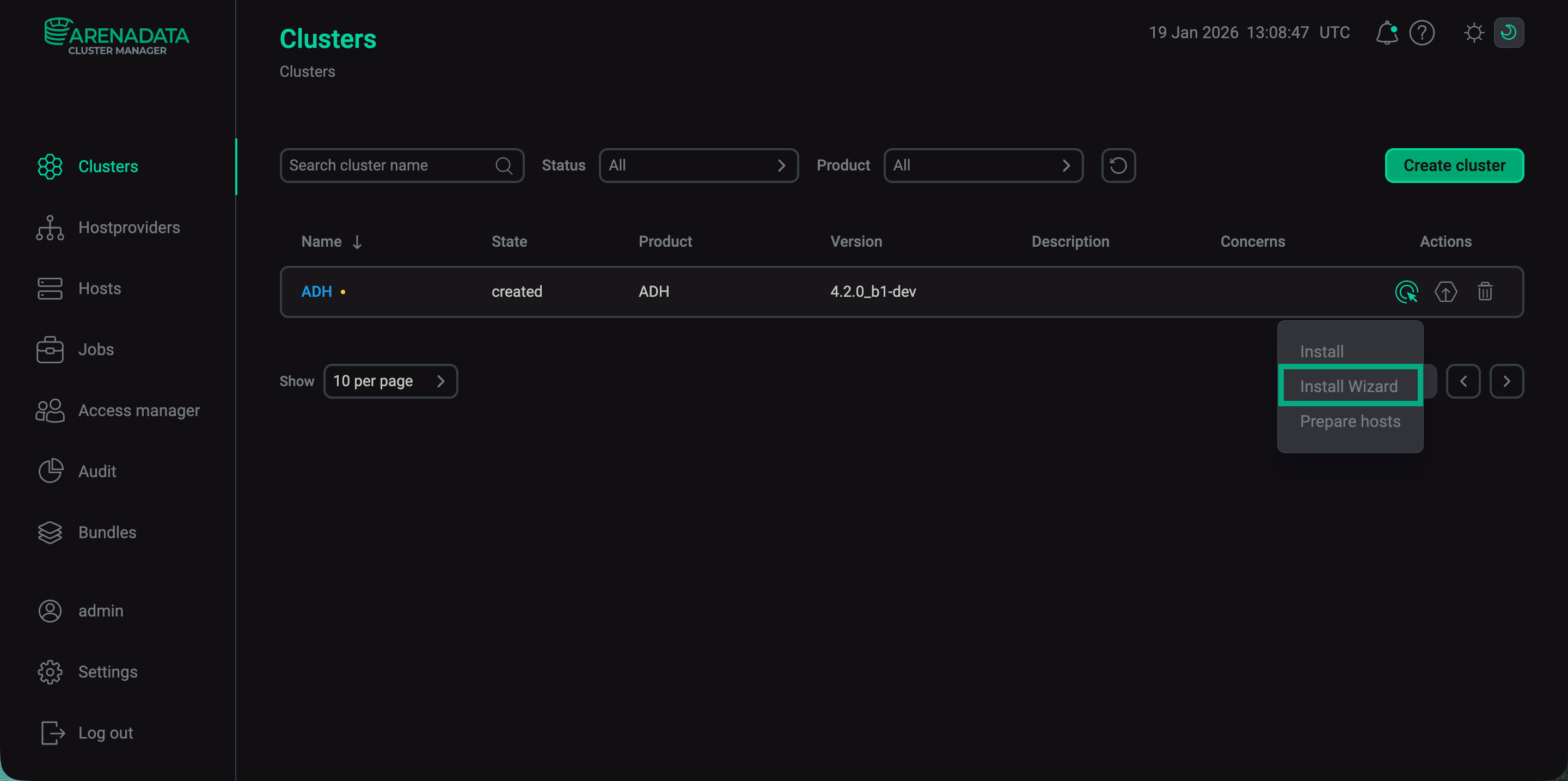 The "Install Wizard" action
 -
Configure the SSL settings. This step is analogous to the Manage SSL action.
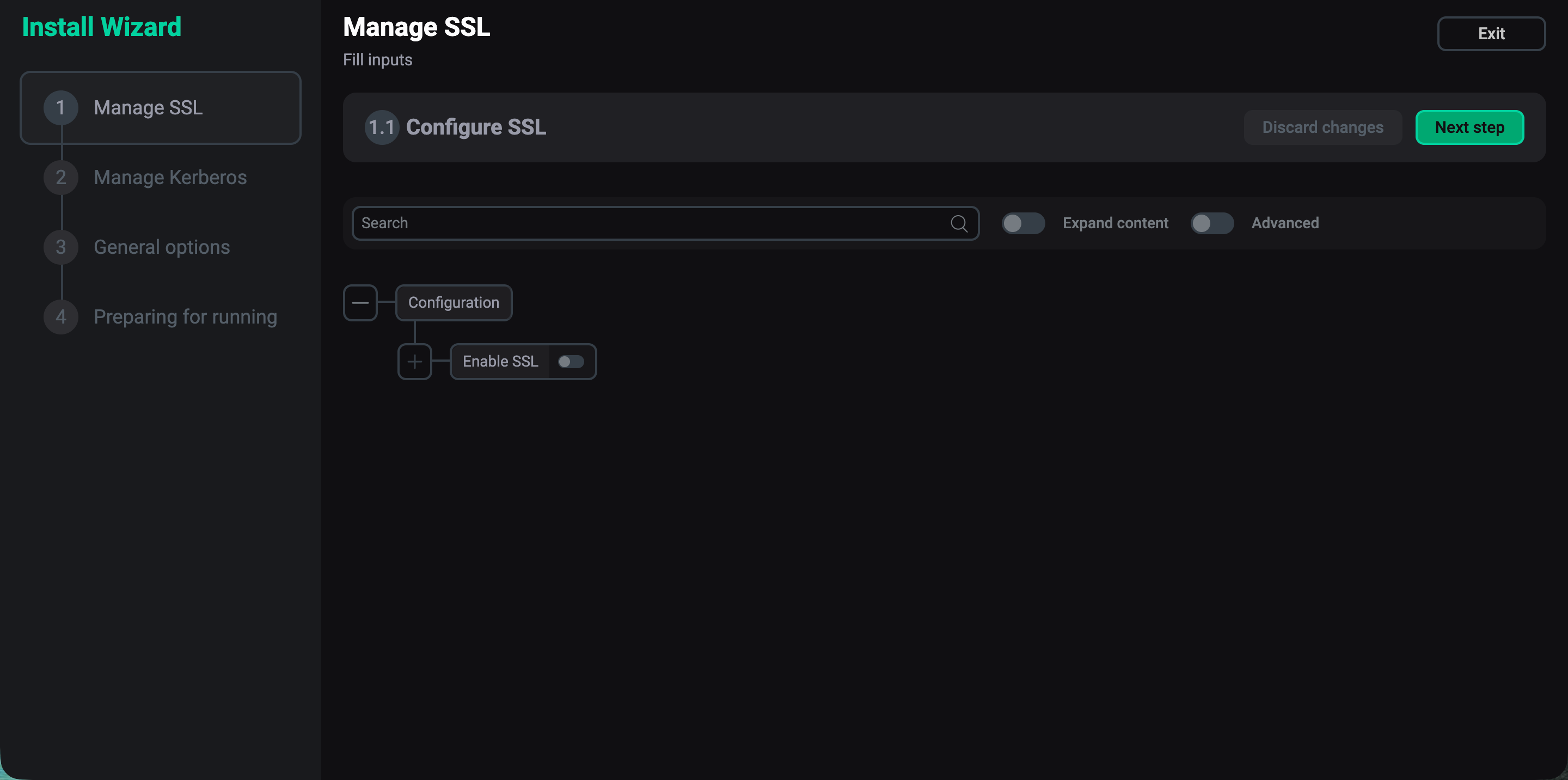 The "Manage SSL" step
 -
Configure the Kerberos settings. This step is analogous to the Manage Kerberos action.
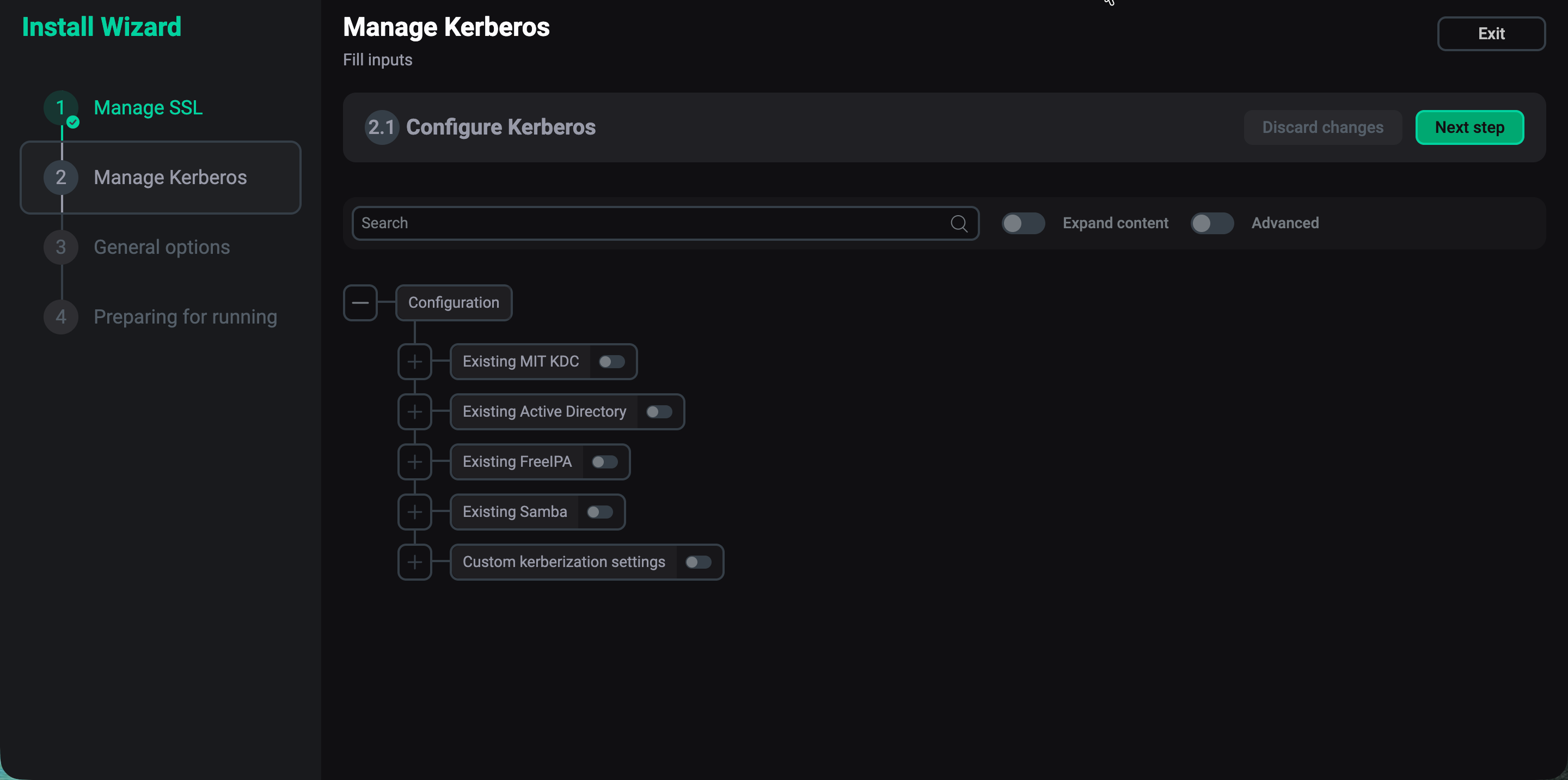 The "Manage Kerberos" step
 -
Configure Ranger plugins. If you have imported Ranger to the cluster, you will be able to configure Ranger plugins for the added services that support it (HDFS, Hive, YARN, Ozone, Trino, HBase, Impala, Spark3, Solr). Otherwise, no actions are available.
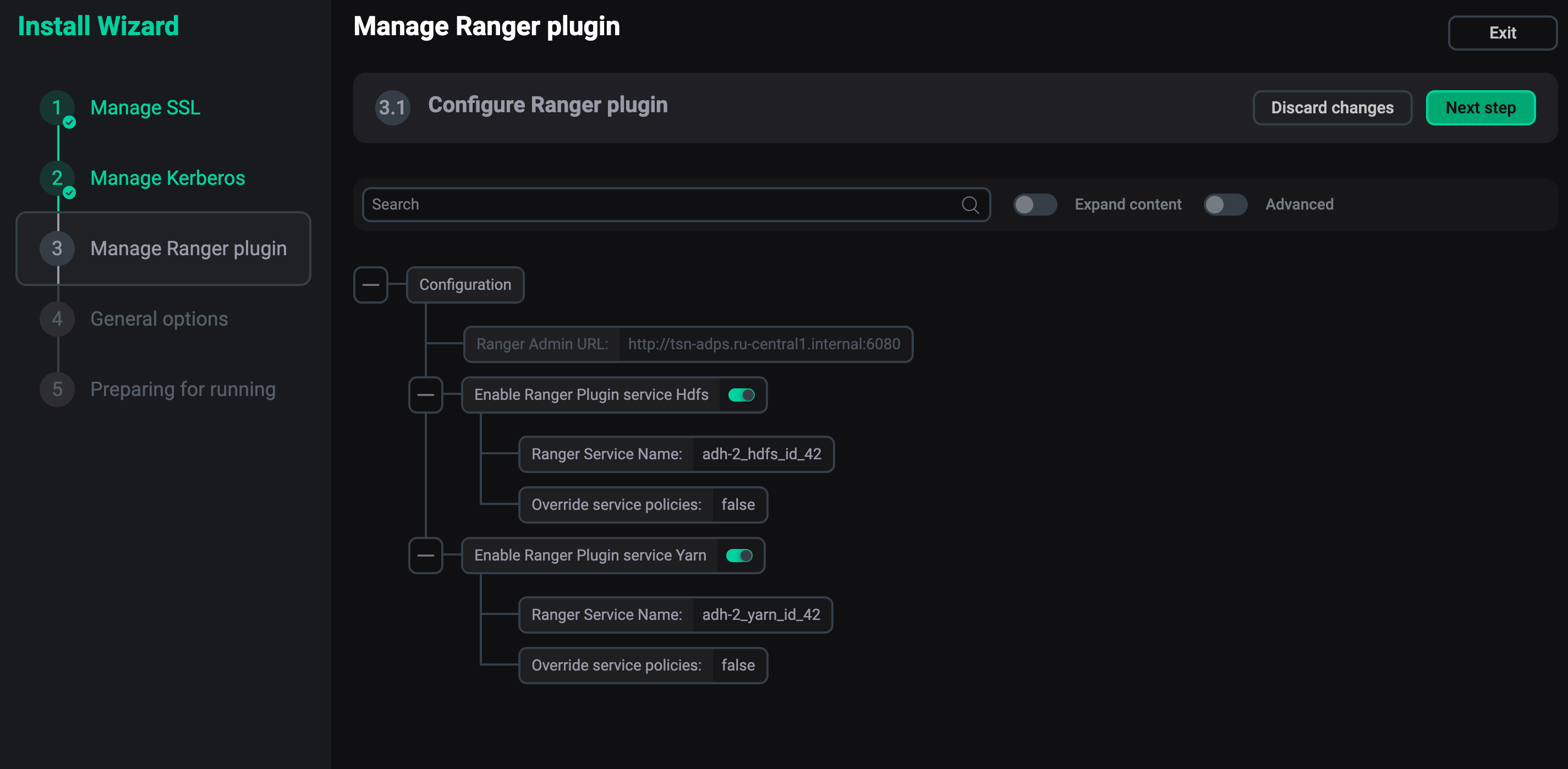 The "Manage Ranger plugin" step
 -
Configure general options. For now, you can only enable/disable the service checks after the installation.
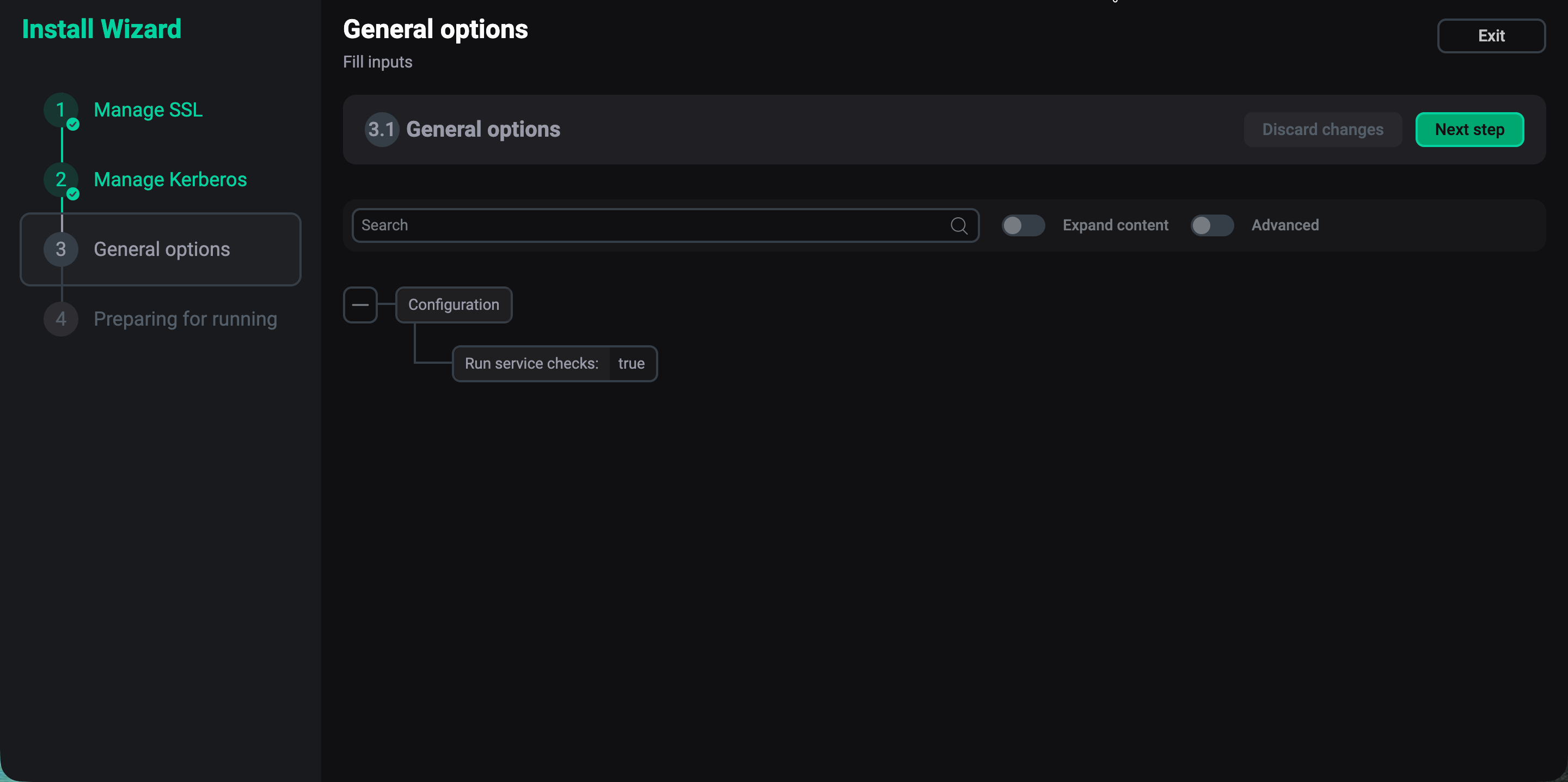 The "General options" step
 -
Confirm the action.
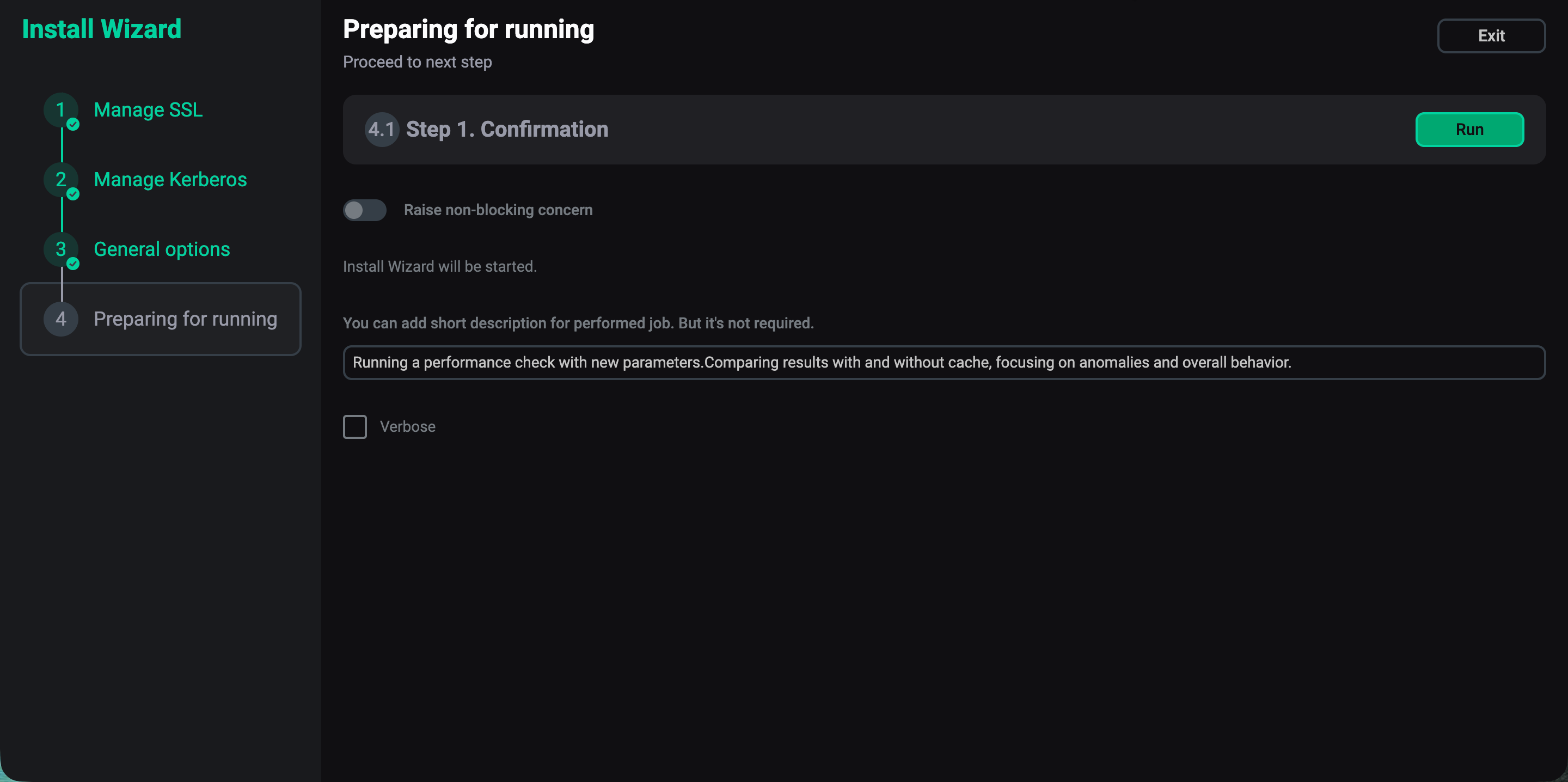 The confirmation step
Installation will begin with the SSL and Kerberos configuration jobs. You can monitor the installation state on the Jobs page.