

Row-level filtering in Hive via Ranger
Overview
Hive row-level filtering is a Ranger feature that allows you to control access to certain data within one table. To use it, enable the Ranger Hive plugin. The example below shows how to enable row-level filtering for a Hive table, and it is assumed that you have created a Hive table and filled it with data.
For this example, the following data is used:
name    mass
Sun     1989100000
Mercury	330
Venus	4867
Earth	5972
Mars	642
Jupiter	1898187
Saturn	568317
Uranus	86813
Neptune	102413
Row-level filtering policy
-
In the Ranger Admin web UI, select the Hive service of your cluster.
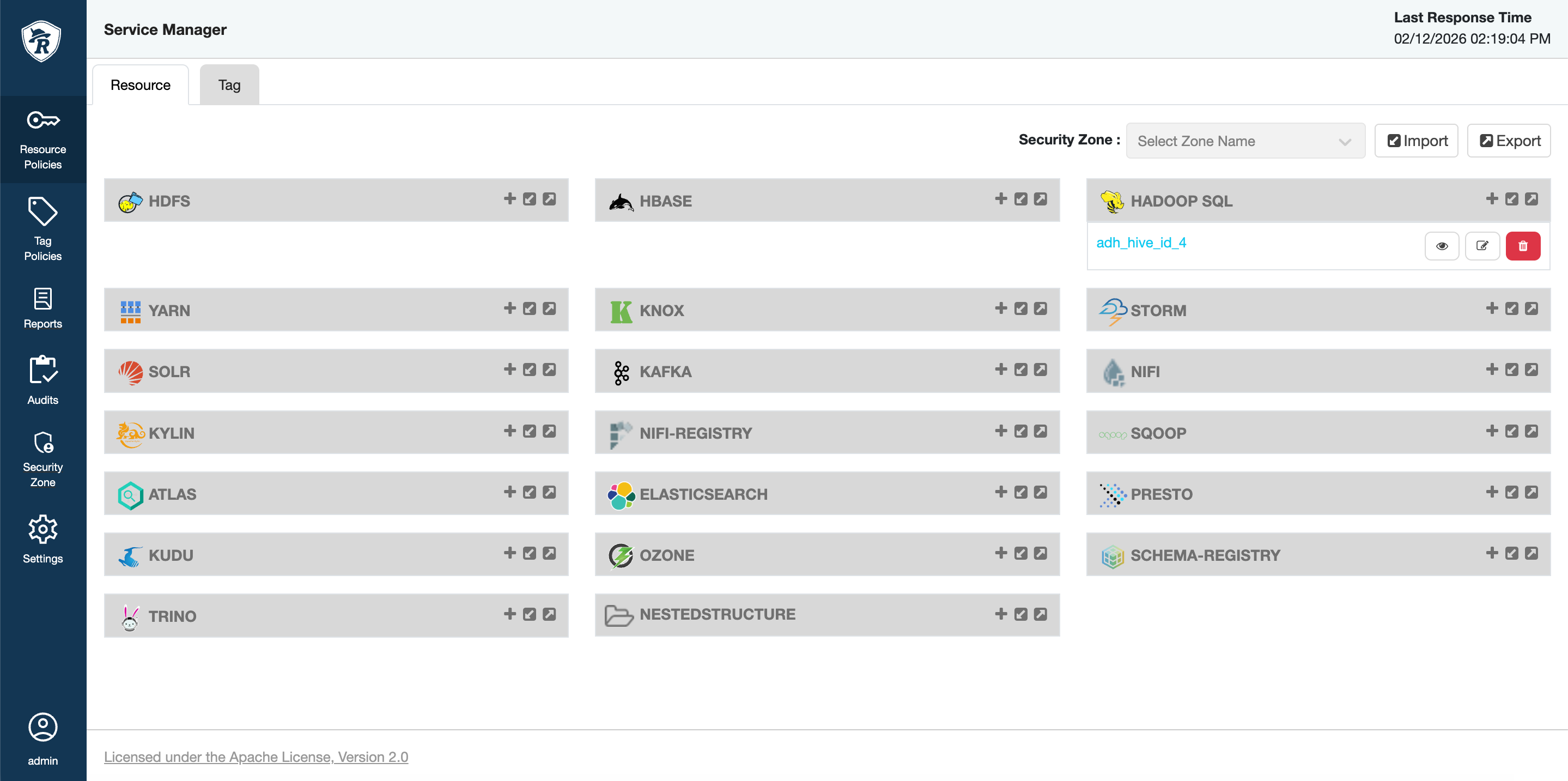 Hive service in Ranger
 Hive service in Ranger
 -
Open the Row Level Filter tab and click Add New Policy.
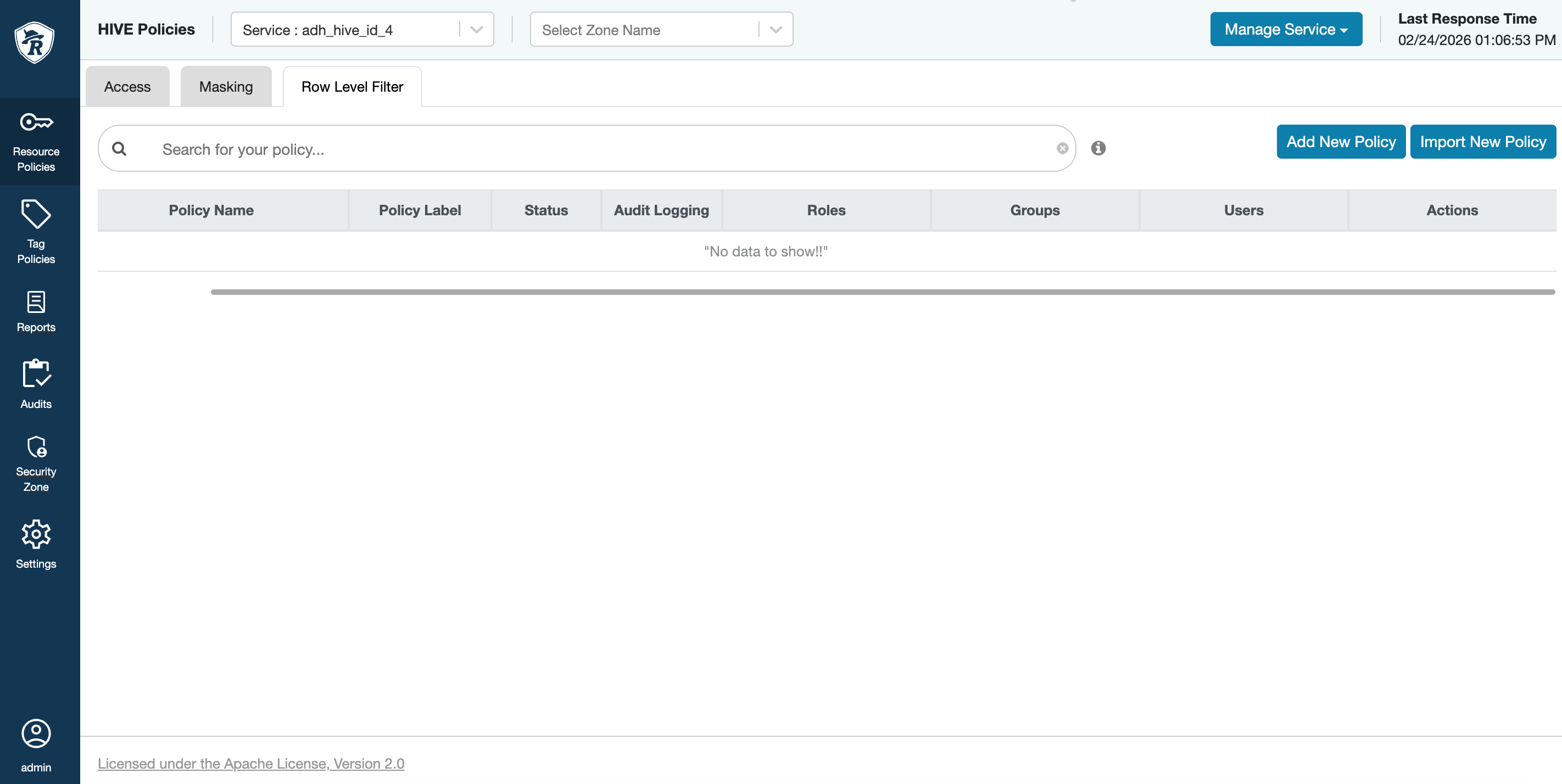 Row Level Filter tab in Ranger
 Row Level Filter tab in Ranger
 -
Fill in the policy data and click Save.
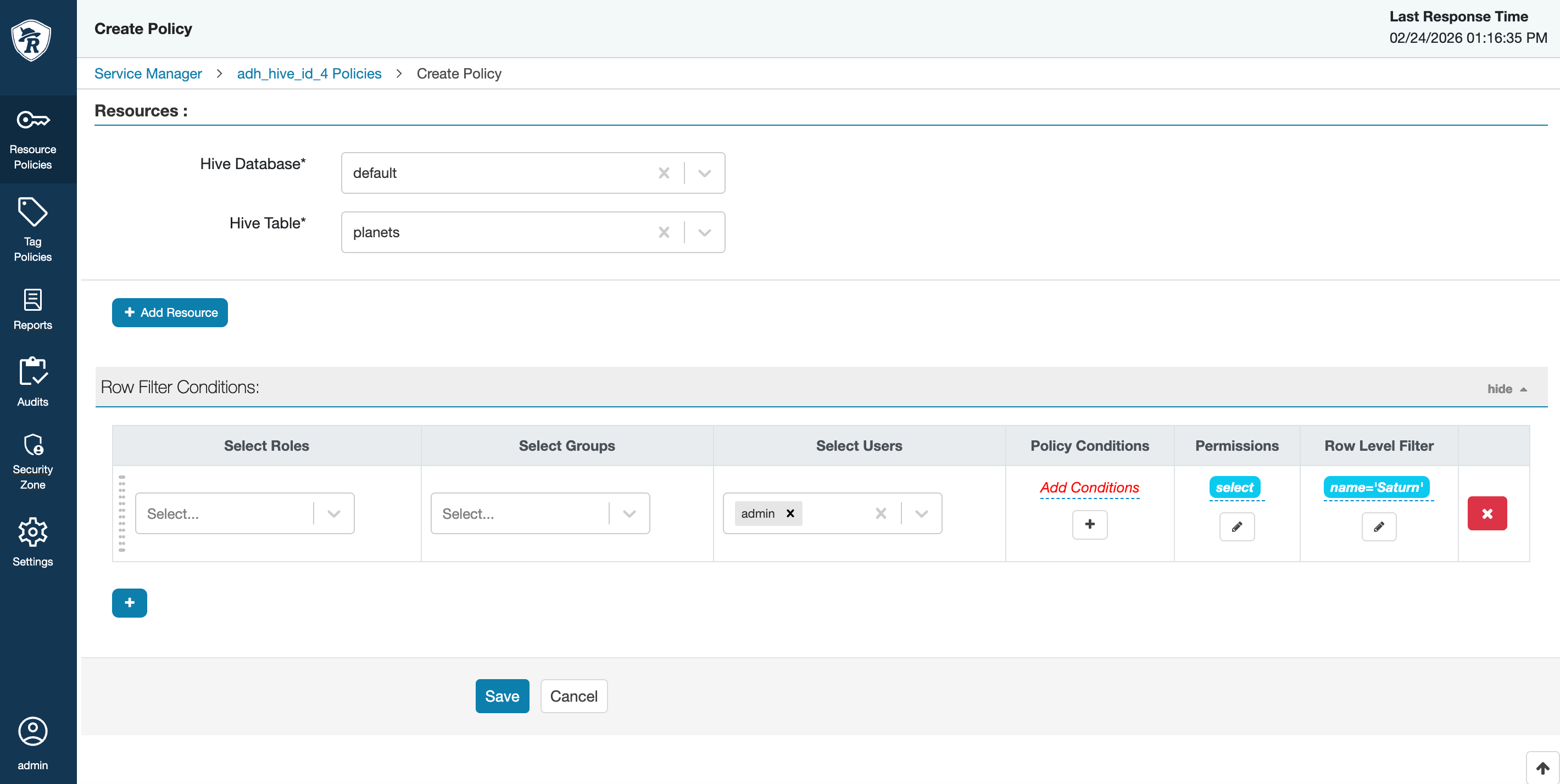 Filtering policy parameters
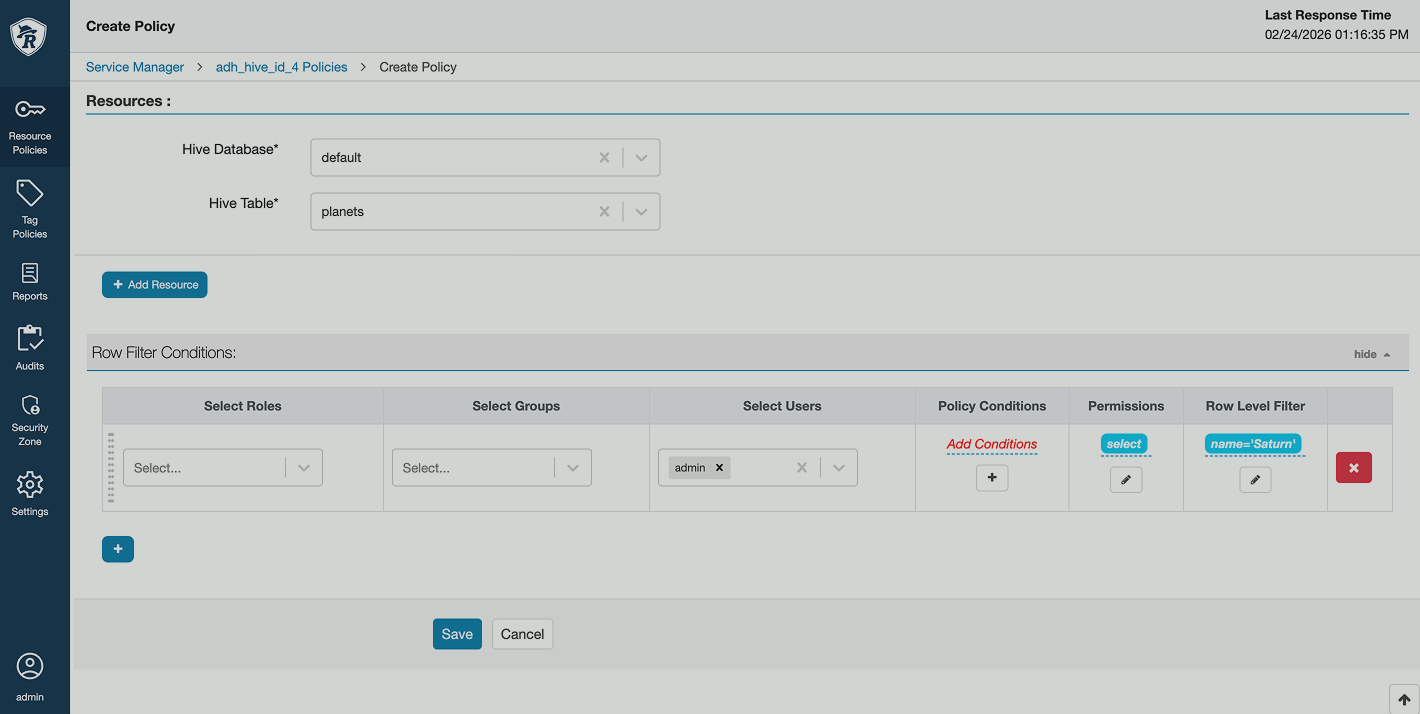 Filtering policy parameters
The Row level filter column expects an expression that would act as a filter. For example, a query to a table with the
name='Saturn'filter will return only the rows where thenamecolumn has theSaturnvalue. You can add several filtering rules and shift them in a specific order with drag-and-drop if needed. -
To test that the policy works correctly, query the database. In this example, HUE is used.
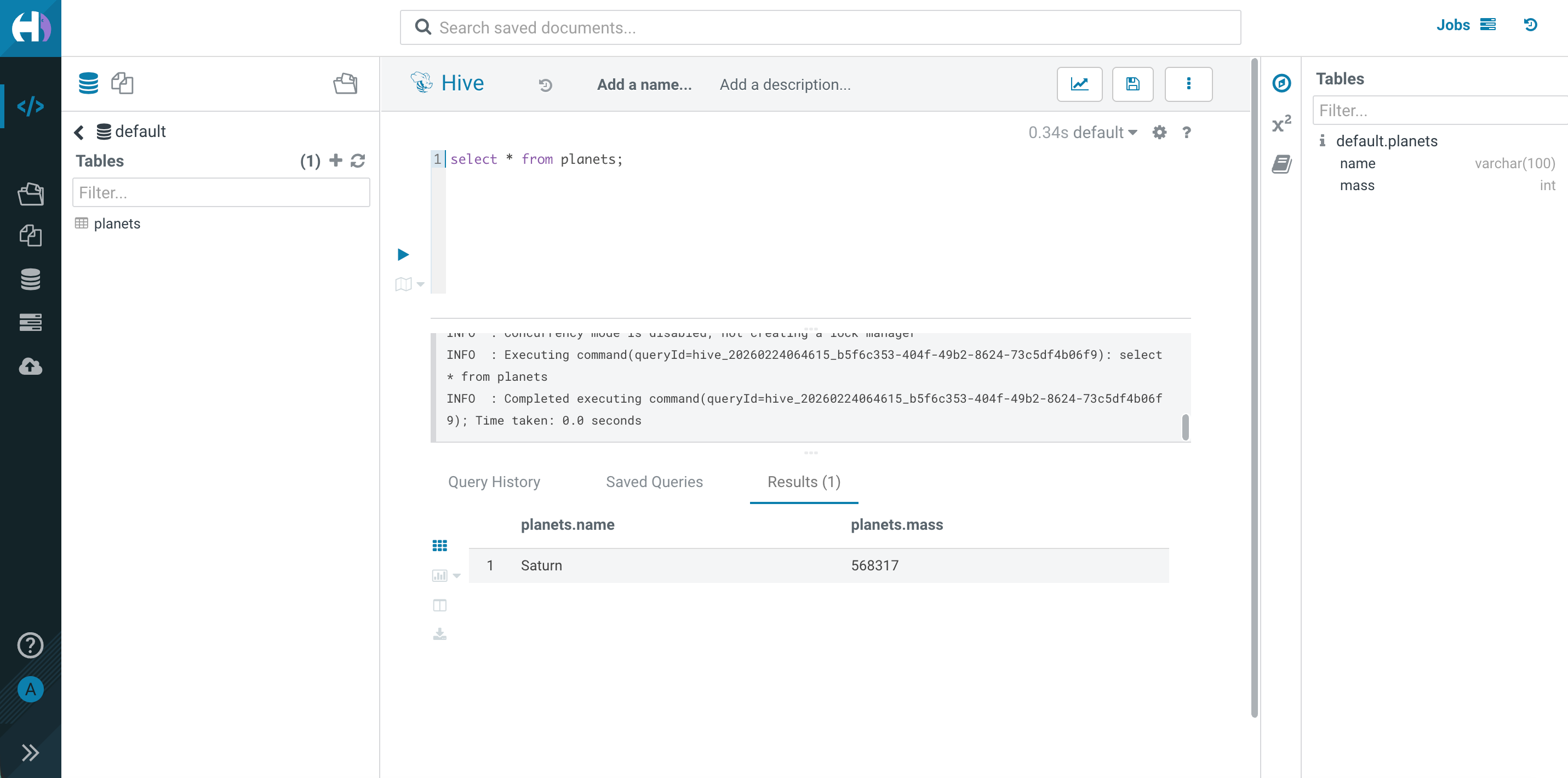 HUE query with filtered data
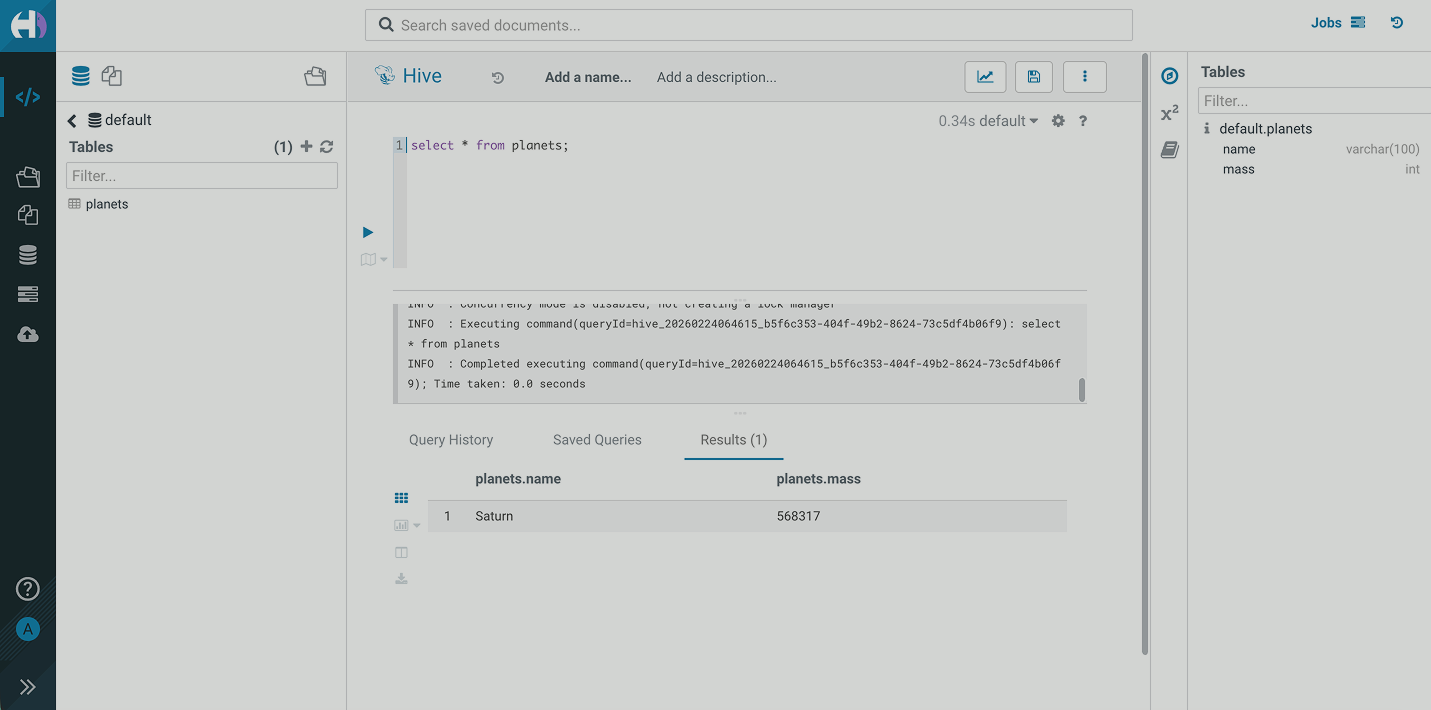 HUE query with filtered data