

Maintenance/Decommission
|
NOTE
To manage an ADH cluster, install Arenadata Cluster Manager (ADCM) and ADH as described in the following tutorial: Installation.
|
You can use a single host action to switch a host of your ADH cluster to one of the native administrative states for the service:
-
NORMAL— the host participates fully in the service and can receive new workloads, data, or requests. -
DECOMMISSIONED— the host is permanently removed from service participation. Service-specific decommissioning procedures are executed to ensure a safe transition. -
IN_MAINTENANCE— the host is temporarily removed from normal service operations for planned maintenance activities and can be returned to service afterwards.
Service states are managed independently. A host can be placed into the IN_MAINTENANCE or DECOMMISSIONED state for one service while remaining in the NORMAL state for other services.
The following ADH services currently support host state management.
| Service | Service component | Available states |
|---|---|---|
HDFS |
HDFS Datanode |
|
YARN |
YARN NodeManager |
|
To change the state of a host, perform the following steps:
-
On the Clusters tab, click the name of your cluster in the list of clusters.
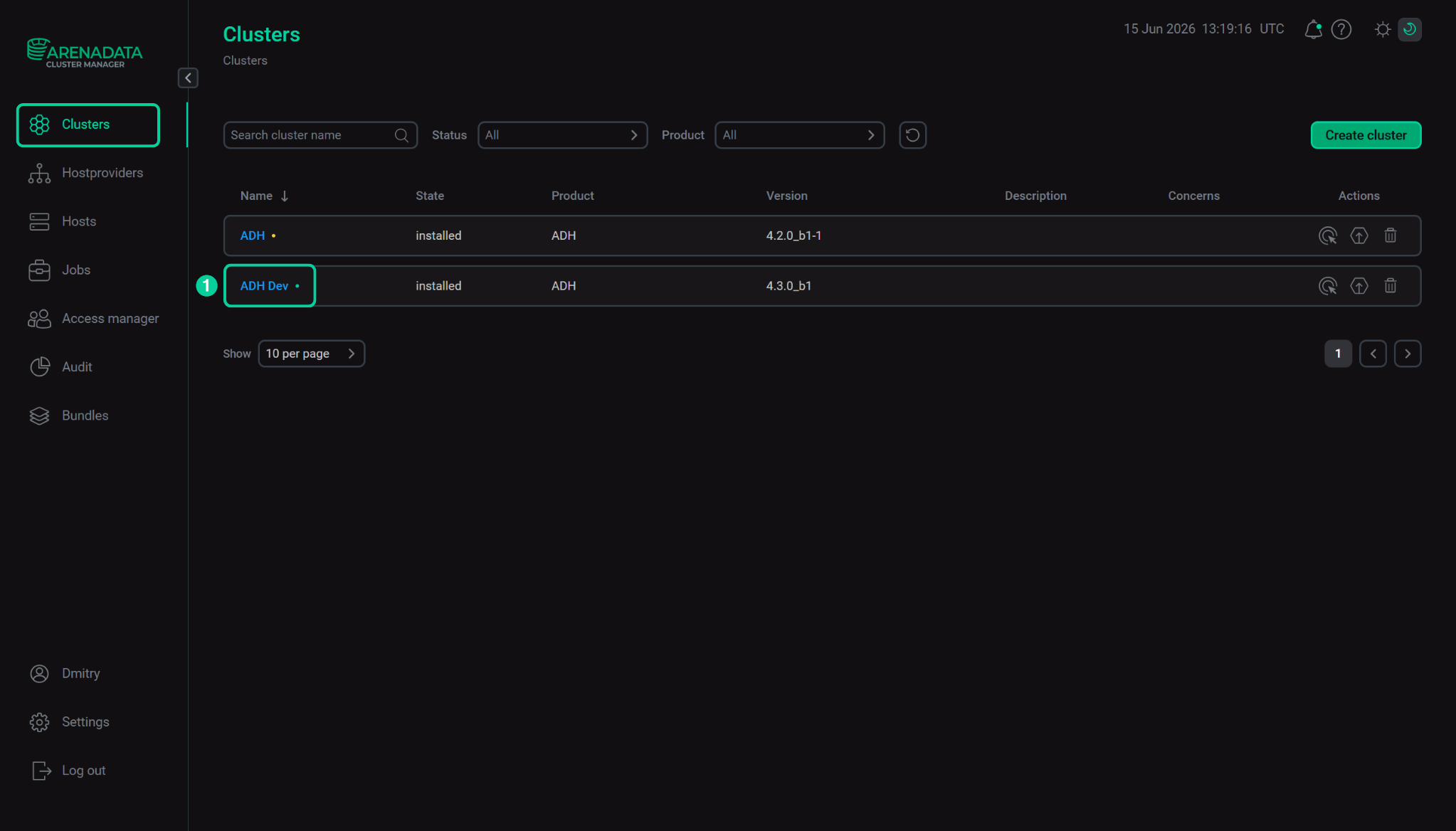 Select your cluster
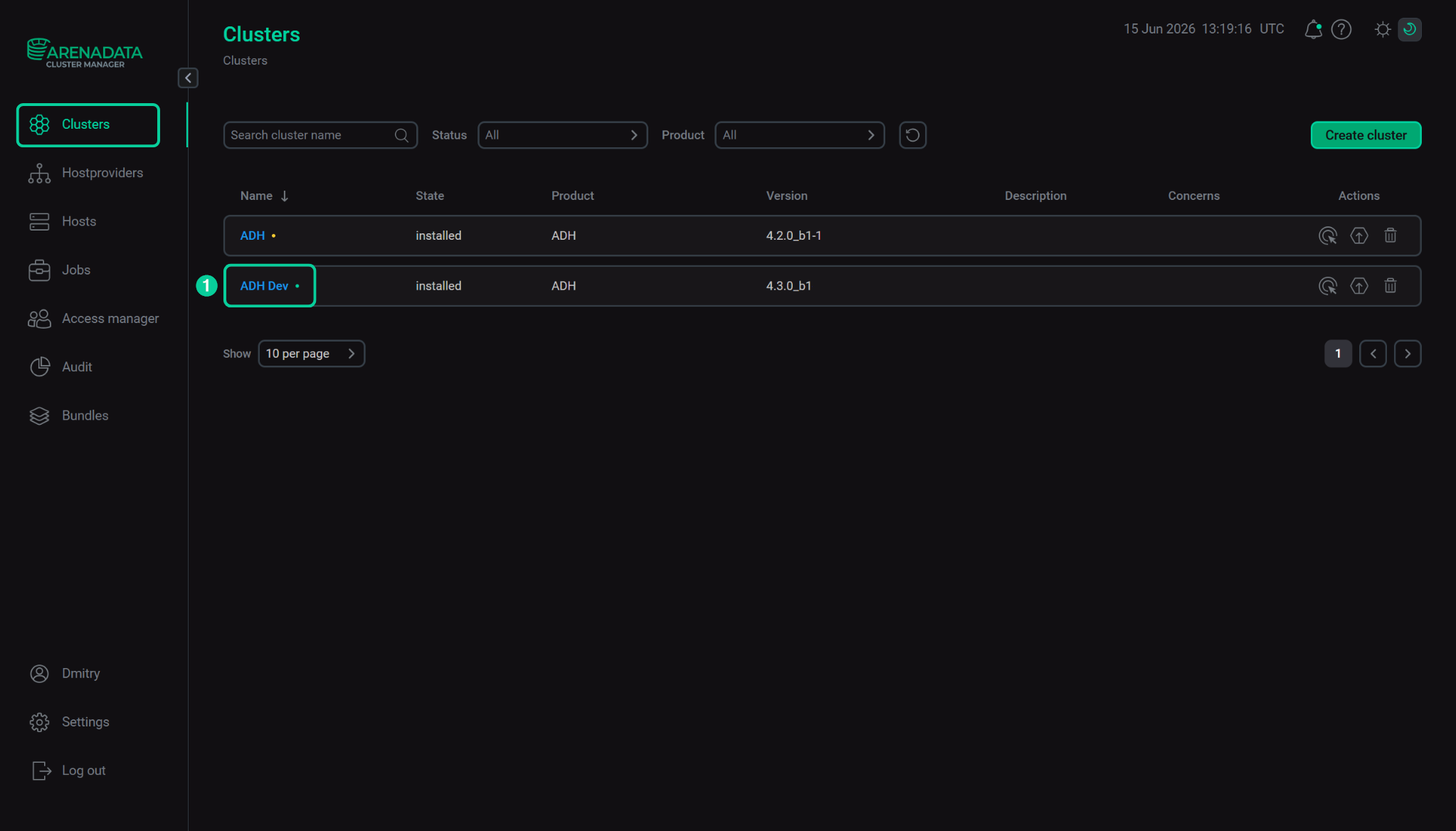 Select your cluster
 -
Go to the Hosts tab of the cluster.
-
Click

 in the Actions column next to the host whose state you want to change.
 -
Select the Maintenance/Decommission action in the drop-down list.
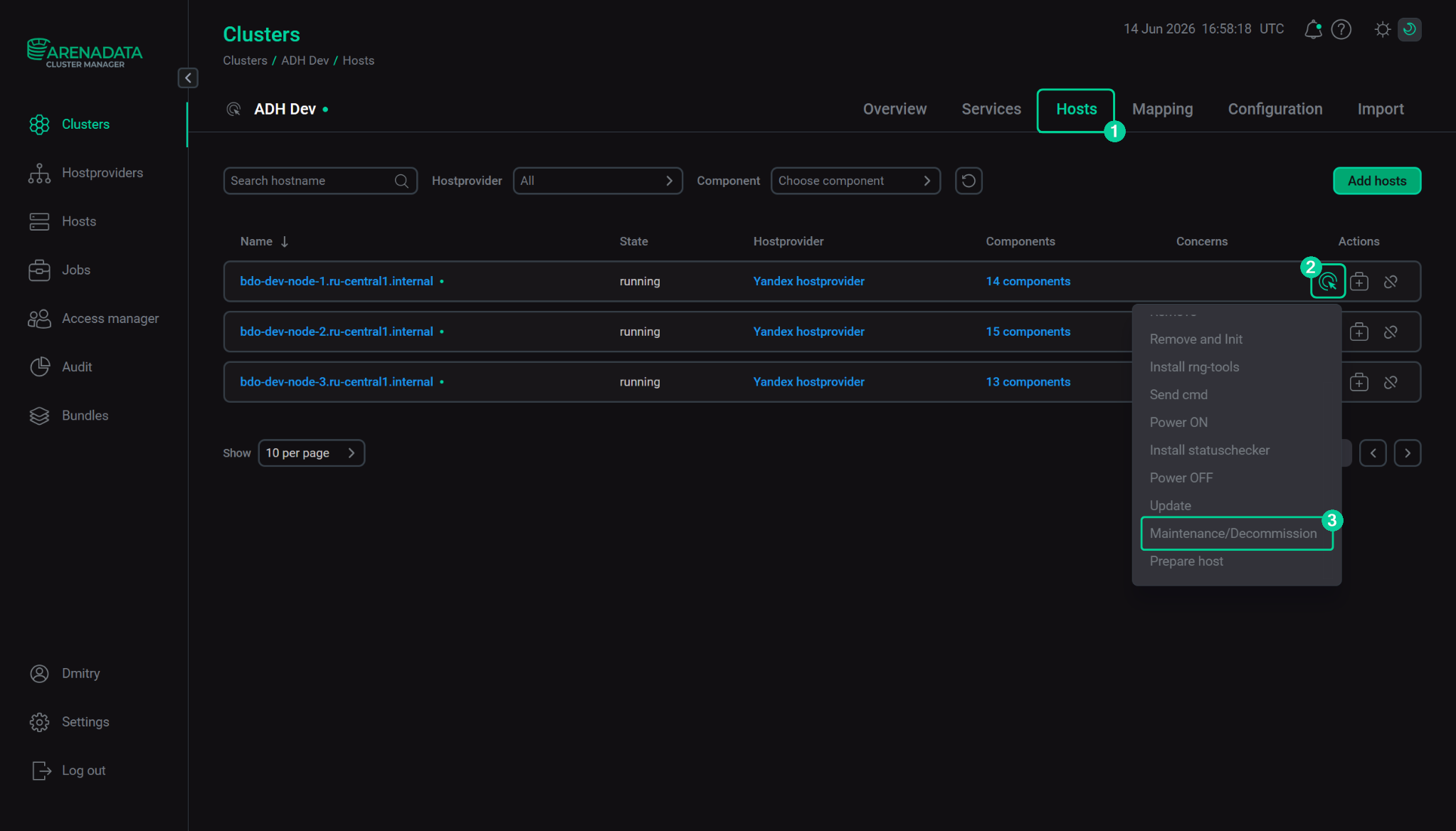 Maintenance/Decommission action
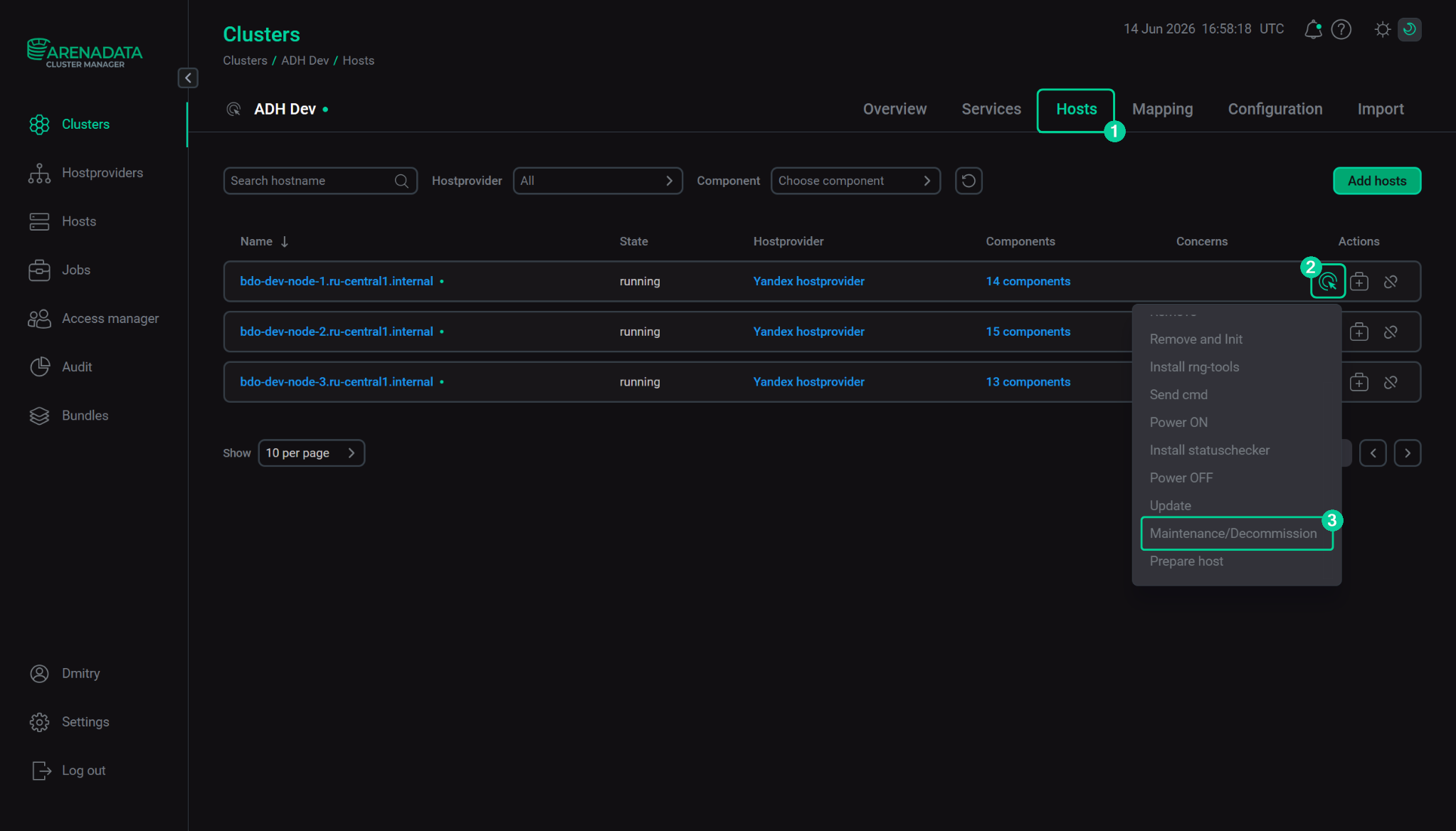 Maintenance/Decommission action
 -
In the Run an action: Maintenance/Decommission dialog, expand the parameters of the service and click the current state assigned to the host.
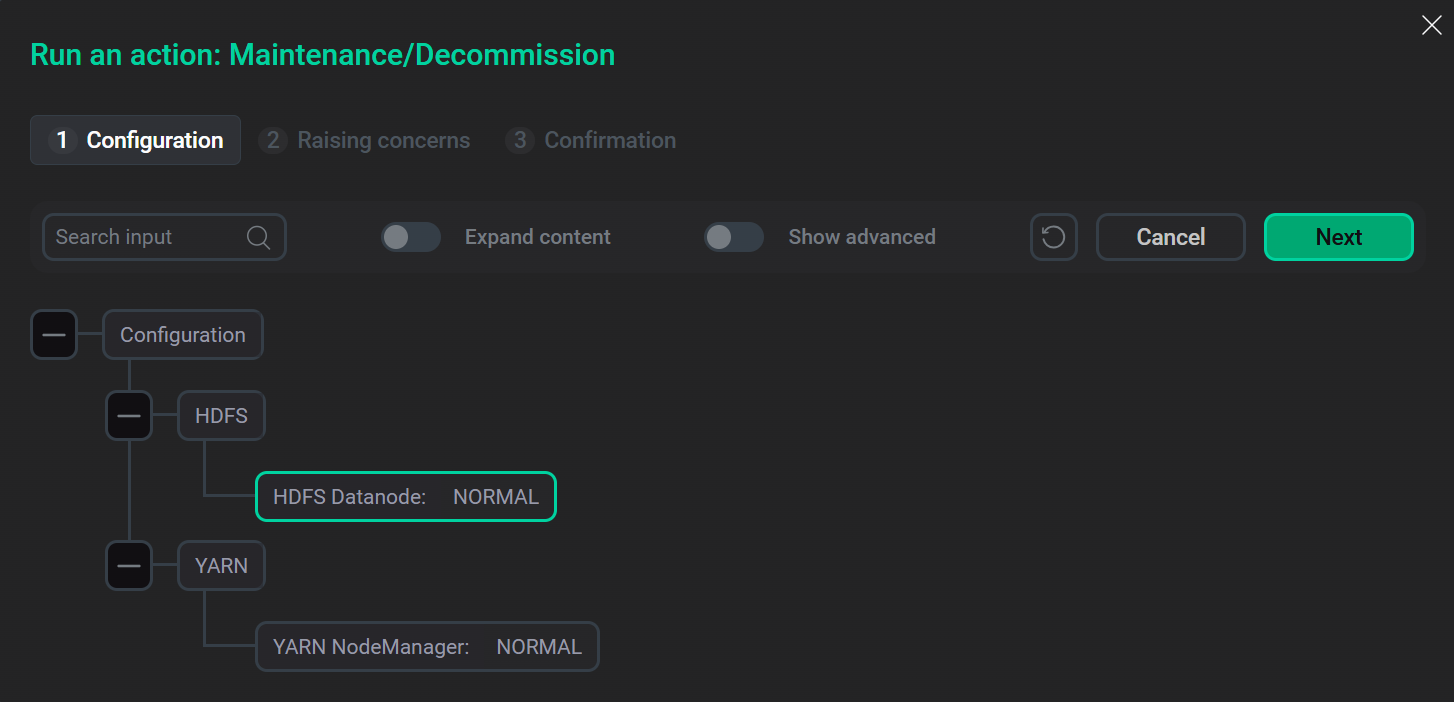 "Maintenance/Decommission" action dialog
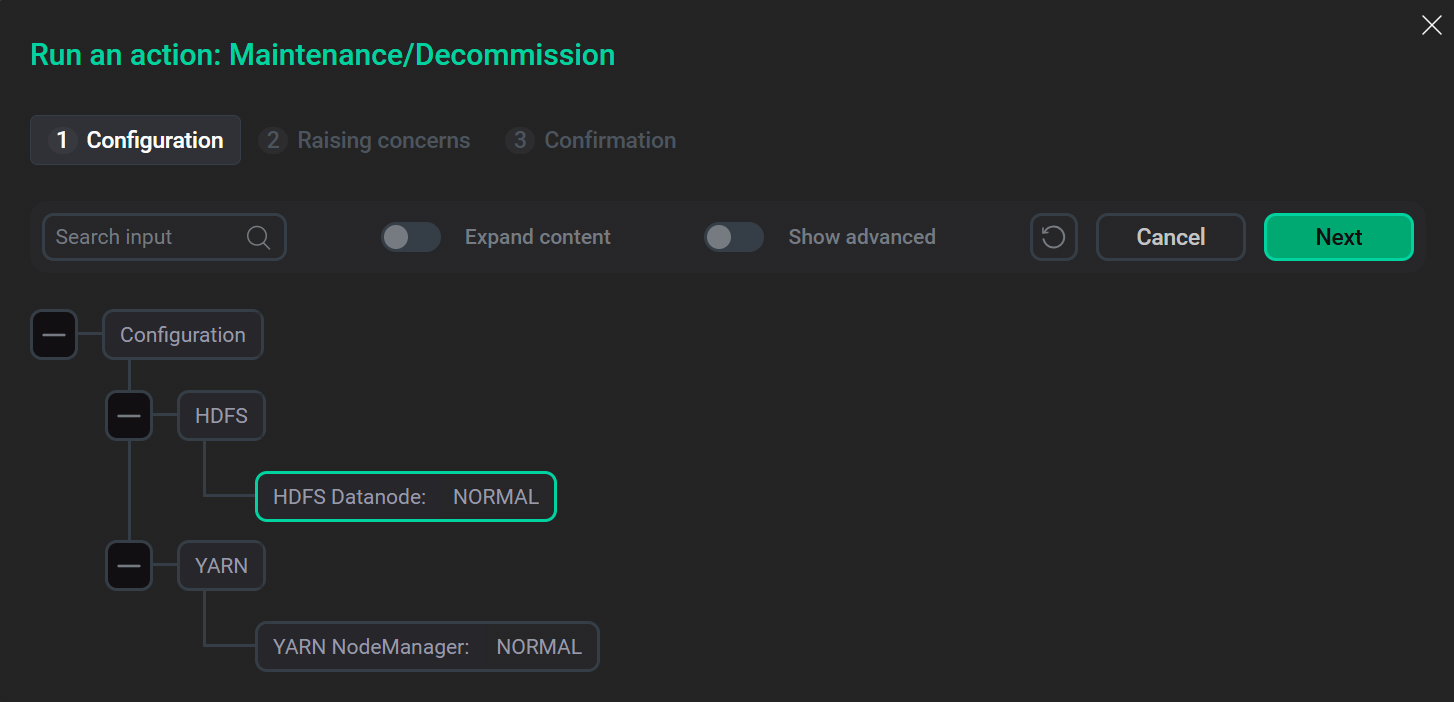 "Maintenance/Decommission" action dialog
 -
In the dialog that opens, select the target host state from the drop-down list and click Apply.
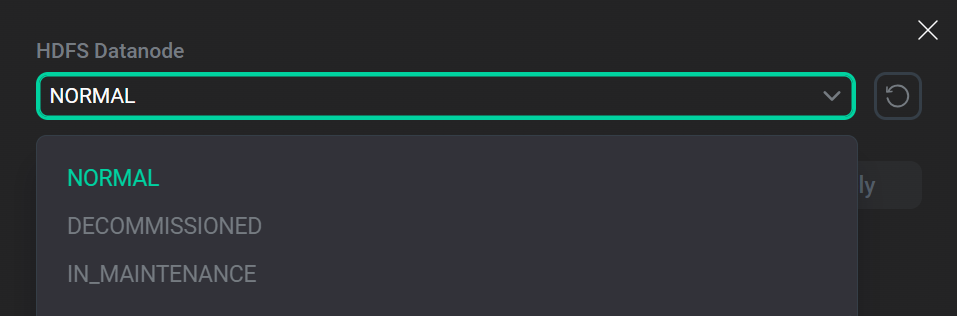 Select target state for the host
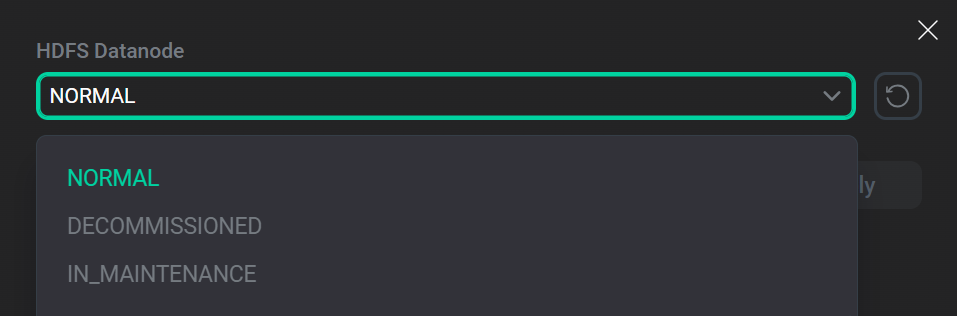 Select target state for the host
 -
Edit the state of the host for other services if required and click Next.
-
On the second step of the action dialog, you can enable concern display if required, then click Next.
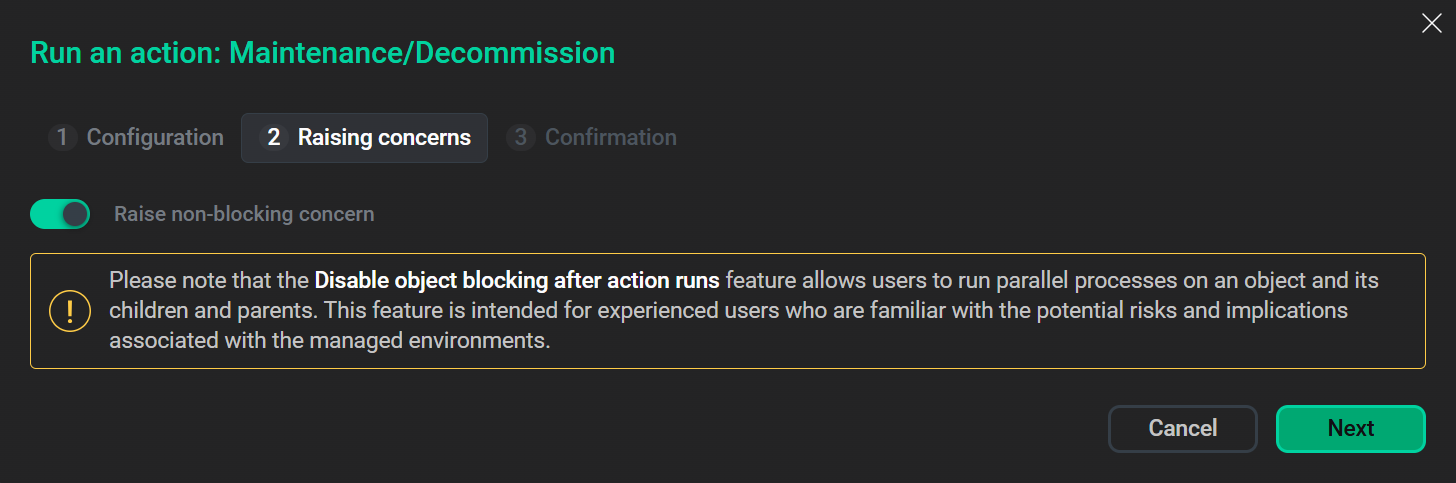 Step 2 of the run action dialog
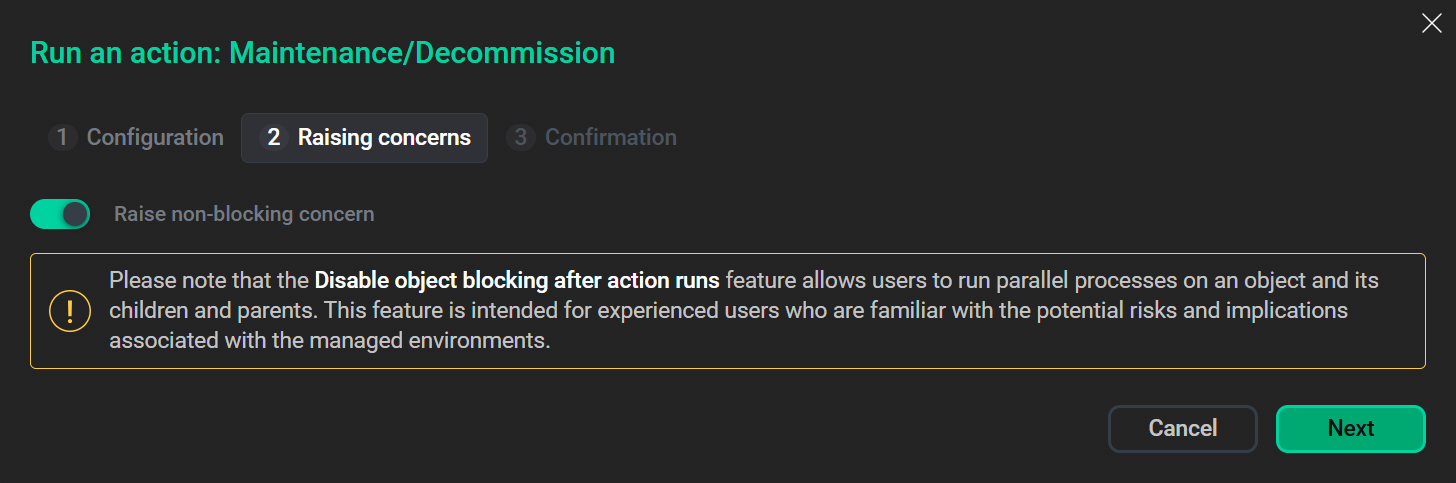 Step 2 of the run action dialog
 -
On the third step of the action dialog, you can provide a custom description for the action and enable the Verbose switch to display additional execution details.
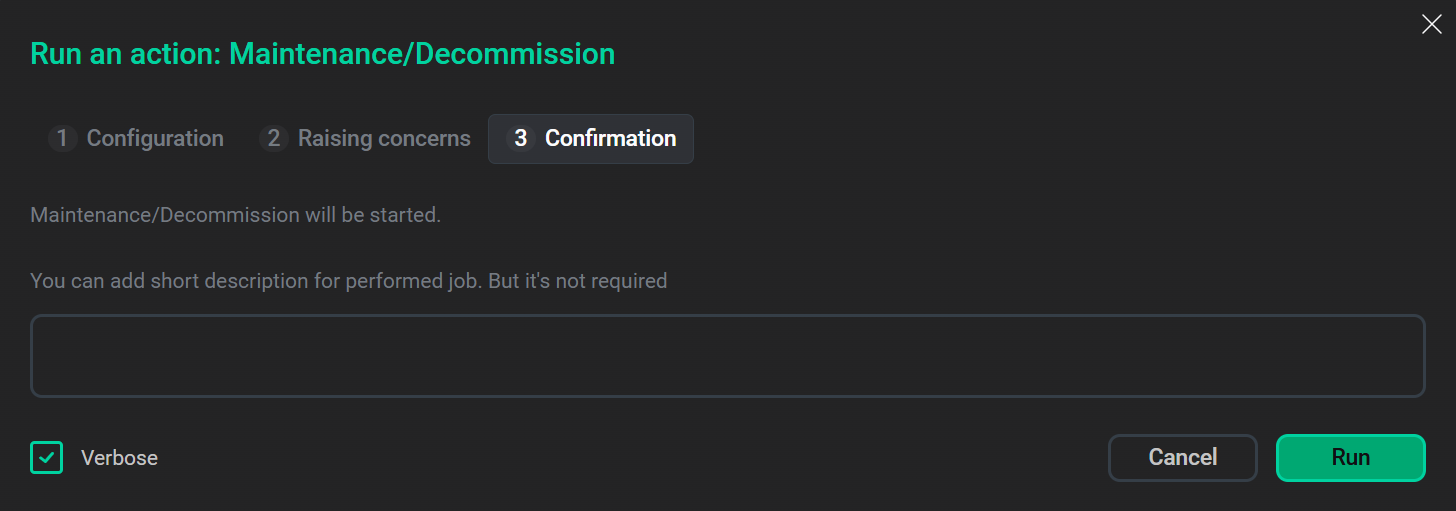 Step 3 of the run action dialog
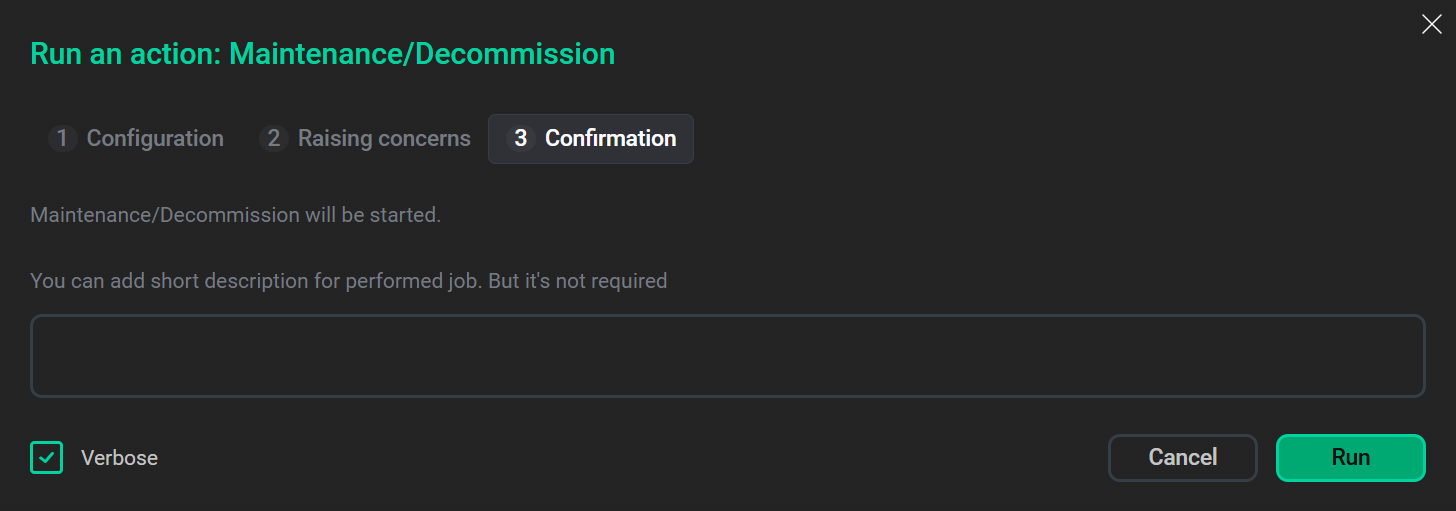 Step 3 of the run action dialog
 -
Click Run to run the action.
|
IMPORTANT
Do not run the Maintenance/Decommission action on multiple hosts simultaneously. During the state transition process, the service configuration is updated. Running the action concurrently on several hosts may cause configuration conflicts and leave the cluster in an inconsistent state.
|