

Column masking in Hive via Ranger
Overview
Hive column masking is a Ranger feature that allows you to obfuscate sensitive data in query output. To use it, enable the Ranger Hive plugin. The example below shows how to enable column masking for a Hive table, and it is assumed that you have created a Hive table and filled it with data.
For this example, the following data is used:
name    mass
Sun     1989100000
Mercury	330
Venus	4867
Earth	5972
Mars	642
Jupiter	1898187
Saturn	568317
Uranus	86813
Neptune	102413
Masking policy
-
In the Ranger Admin web UI, select the Hive service of your cluster.
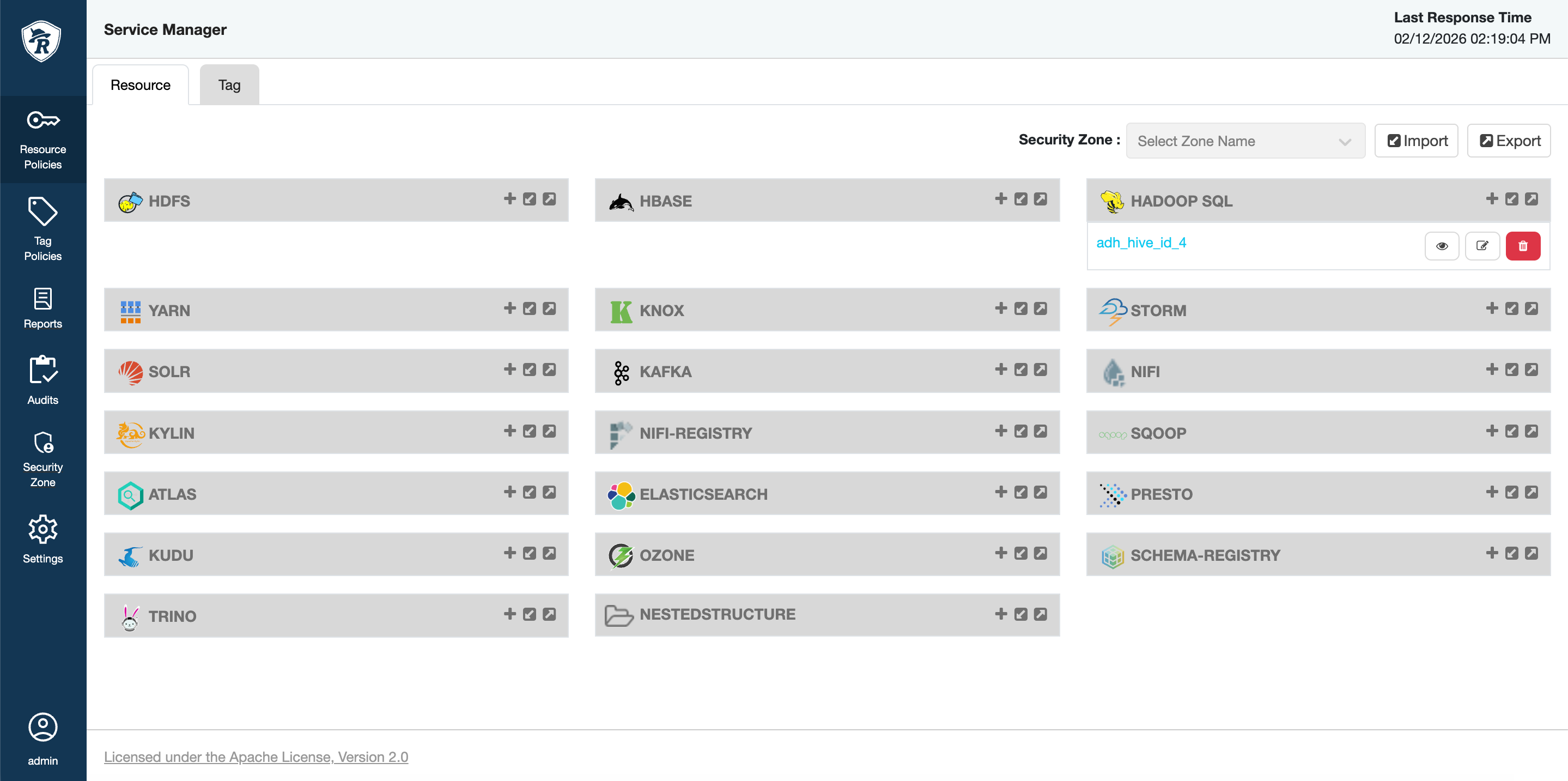 Hive service in Ranger
 Hive service in Ranger
 -
Open the Masking tab and click Add New Policy.
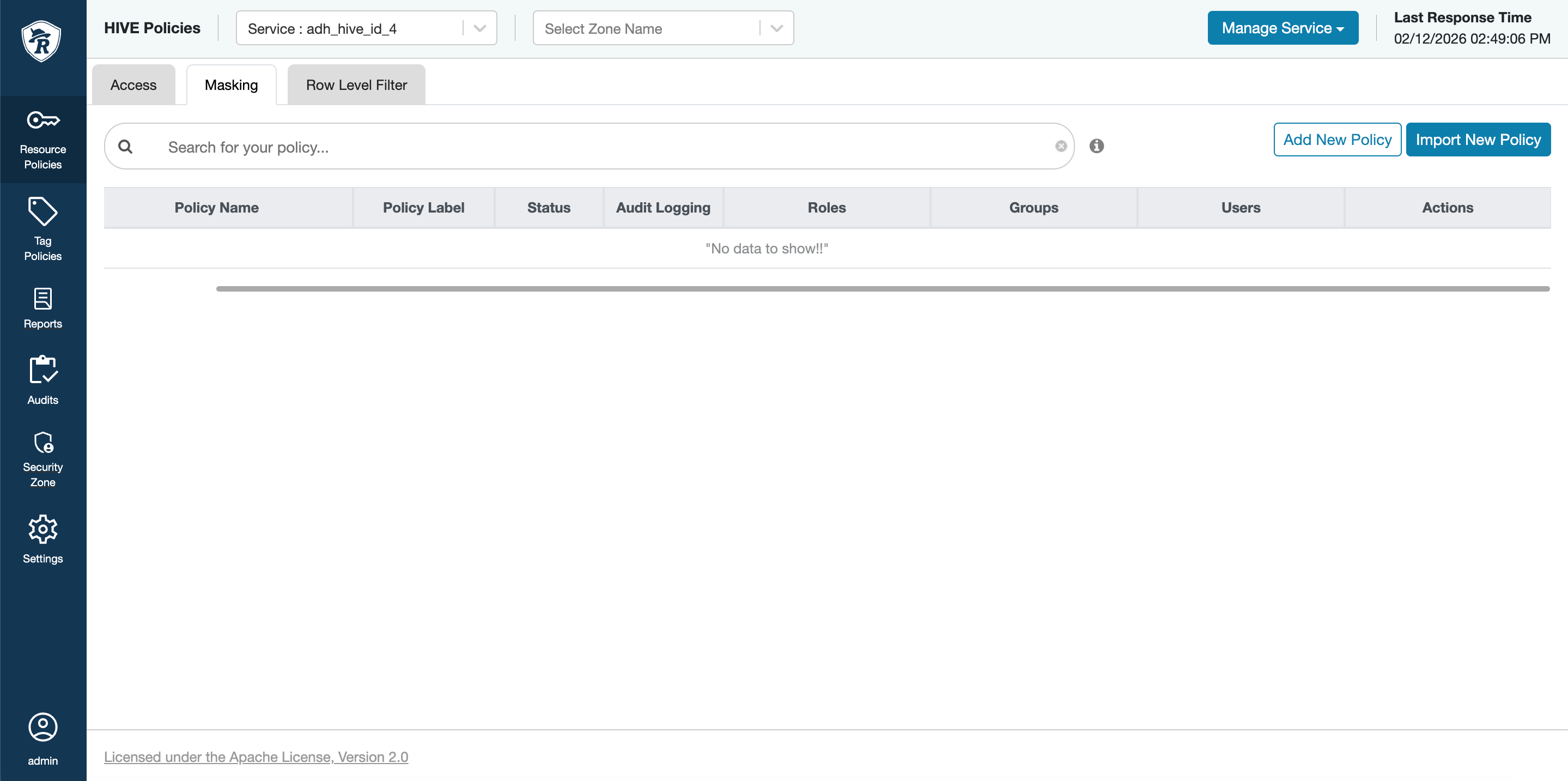 Masking tab in Ranger
 Masking tab in Ranger
 -
Fill in the policy data and click Save.
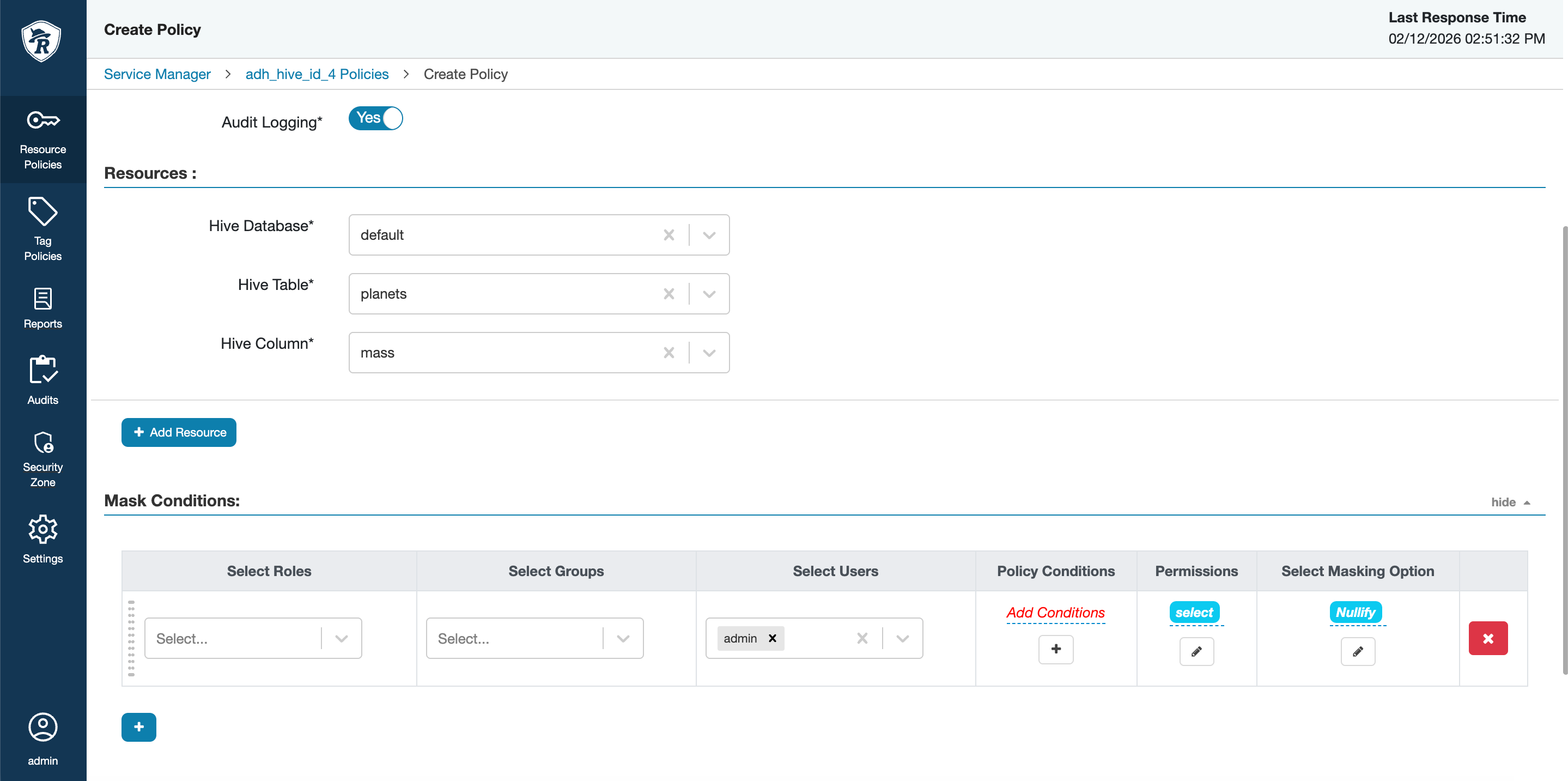 Masking policy parameters
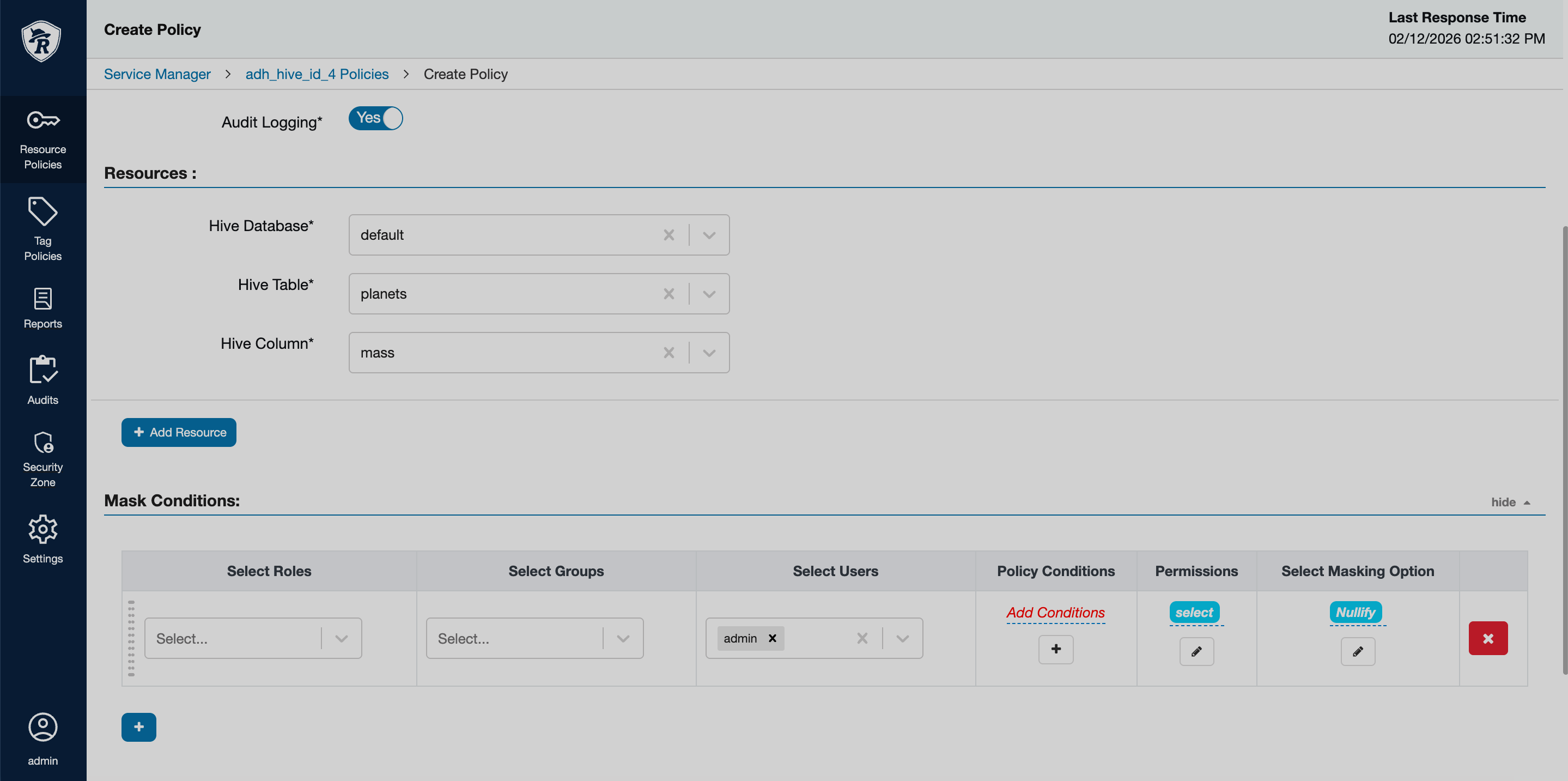 Masking policy parameters
There are several masking options available:
-
Redact — for string data types, all numeric characters are masked as
n, all numeric characters — asx. ForINT, all characters are masked as1. For floating point data types, all values are masked asNULL. -
Partial mask: show last 4 — only last four characters are shown, while others are masked with the same rules as in Redact.
-
Partial mask: show first 4 — only first four characters are shown, while others are masked with the same rules as in Redact.
-
Hash — all characters are replaced with a hash of an entire cell value.
-
Nullify — all characters are replaced with
NULL. -
Unmasked (retain original value) — all characters remain as is.
-
Date: show only year — the day and month are defaulted to
01/01, while the year remain as in origin. -
Custom — allows you to specify a custom masking expression.
-
-
To test that the policy works correctly, query the database. In this example, HUE is used.
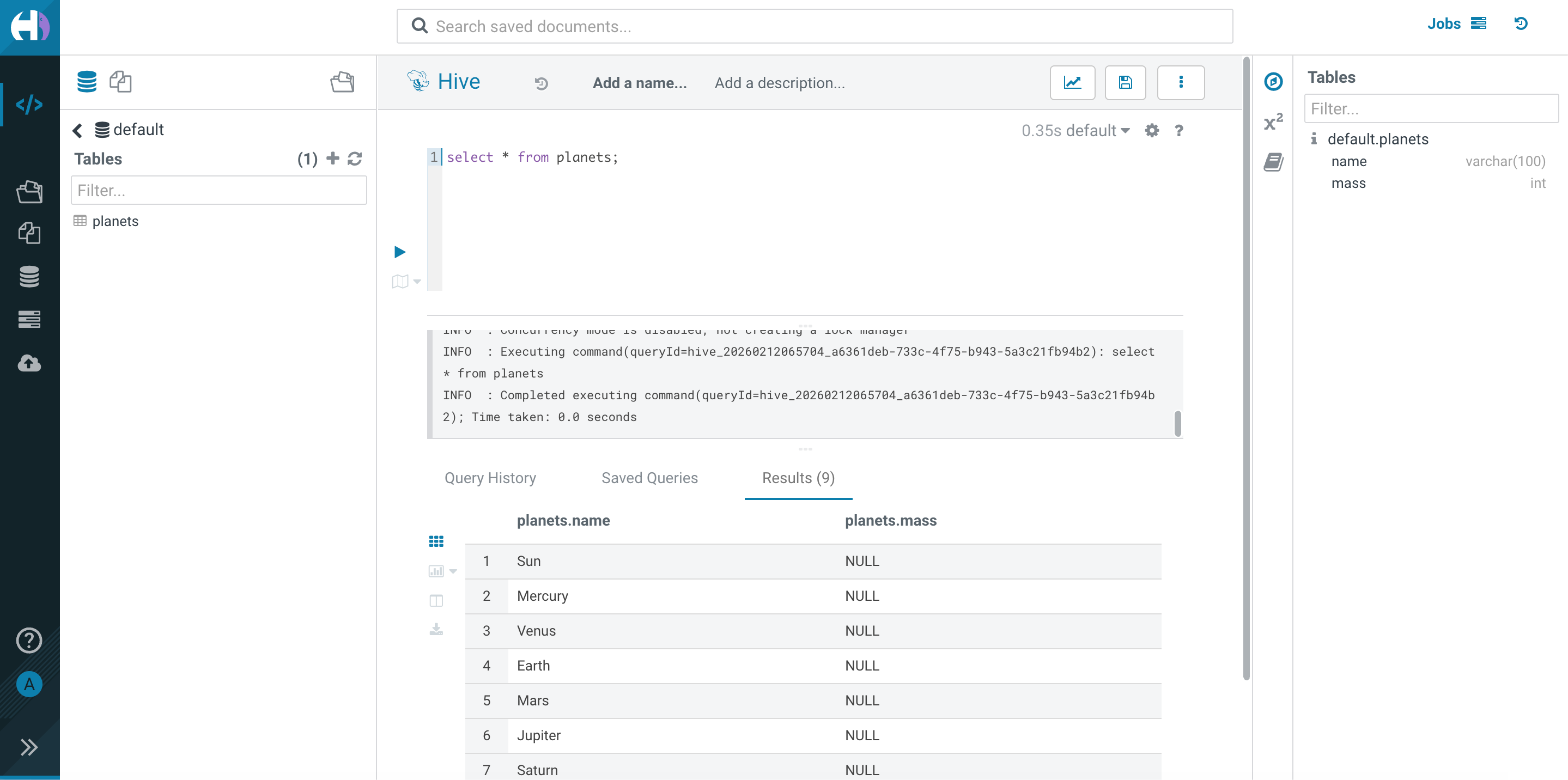 HUE query with masked data
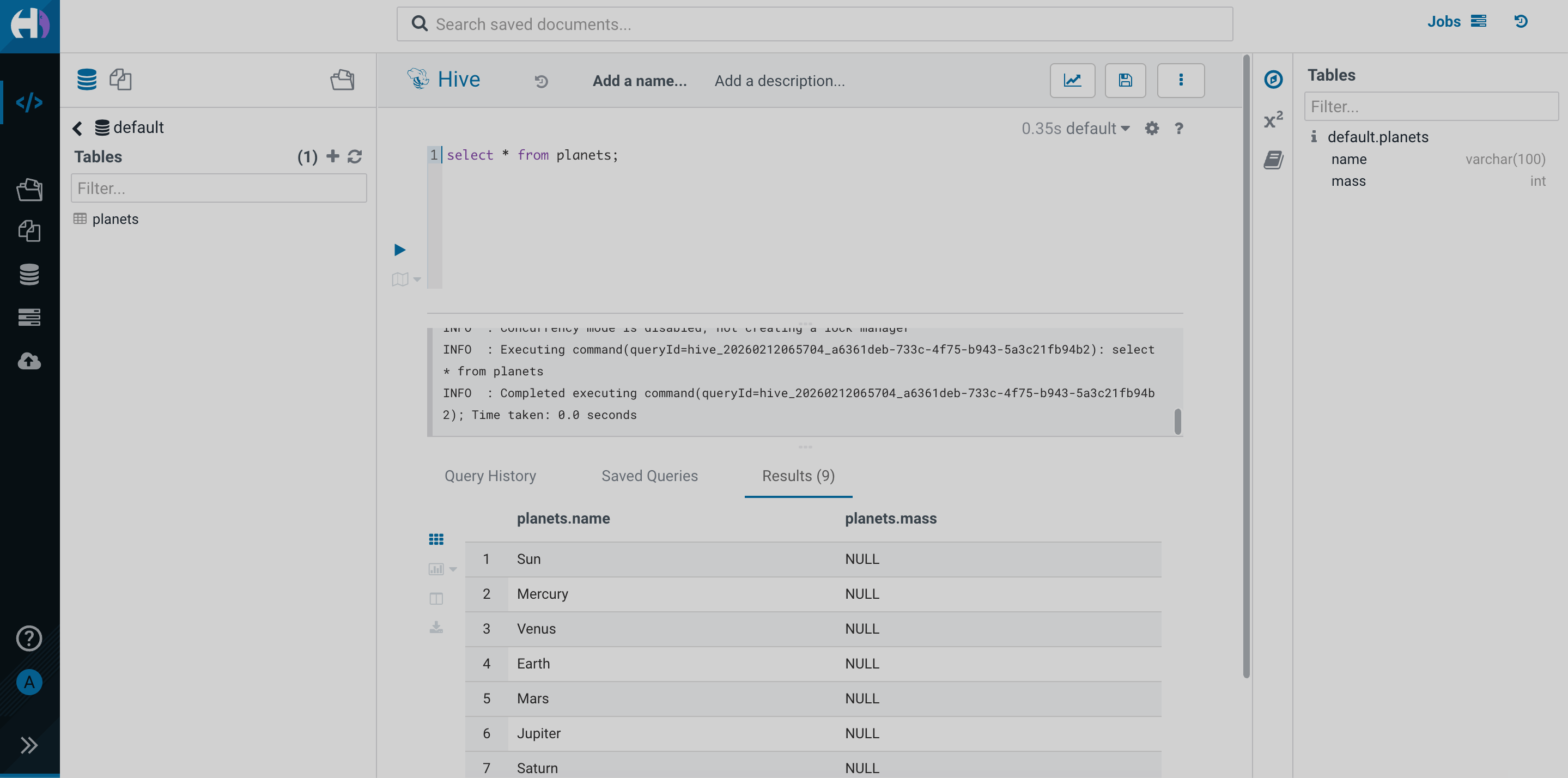 HUE query with masked data