

Add/Remove components
The Add/Remove components action allows you to conveniently rearrange the host-component mapping for all the cluster services without having to do it for each service in case some of the cluster hosts became unavailable. Effectively, it’s an interface combining the Add/Remove components action of all the installed services.
|
IMPORTANT
If you plan to remove components from some hosts, those host must be in the Maintenance mode. Otherwise, the action will fail.
|
To run the action in the ADCM web UI, go to the Clusters page. Select an installed and prepared ADH cluster, and choose the Add/Remove components action.
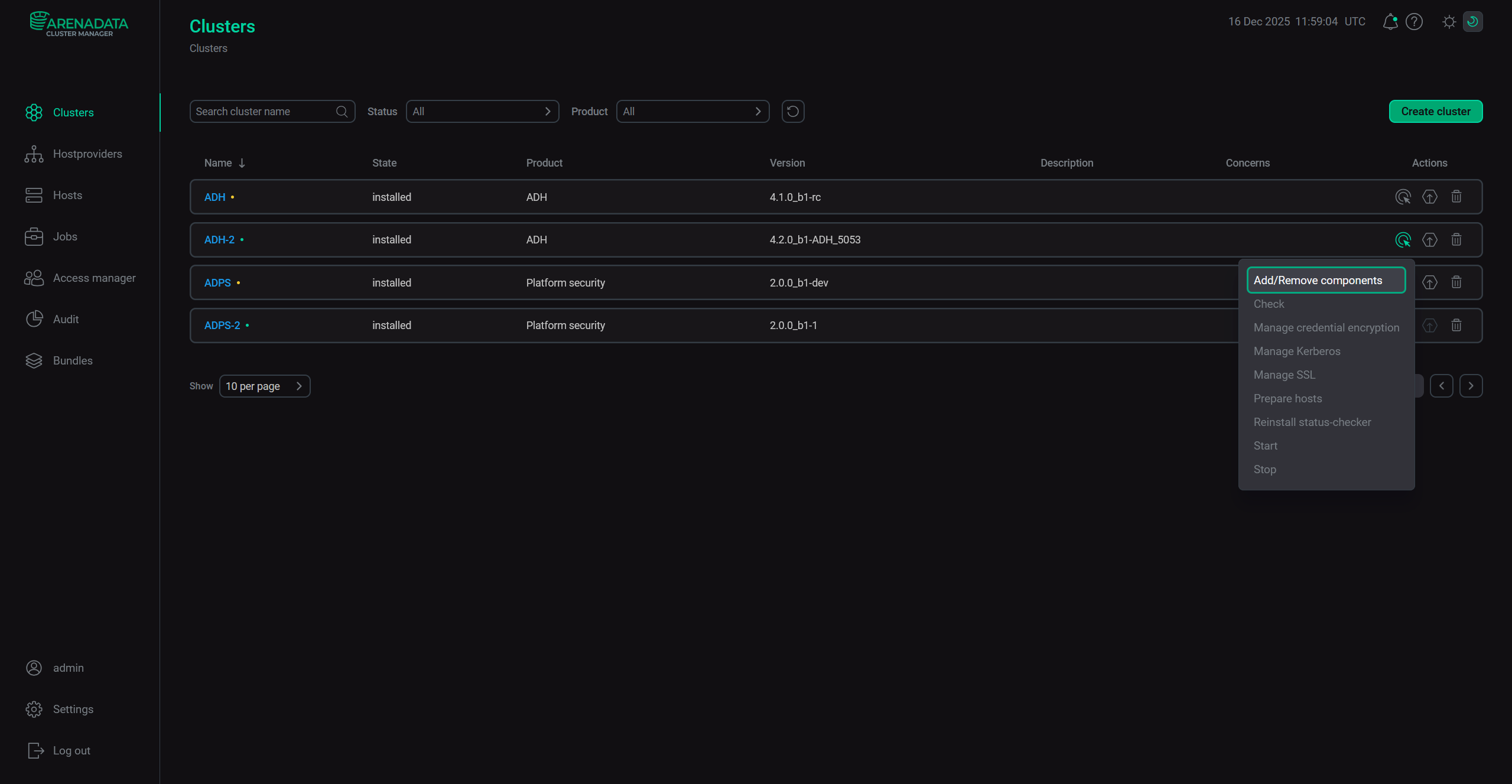
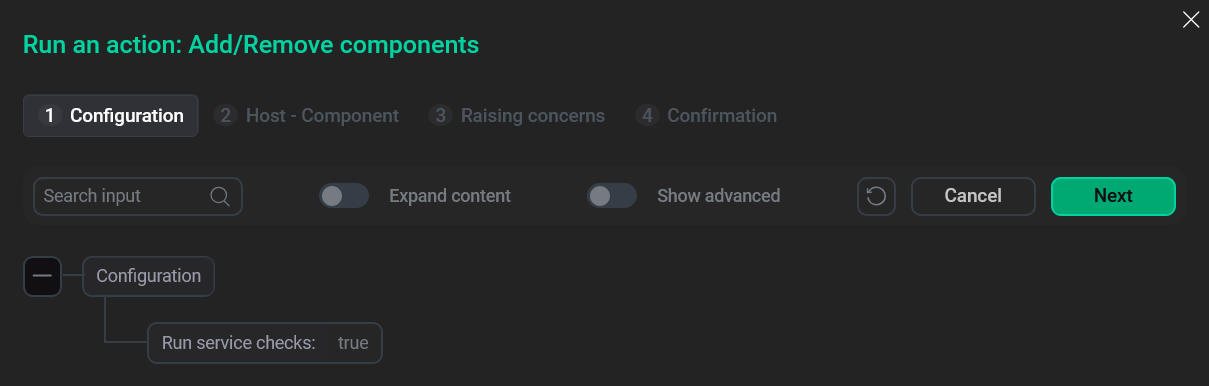
In the opened window, choose whether you want to run the service checks after the action is completed.
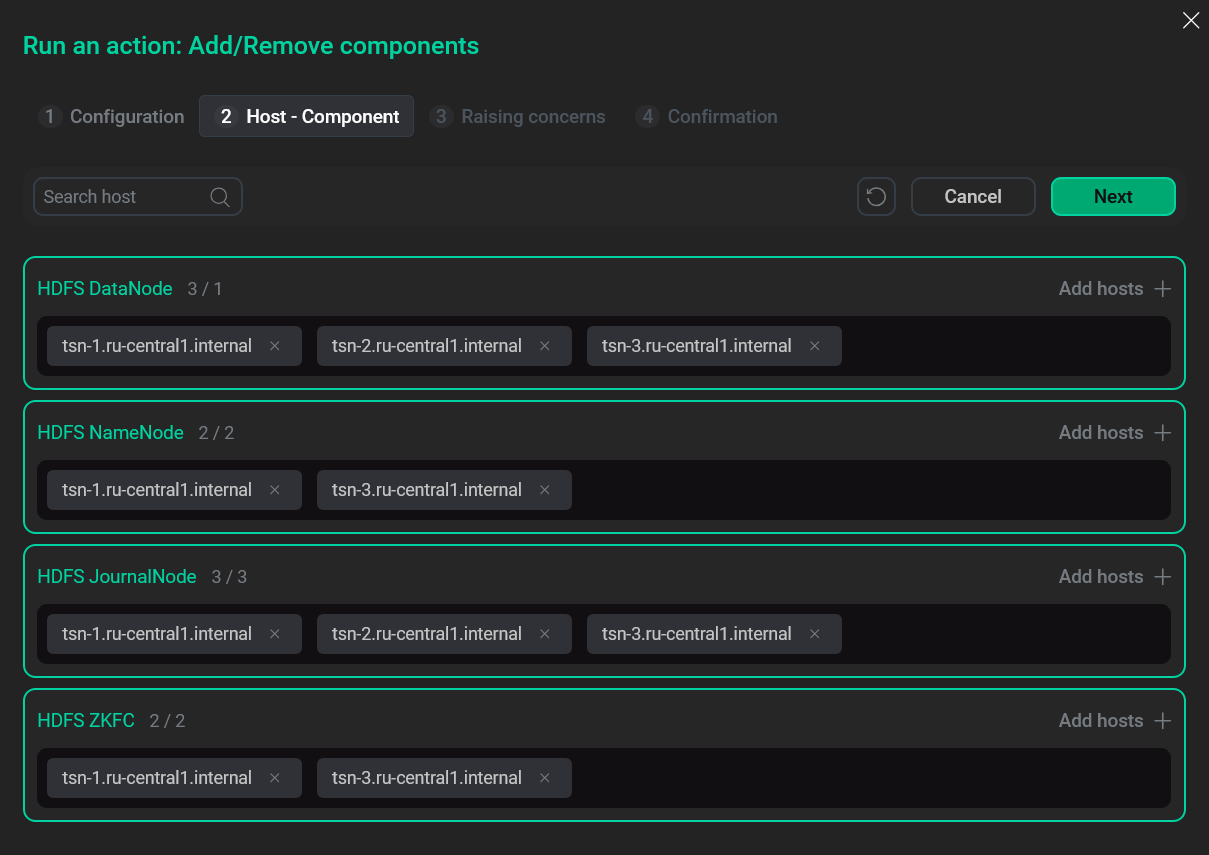
On the next step, you will see the component-host mapping interface, where you can move components between the cluster hosts.
Finally, choose whether to raise non-blocking concerns and confirm the action.