

Use ADCM Wizard for ADS installation
Wizard presents an alternative way of installing an ADS cluster, which involves a step-by-step preconfiguration for some of the cluster settings, such as SSL, Kerberos, Ranger plugin.
The Wizard installation is available only for clusters in the created or faulty_installed states (starting with ADS 4.0.0). You can read more about the Wizard in the ADCM documentation.
|
IMPORTANT
All the preparation steps like adding services, adding hosts, adding components, configuring services, and configuring a cluster still need to be performed. The Installation wizard action is an alternative only for the installation step.
|
To install ADS using Wizard, follow the steps below:
-
Run the Installation wizard action for your ADS cluster.
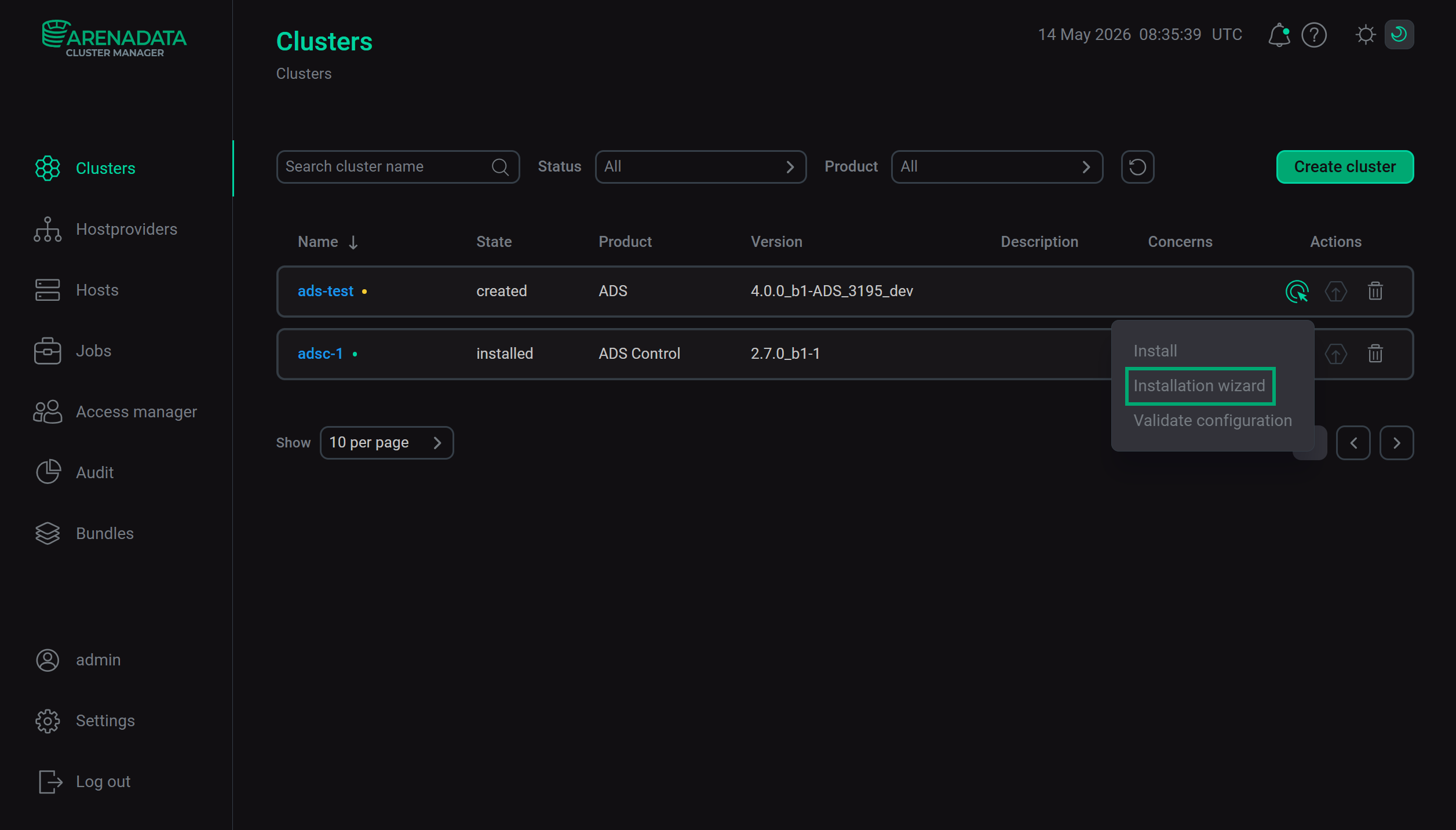 The "Installation wizard" action
 -
Configure the SSL settings. This step is analogous to the Manage SSL action.
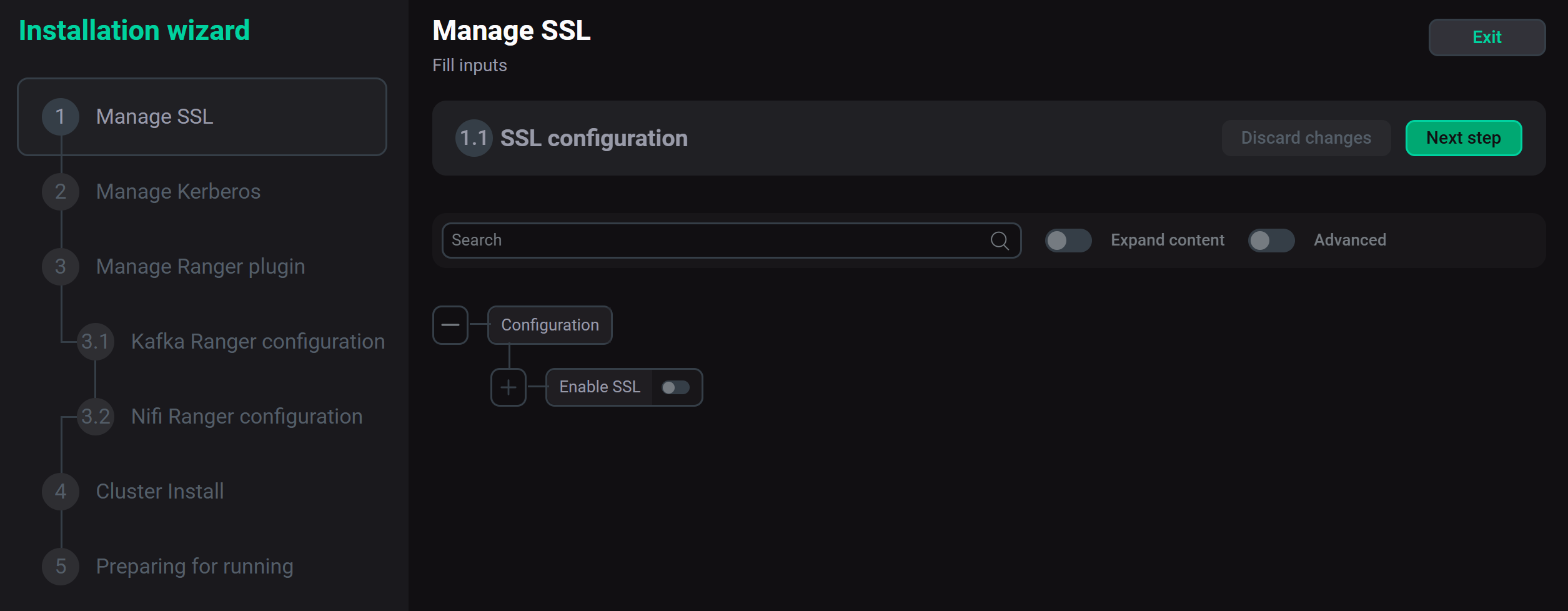 The "Manage SSL" step
 -
Configure the Kerberos settings. This step is analogous to the Manage Kerberos action.
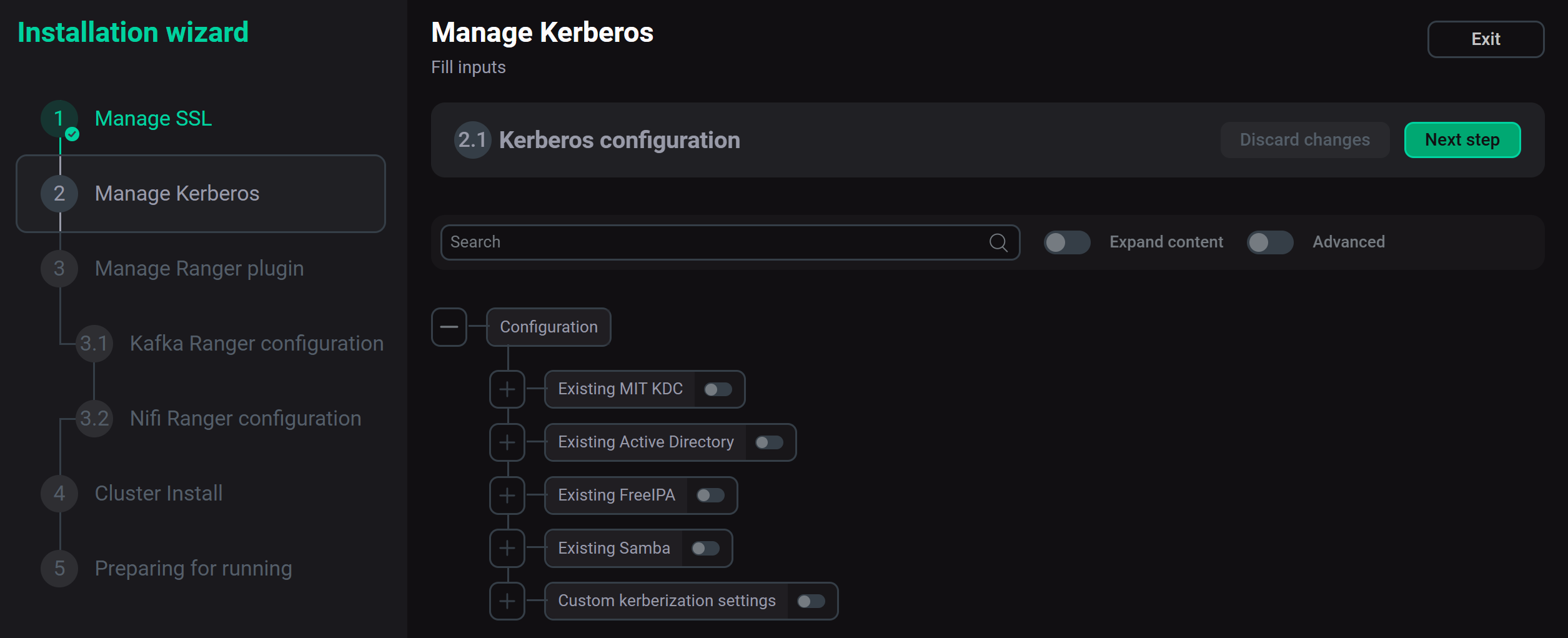 The "Manage Kerberos" step
 -
Configure the Ranger plugin settings. This step consists of two parts:
-
Kafka Ranger configuration — this step is analogous to the Manage Ranger plugin action in the Kafka service.
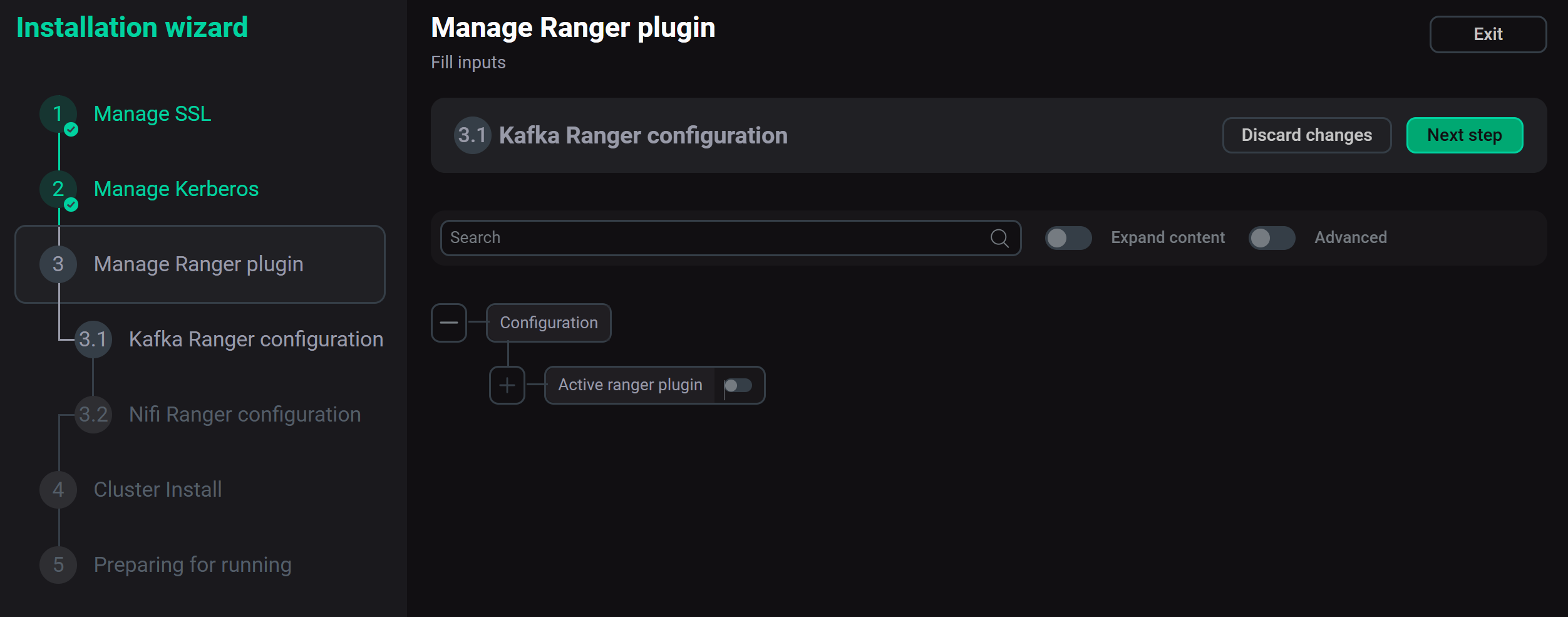 The "Kafka Ranger configuration" stepNOTE
Before setting up Kafka Ranger configuration, the following conditions should be met:
-
The Manage Kerberos step is configured.
-
The ADPS cluster is installed and integration with the ADS cluster is enabled.
For more details, see the Ranger Kafka plugin article.
-
-
Nifi Ranger configuration — this step is analogous to the Manage Ranger plugin action in the NiFi service.
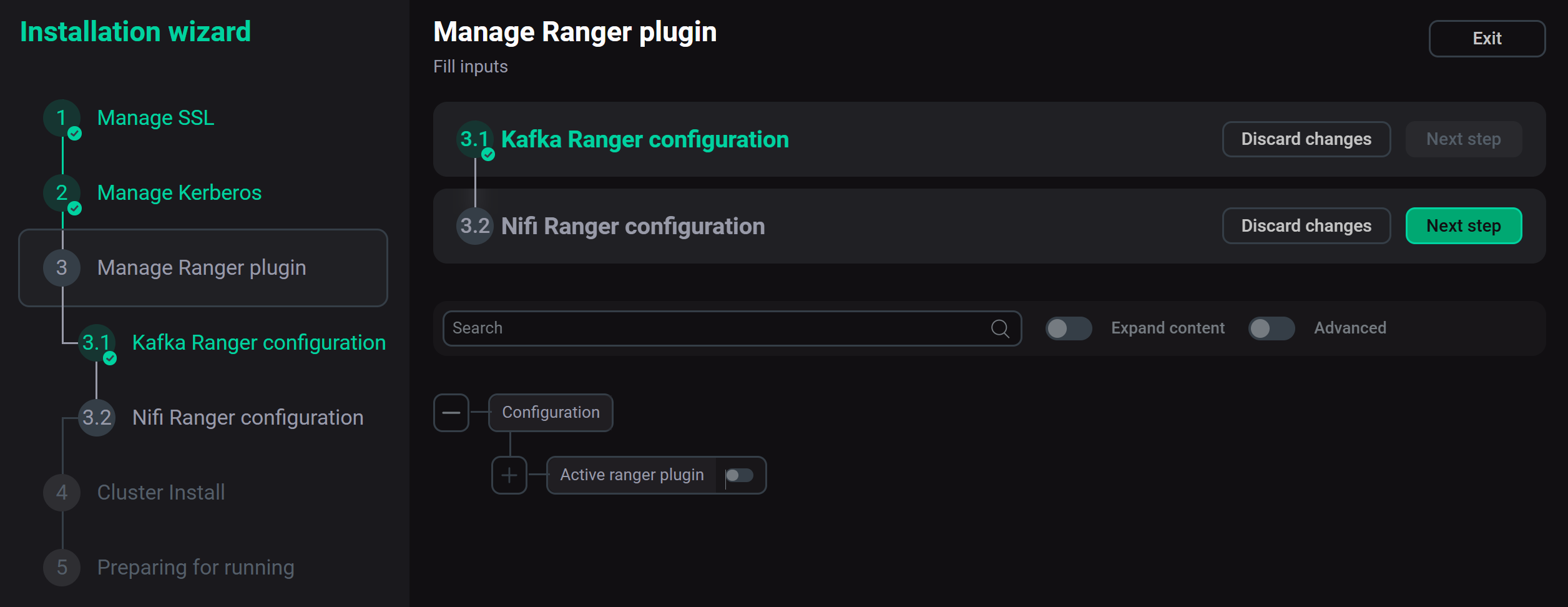 The "Nifi Ranger configuration" stepNOTE
Before setting up Nifi Ranger configuration, the following conditions should be met:
-
The user authentication with an Active Directory account and the Manage SSL step are configured.
-
The ADPS cluster is installed and integration with the ADS cluster is enabled.
-
SSL is configured and enabled in the ADPS cluster.
For more details, see the Ranger NiFi plugin article.
-
-
-
Configure the required parameters for installing the cluster.
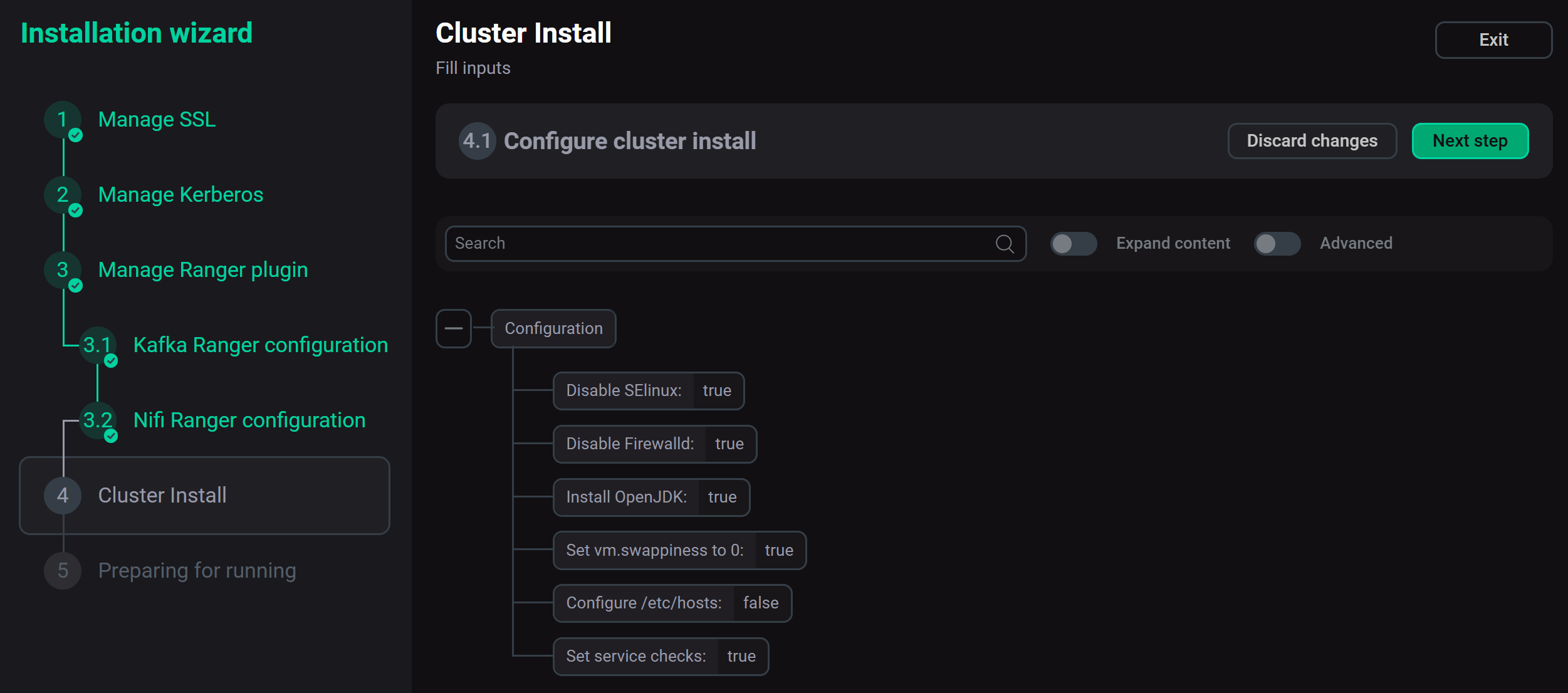 The "Cluster Install" step
 -
Confirm the action.
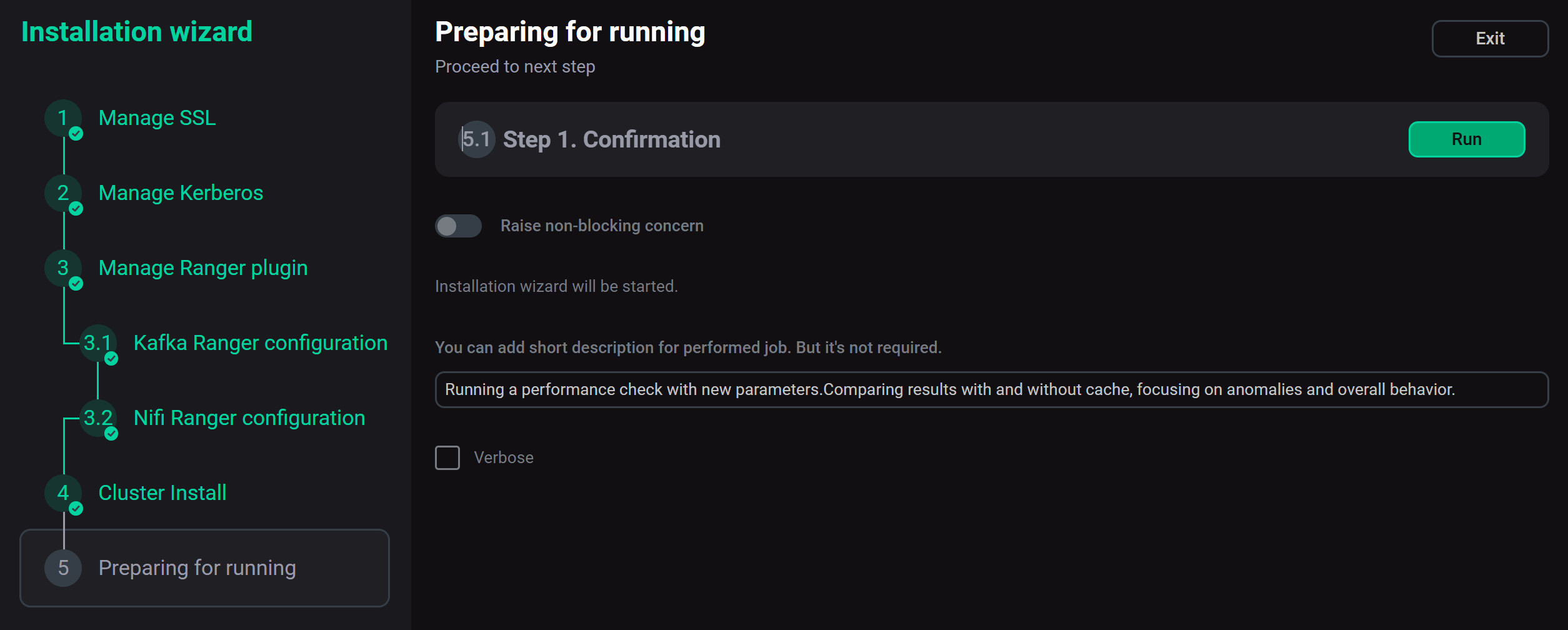 The confirmation step
The installation will begin starting with the SSL and Kerberos configuration jobs. You can monitor the installation state on the Jobs page.