

Add services
In ADCM, a service means a software that performs some function. Examples of services for ADS clusters: NiFi, Kafka, ZooKeeper, etc. The steps for adding services to a cluster are listed below:
-
Select a cluster on the Clusters page. To do this, click a cluster name in the Name column.
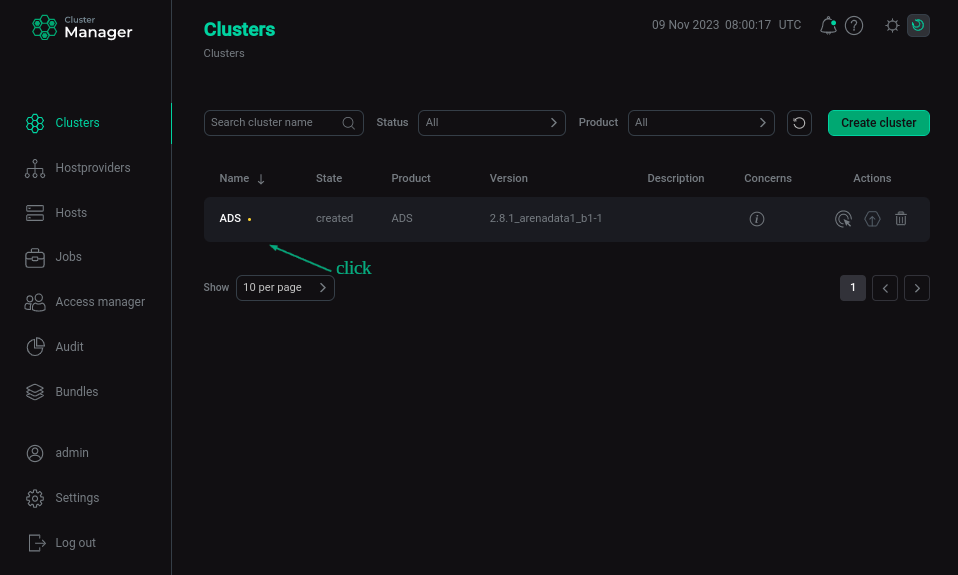 Select a cluster
 -
Open the Services tab on the cluster page and click Add services (Add service in first versions of ADCM).
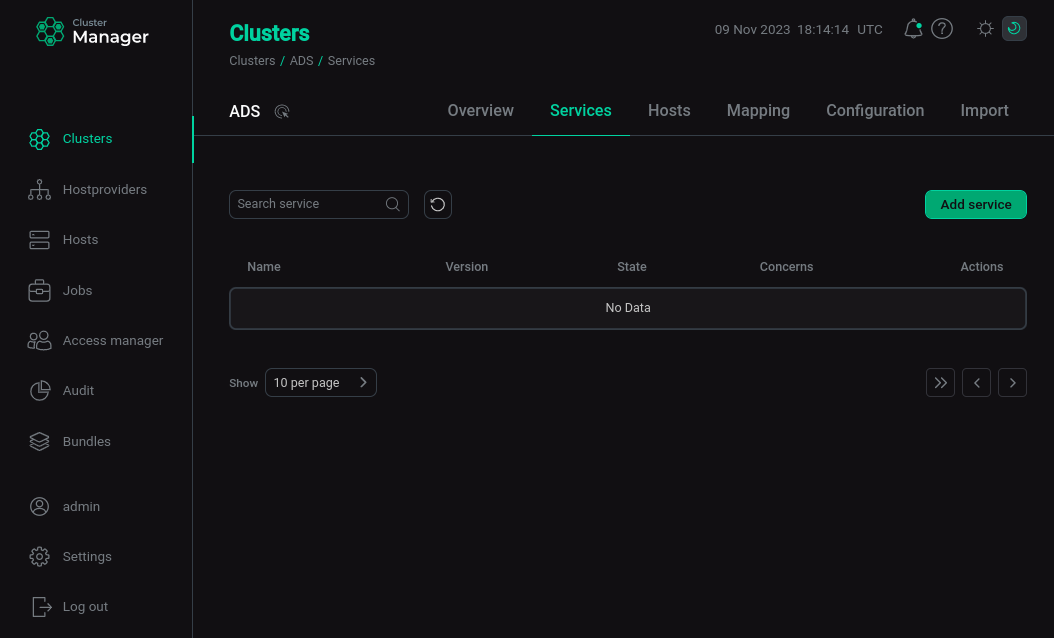 Switch to adding services
 -
In the opened dialog, select services that should be added to the cluster and click Add.
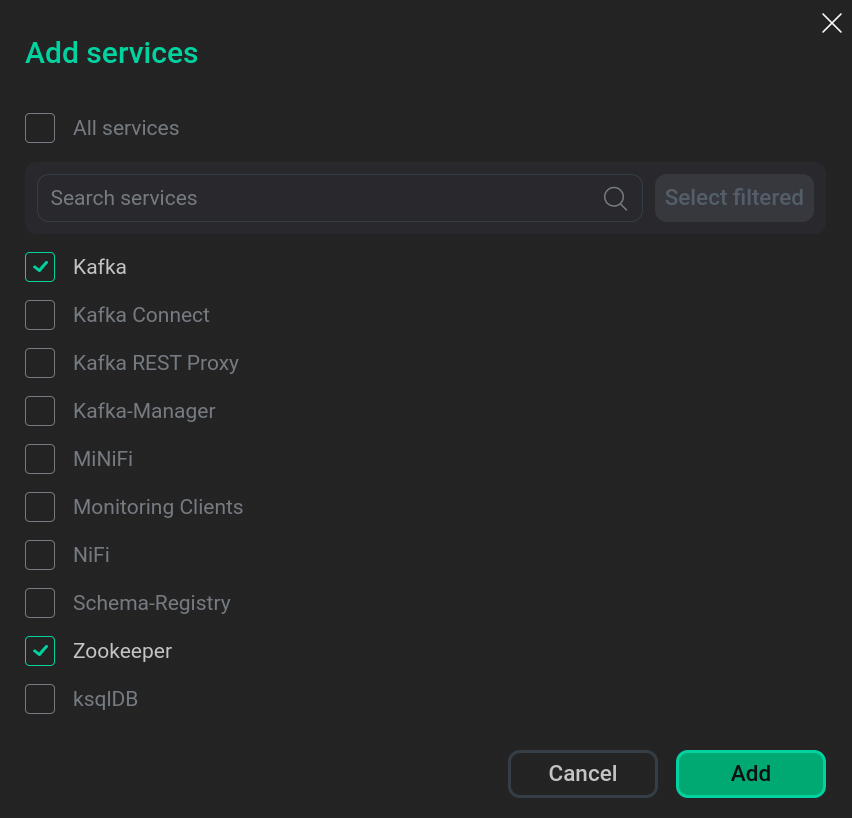 Select services
When adding ksqlDB, Schema-Registry, Kafka REST Proxy services, you should sign a Confluent license agreement. To do this, go to the agreement by clicking Next.
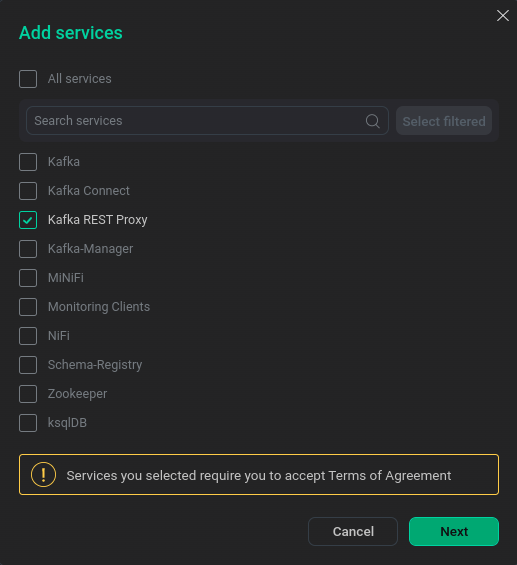 Switch to Confluent Agreement
Next, read the text of the agreement and sign it by clicking Accept.
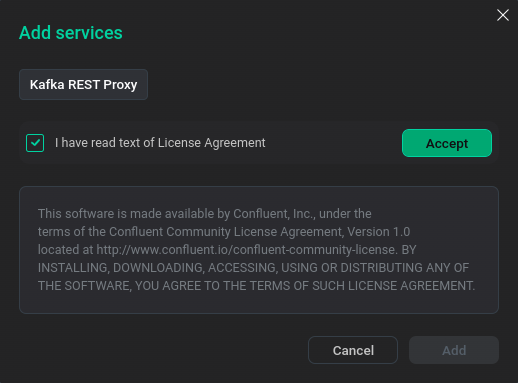 Confluent Agreement
Click Add to add a service.
The brief description of available services is listed below.
Services that can be added to the ADS cluster Service Purpose The service provides high availability (HA) and load balancing for TCP and HTTP applications by distributing incoming requests across multiple servers
An open-source distributed event streaming platform used for high-performance data pipelines, streaming analytics, data integration, and mission-critical applications
Kafka Connect
A tool for scalably and reliably streaming data between Kafka and other data systems
Kafka REST Proxy
Service provides a RESTful interface to an Apache Kafka cluster, making it easy to produce and consume messages, view the state of the cluster, and perform administrative actions without using the native Kafka protocol or clients
ksqlDB
An open-source SQL streaming engine that provides real-time data processing using Apache Kafka
MiNiFi
A subproject of Apache NiFi — is a complementary data collection approach that supplements the core tenets of NiFi in dataflow management, focusing on the collection of data at the source of its creation
Monitoring
The service deploys the Prometheus server inside ADS to collect and store ADS cluster monitoring metrics. It also supports usage of the Grafana web application for visualization and analysis of information.
The VMAgent component provides integration with an ADM cluster 5.0.0 and above or with an external VictoriaMetrics server
A simple event (message) processing platform that provides real-time control of data flows from various sources using a graphical interface
NiFi2
NiFi-based service with version 2.x
Schema-Registry
The service performs the following functions:
-
Storing a version history of all Avro schemas based on a specified subject naming policy with support for several compatibility options.
-
The ability to change Avro schemas according to configured compatibility settings and extended support for these schema types.
-
Providing a RESTful interface for storing and retrieving Avro schemas.
-
Providing serializers that connect to Apache Kafka clients handling message map storage and retrieval.
The centralized coordination service for distributed applications is used to track availability, coordinate the operation of NiFi nodes in a distributed system (in a cluster), and ensures the flow data remains accessible in case of failures or maintenance of nodes
The minimal set of services recommended for ADS clusters is described below:
-
NiFi
-
Kafka
-
ZooKeeper
These services make up the core of Streaming and are sufficient for fast and easy installation and management of Arenadata Streaming with Arenadata Cluster Manager. The full list of services depends on the requirements of a particular project. Not all services are required to be installed. For example, if you do not plan to use NiFi, then there is no need to add that service. However, if you plan to use Kafka, the Kafka and ZooKeeper services are required. The same can be said about the NiFi service. In this case, the service can consist of mandatory and optional components. For example, the ksqlDB service consists of a required Server component and an optional Client component.
-
-
As a result, the added services are displayed on the Services tab.
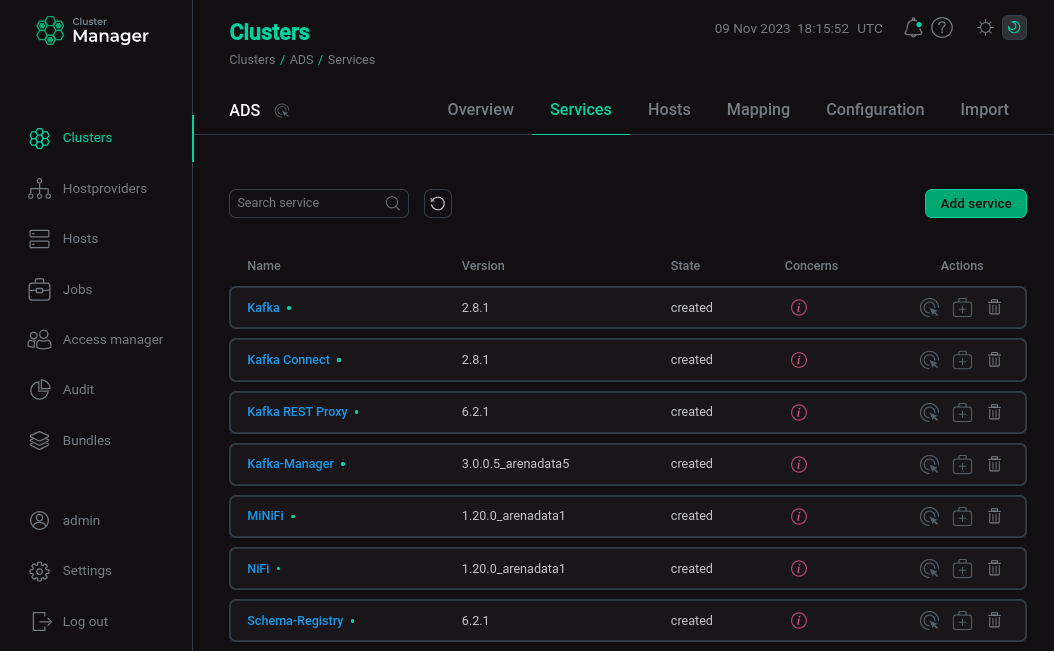 The result of successful adding services to a cluster
|
NOTE
You can also add services later. The process of adding new services to already running cluster does not differ from installing a service from scratch.
|