

ADQM Notebook settings
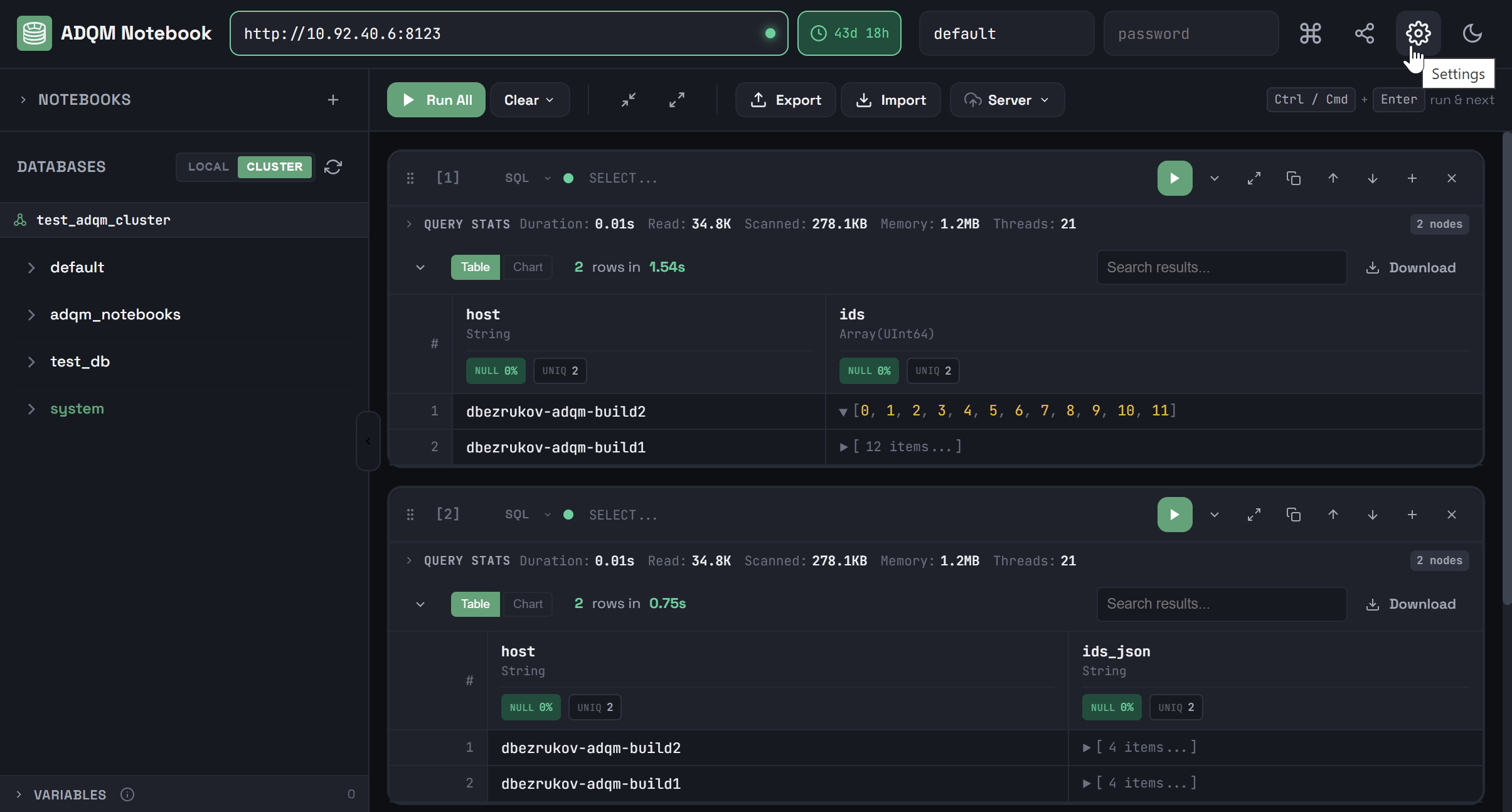
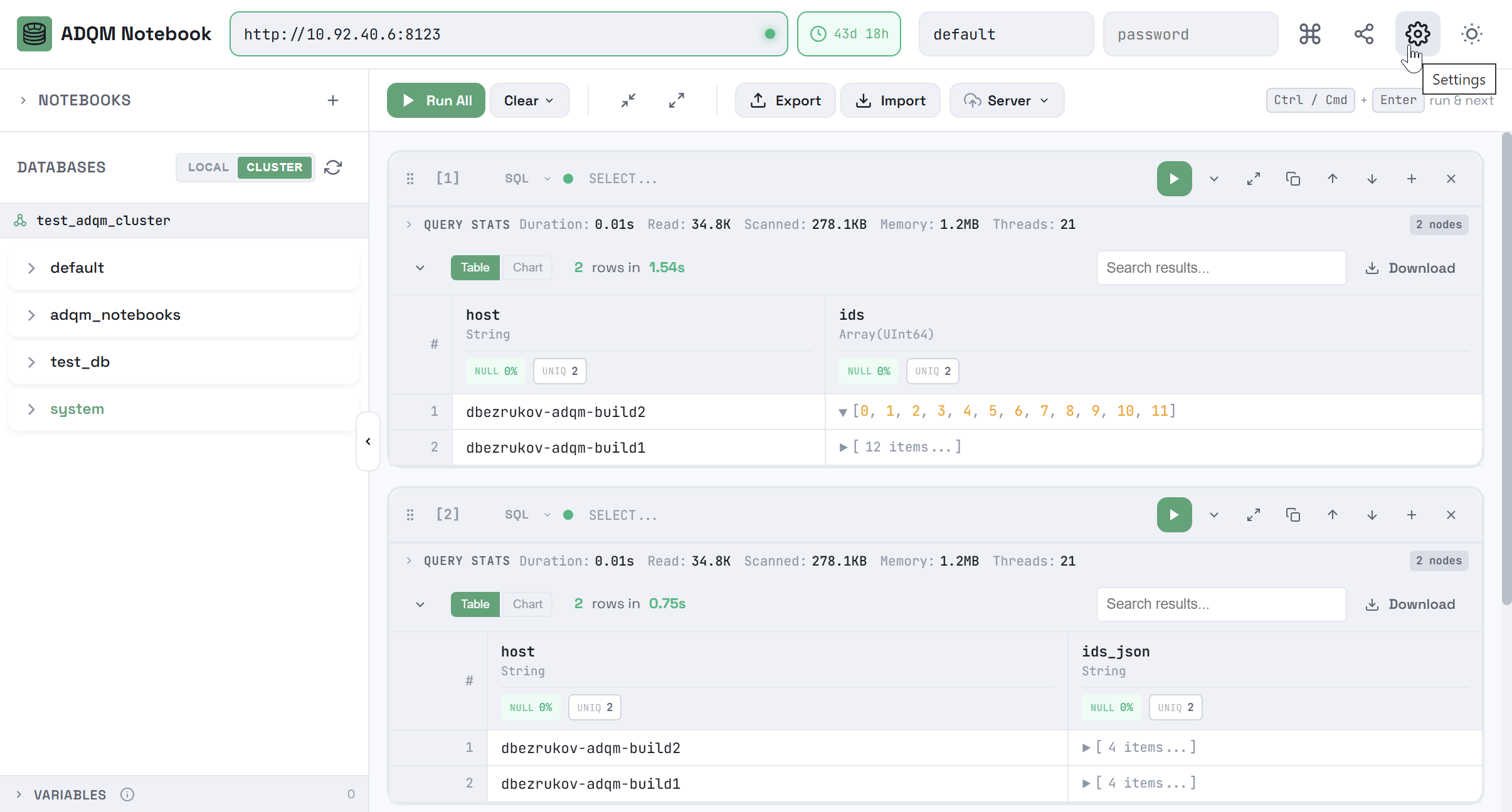
To open the ADQM Notebook interface settings, click the 
 Settings icon in the upper right corner of the interface.
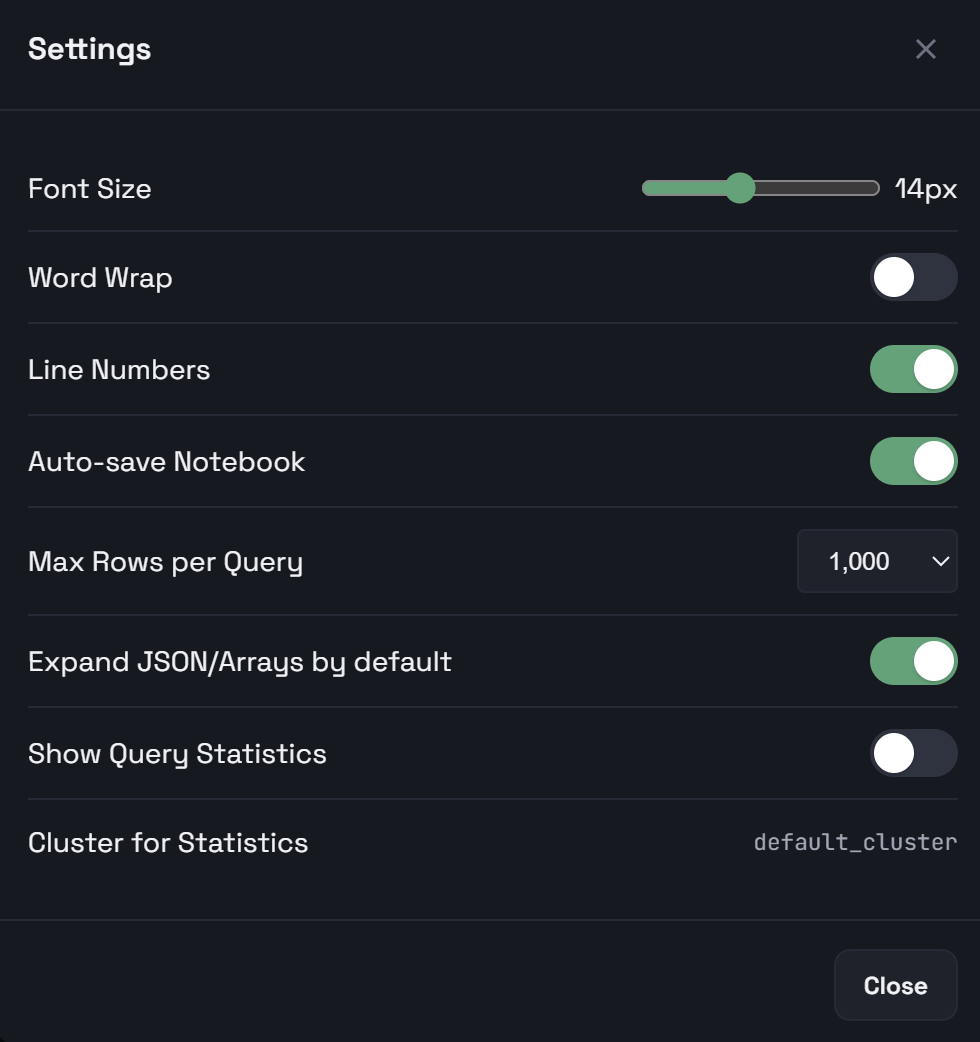
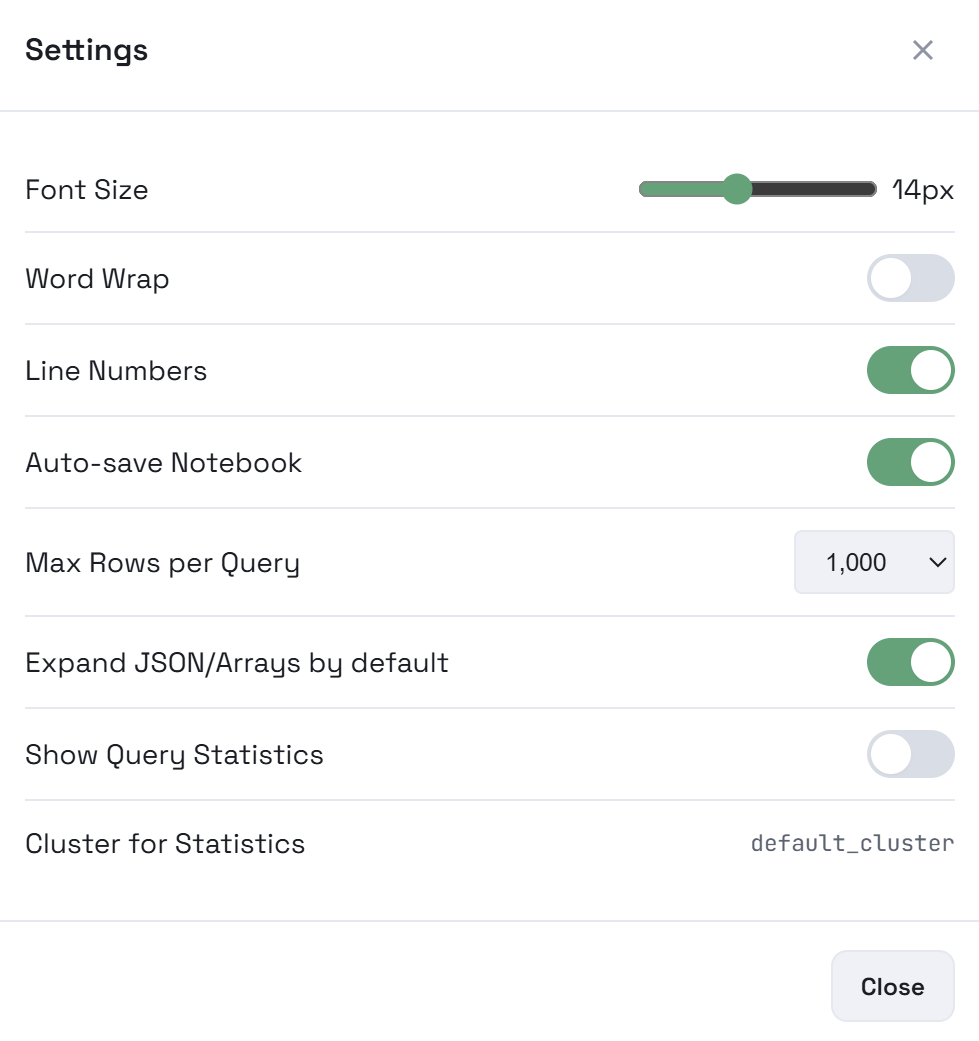
The settings include:
-
Parameters allowing you to configure cell editors.
-
Auto-save Notebook — specifies whether notebooks should be automatically saved on changes (queries in cells — to localStorage; results of queries — to IndexedDB).
-
Max Rows per Query — maximum number of rows in query results for a cell (it is a client-side limitation, not server-side
LIMIT). Possible values:100,500,1000,5000,10000. Default:1000. -
Expand JSON/Arrays by default — specifies whether JSON objects and arrays should be collapsed in query results by default.
-
Parameters that control how to display query execution statistics.
At the bottom, the ADQM Notebook version is displayed.