

Live processes
To view all the queries that were started by the current user and are currently running on the server, click 
 Live processes in the ADQM Notebook control panel and enable All queries in the window that opens. If this option is disabled, only active queries started from the ADQM Notebook interface will be displayed.
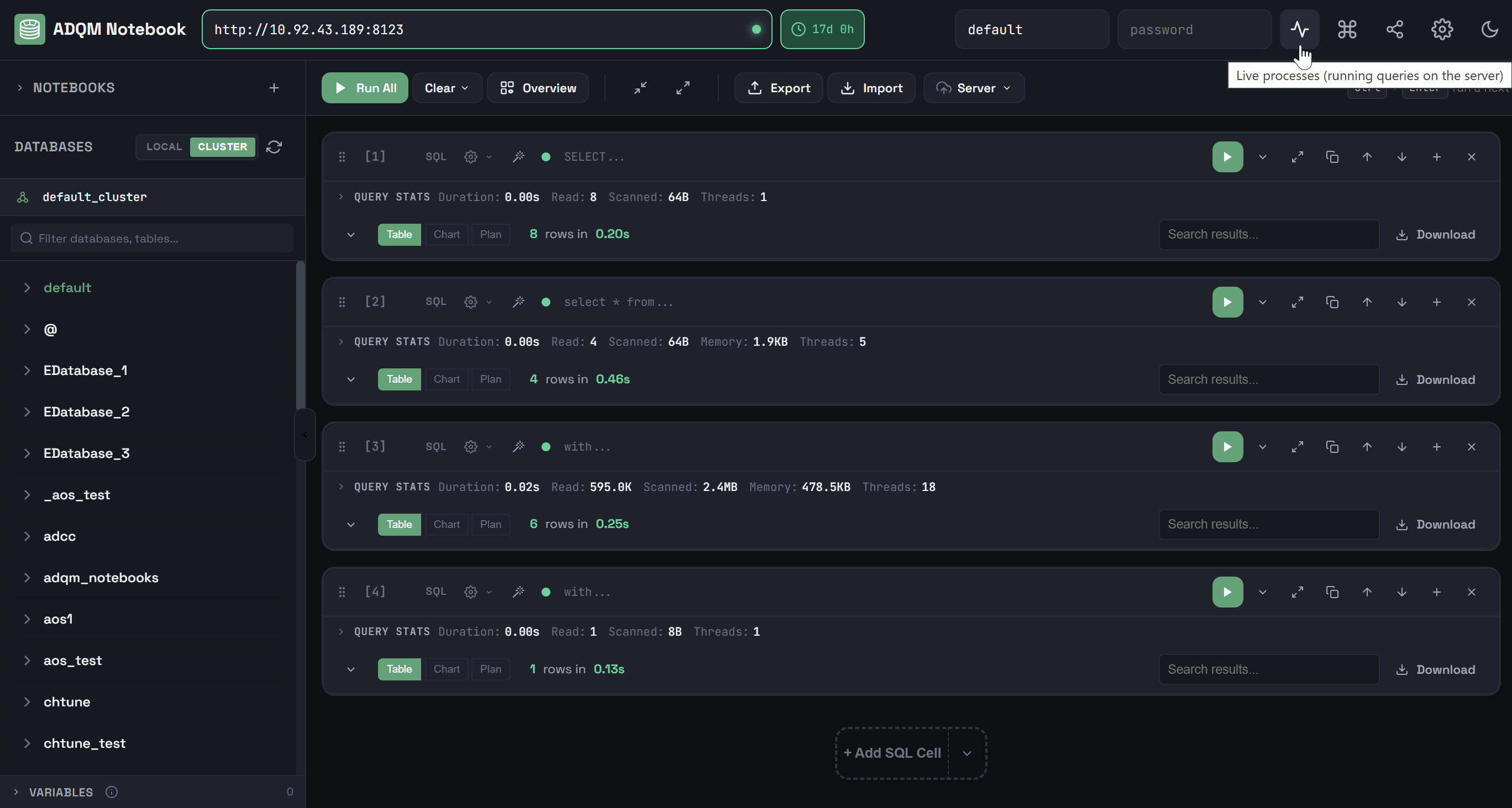
View running queries
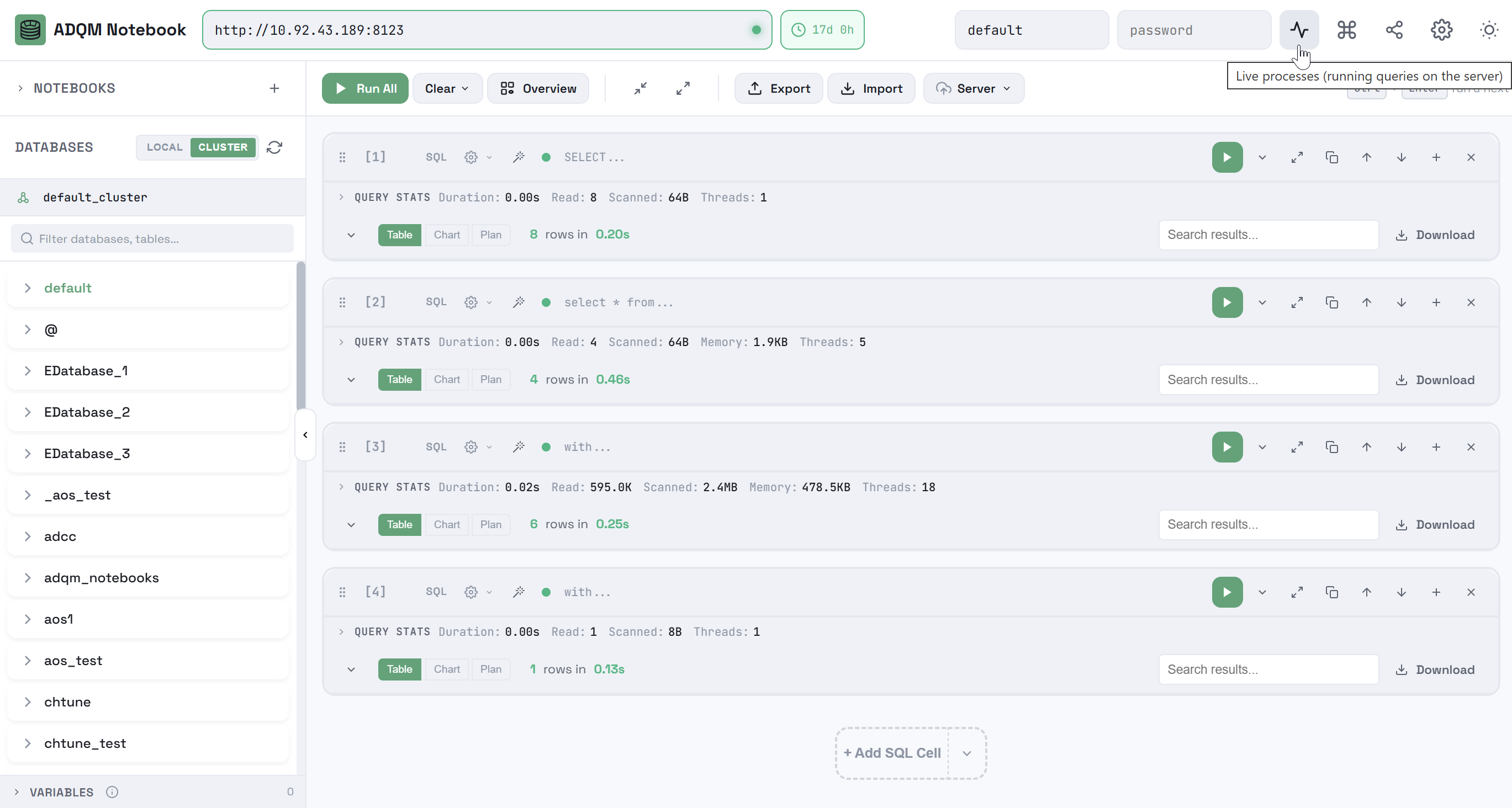
View running queries
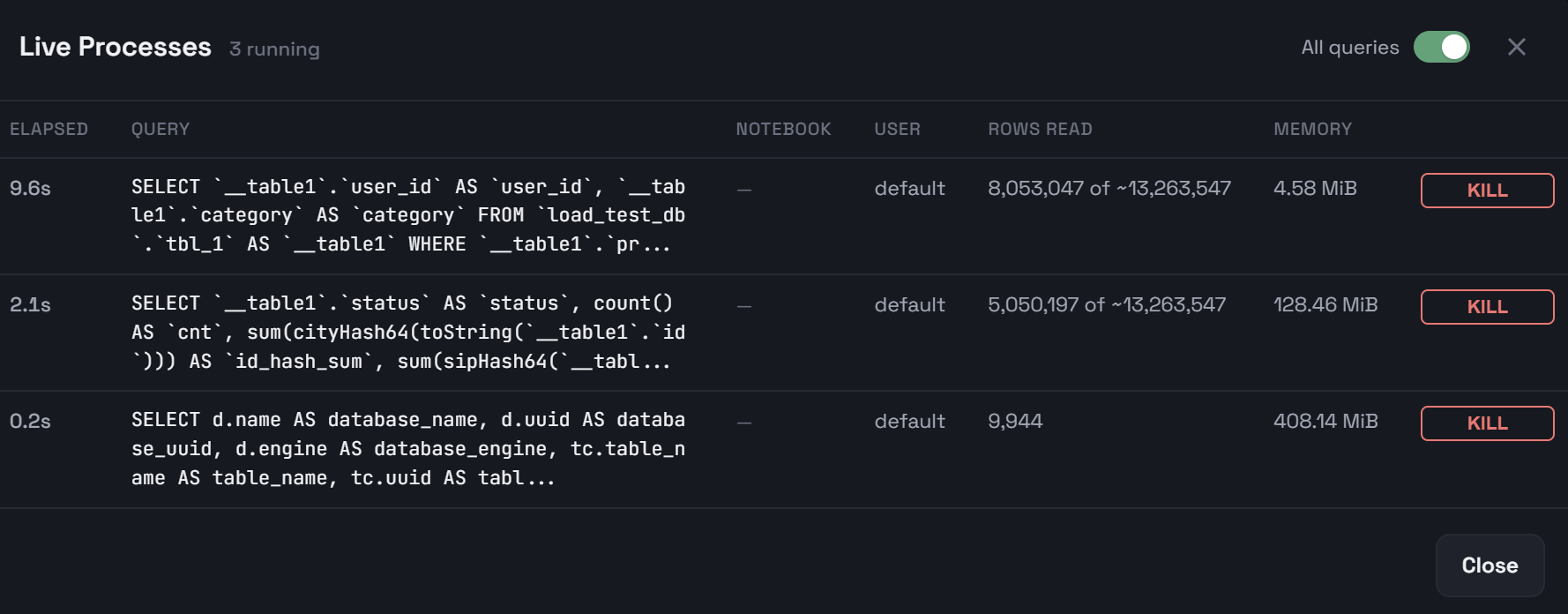
All running queries from the current user
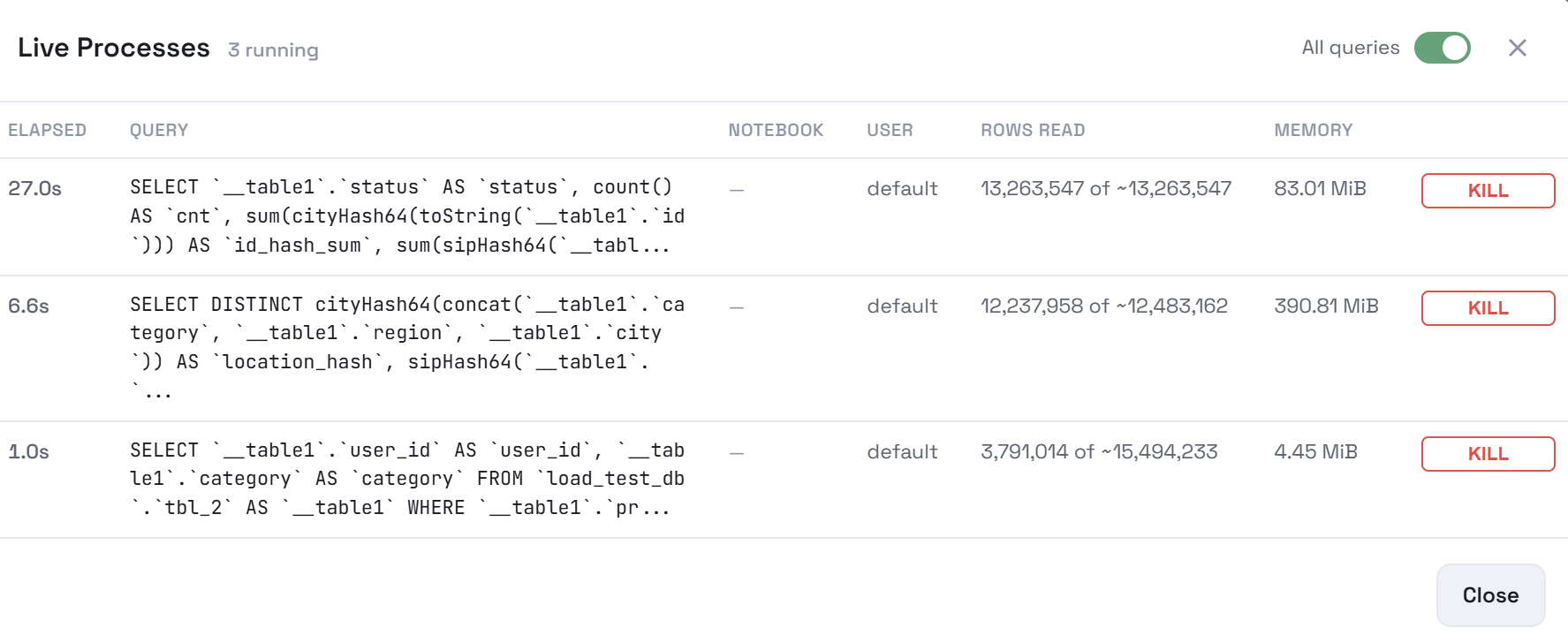
All running queries from the current user
The Live Processes window displays the following information, updated every 2 seconds:
-
Elapsed — query execution time;
-
Query — query text;
-
Notebook — notebook from which a query was started;
-
User — user who started a query;
-
Rows read — number of read rows;
-
Memory — amount of used memory.
The KILL button allows you to cancel the execution of a query.