
Add components
In ADCM, a component means a part of a service that should be deployed on one or several cluster hosts.
|
IMPORTANT
Initially, there are no components on any of cluster hosts. You should map components to hosts manually.
|
The steps for adding components to hosts are listed below:
-
Select a cluster on the Clusters page. To do this, click a cluster name in the Name column.
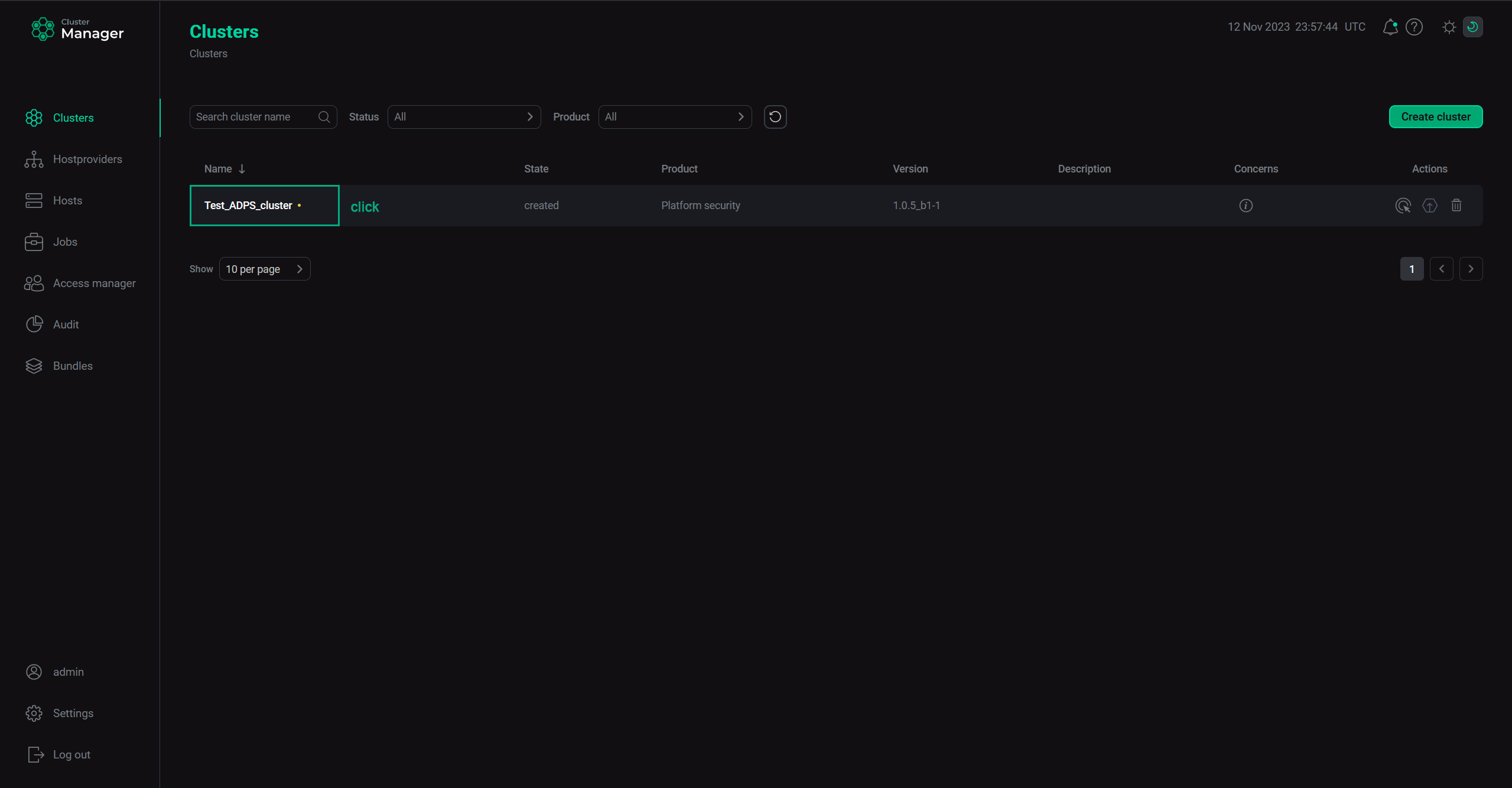 Select a cluster
 -
Open the Mapping tab on the cluster page.
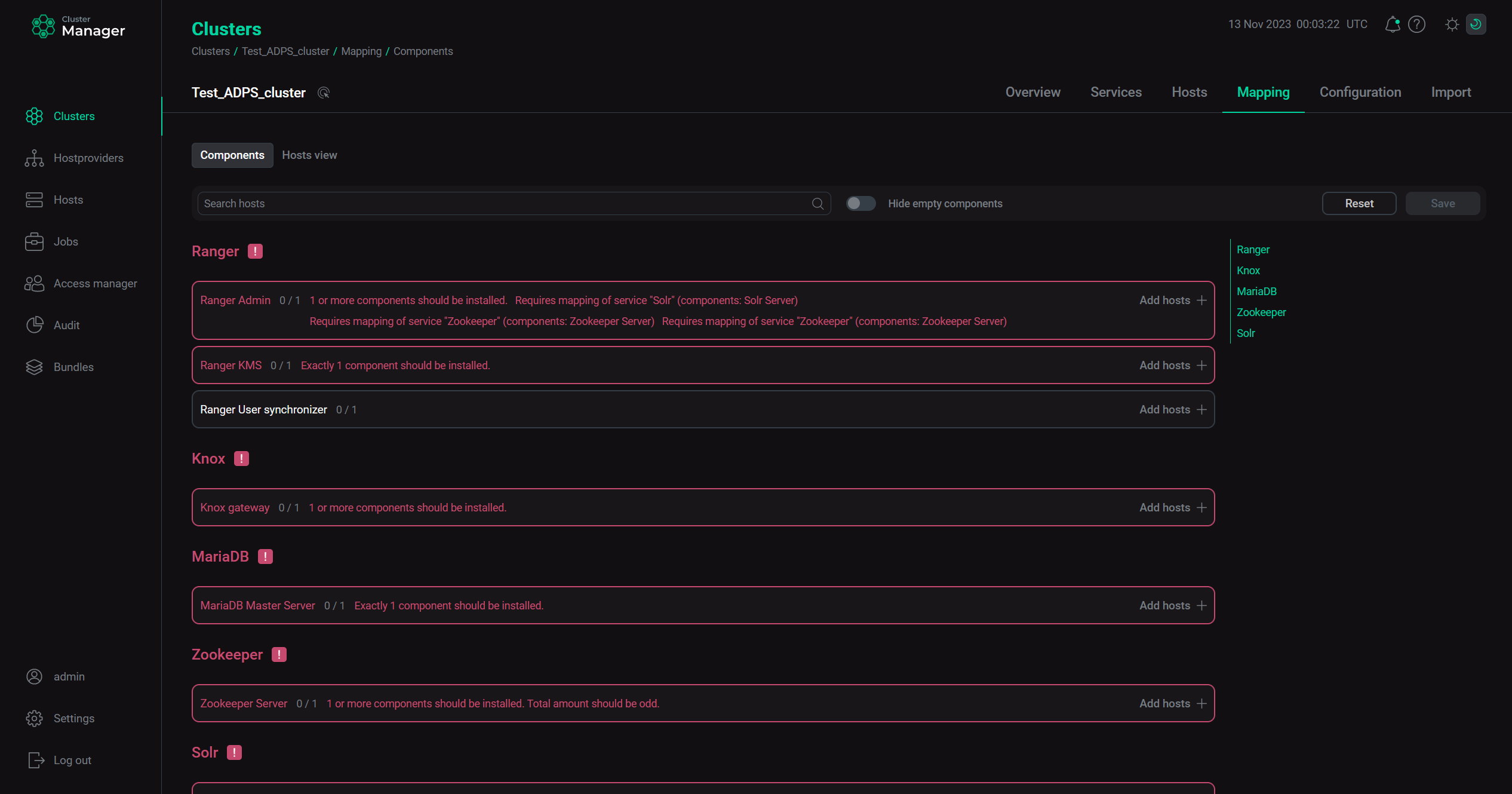 Switch to mapping service components
 -
In the window that opens, map components to hosts. To assign hosts for each component, click Add hosts and select hosts in the pop-up window.
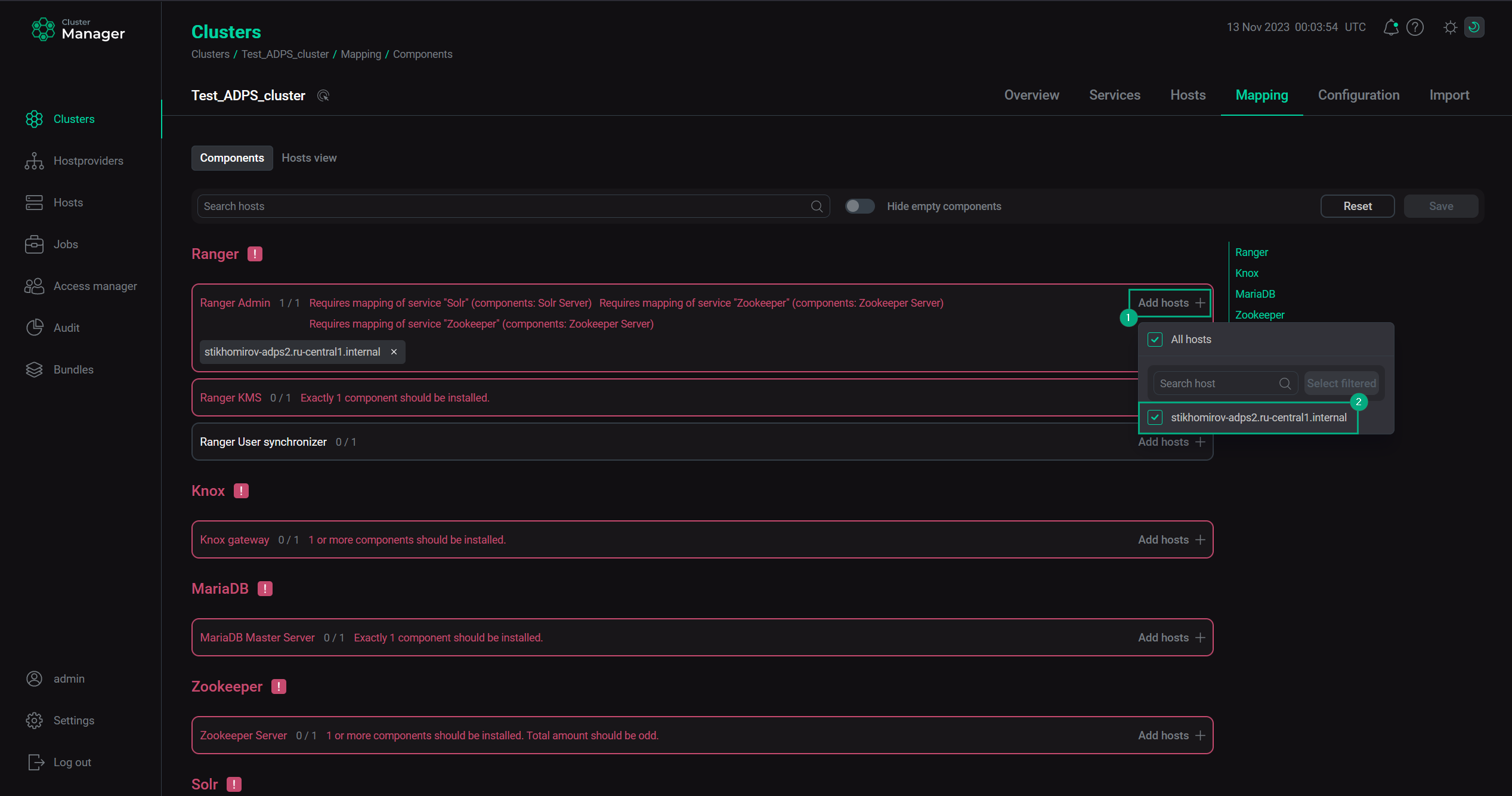 Select hosts for a componentMandatory components
Each service can have mandatory and optional components. Mandatory components are highlighted in red. The ADCM UI also displays how many mandatory components should be installed.
 Mandatory componentsCAUTIONWithout assigning a necessary number of hosts to mandatory components, the component mapping cannot be saved.
For safety reasons it’s recommended to distribute the services among several hosts to ensure fault tolerance, but it is acceptable to configure everything to just one host.
-
After component distribution is completed, click Save.
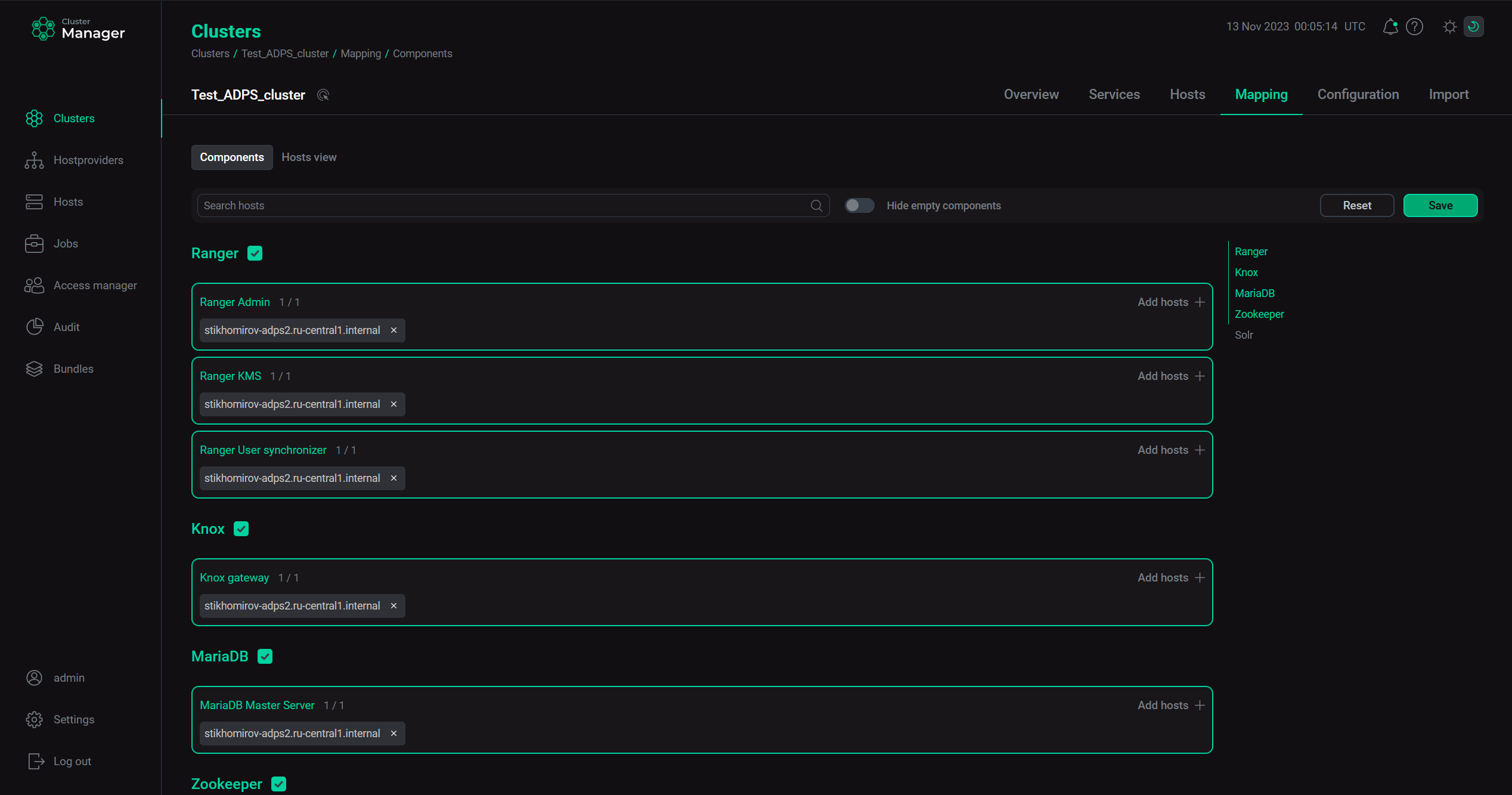 Save mapping of components
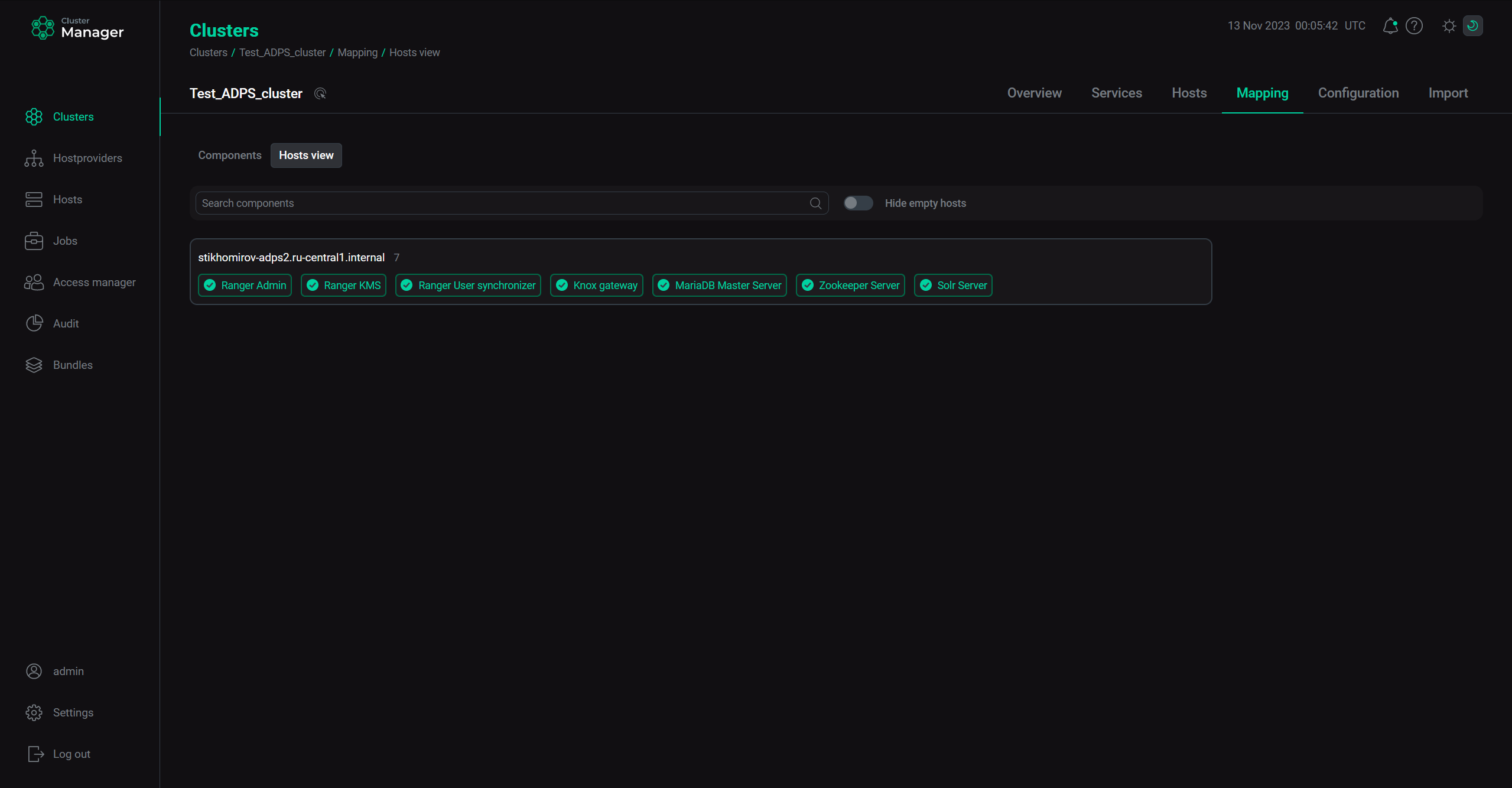
Starting with ADCM 2.2.0, you can use another mapping mode — by hosts. To do this, switch on the Hosts mode toggle and map components to hosts by clicking Add components for each host sequentially.