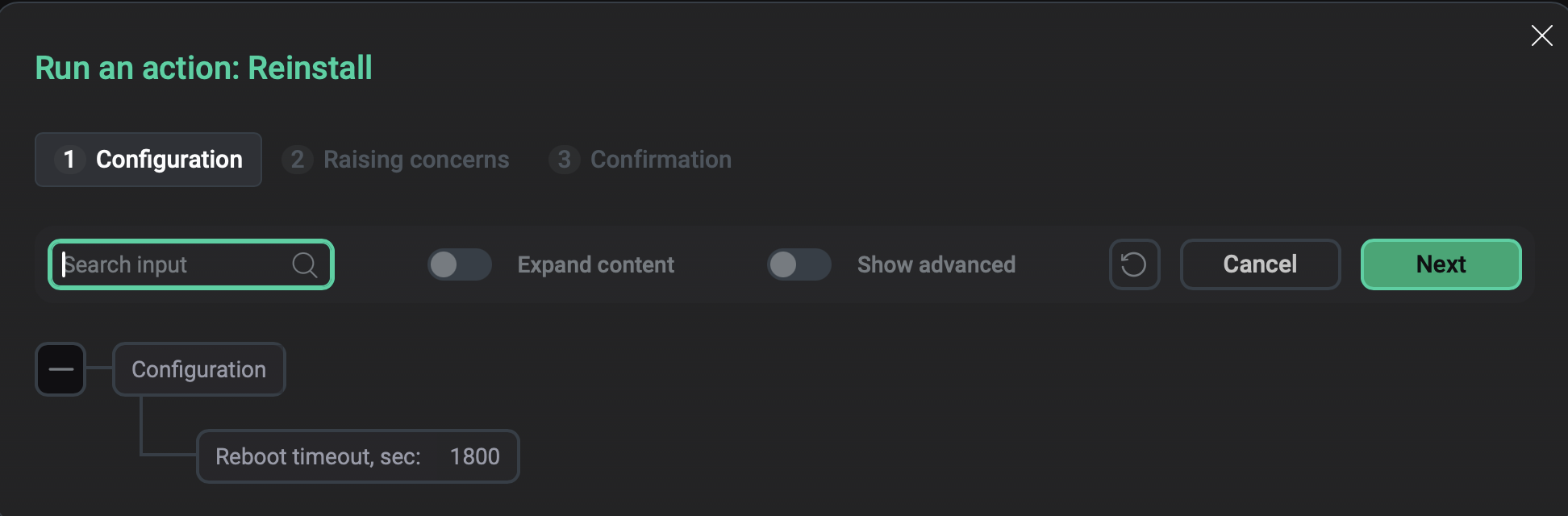

Monitoring service actions
This article describes the actions available for the Monitoring service in the ADCM web interface.
Install
Installs the Monitoring service. This action is available only if a service has been added but not yet installed.
Add/Remove components
Opens the component-host mapping interface where you can add, remove, or redistribute service components.
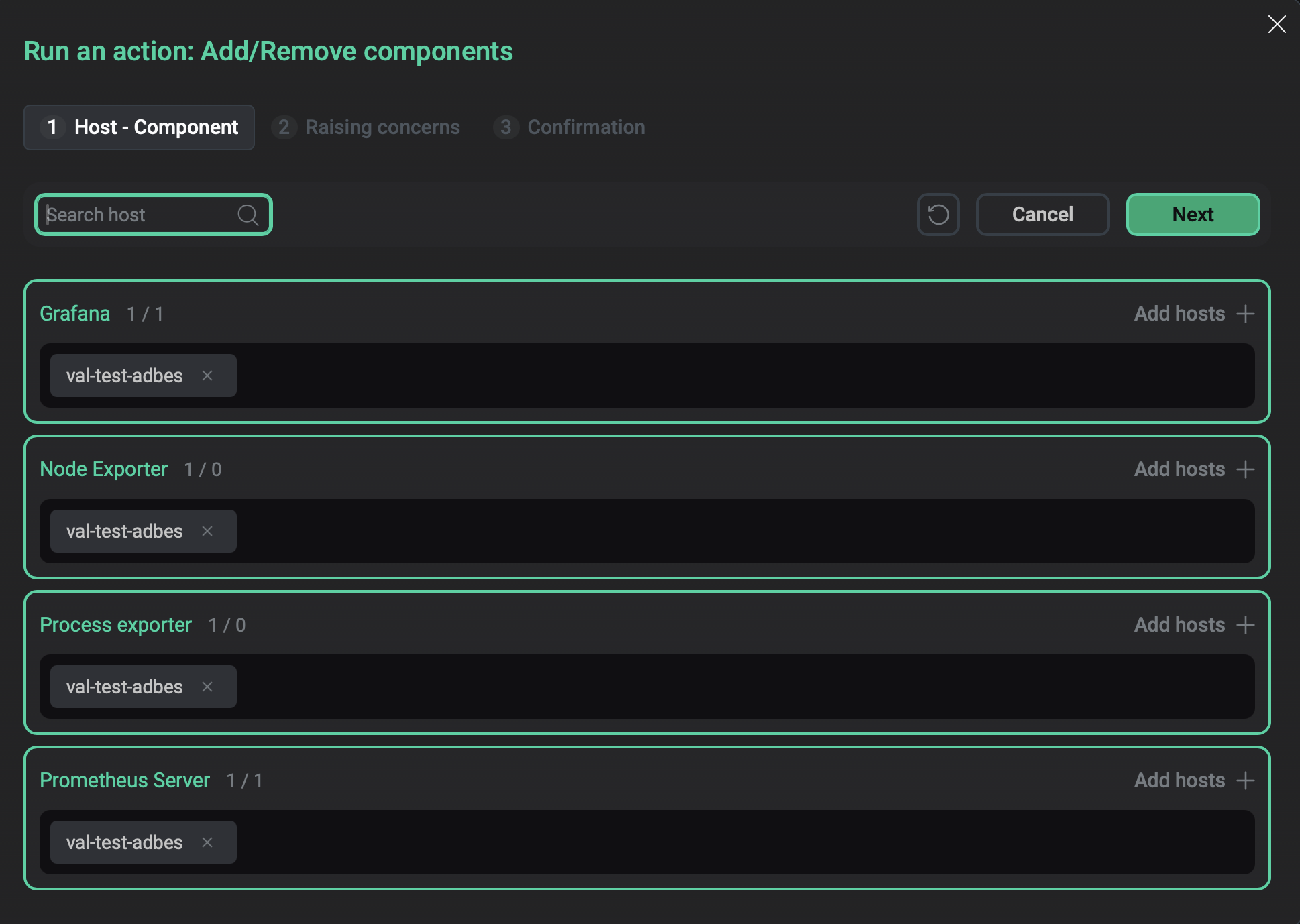
The Add/Remove components window
Check
Checks the status of the Monitoring components: Prometheus, Grafana, and configured exporters.
Reconfigure and restart
Applies the current configuration to the service and restarts the service.
On the Configuration tab of the window that opens, use the Grafana: apply password field to select whether the Grafana administrator password should be updated by the one from the current configuration.