

Configure services
-
Select a cluster on the Clusters page. To do this, click a cluster name in the Name column.
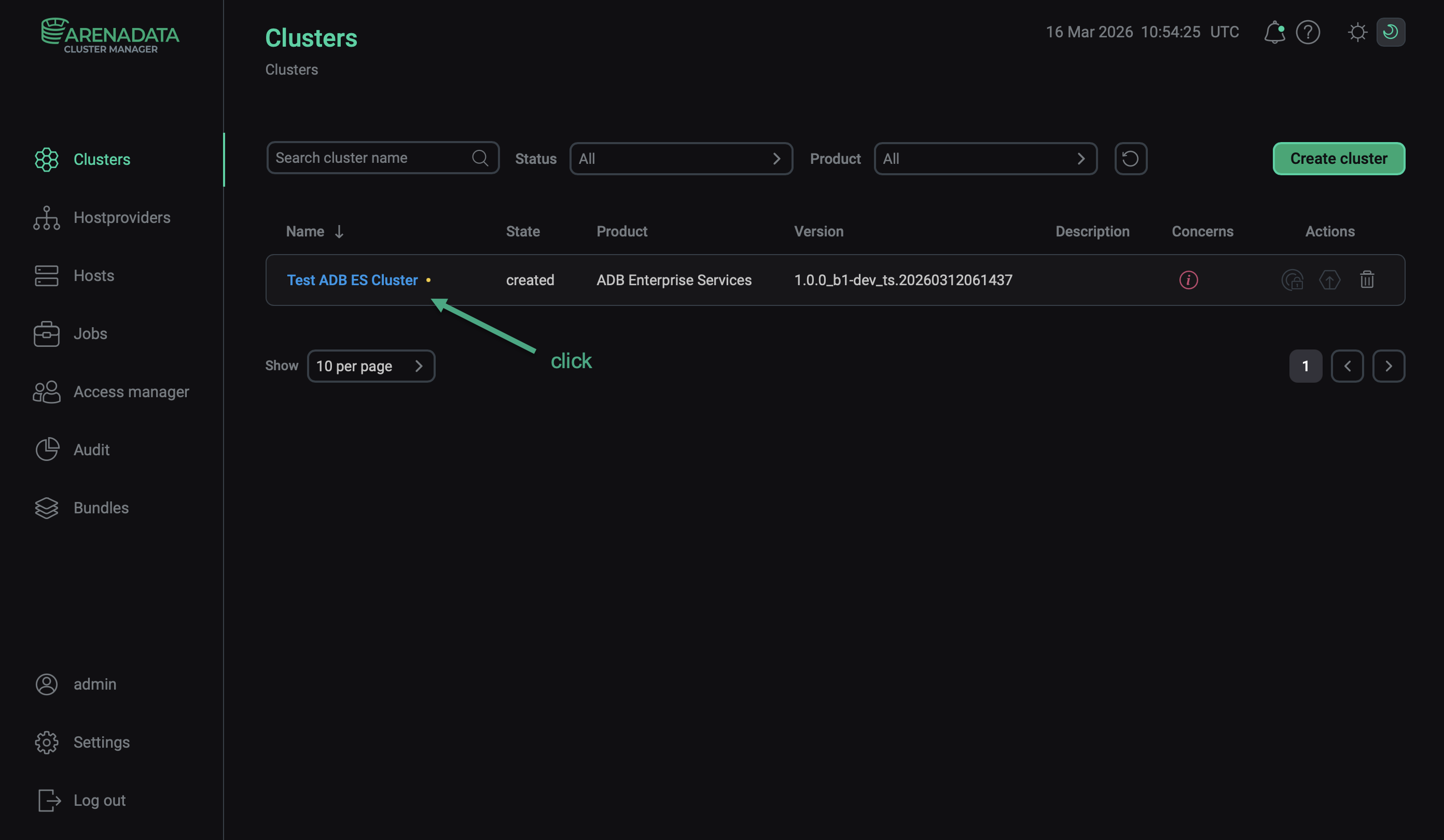 Select a cluster
 -
Open the Services tab on the cluster page, find the row that contains the desired service, and click its name in the Name column.
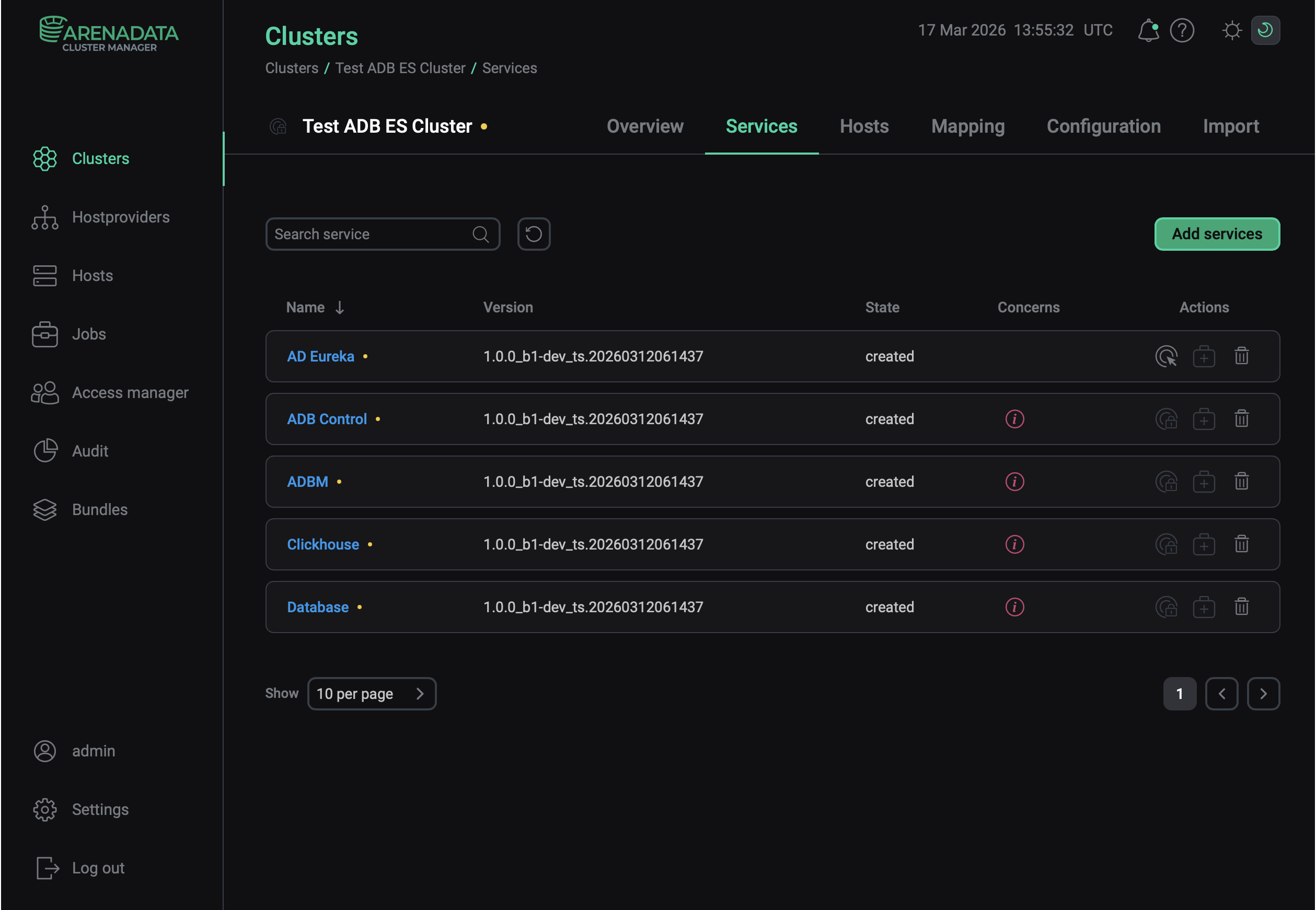 Switch to configuring a service
 -
In the window that opens:
-
Open the Primary Configuration tab.
-
Switch on the Show advanced toggle.
-
Fill in configuration parameters of the selected service. The fields highlighted in red are mandatory.
-
Click Save.
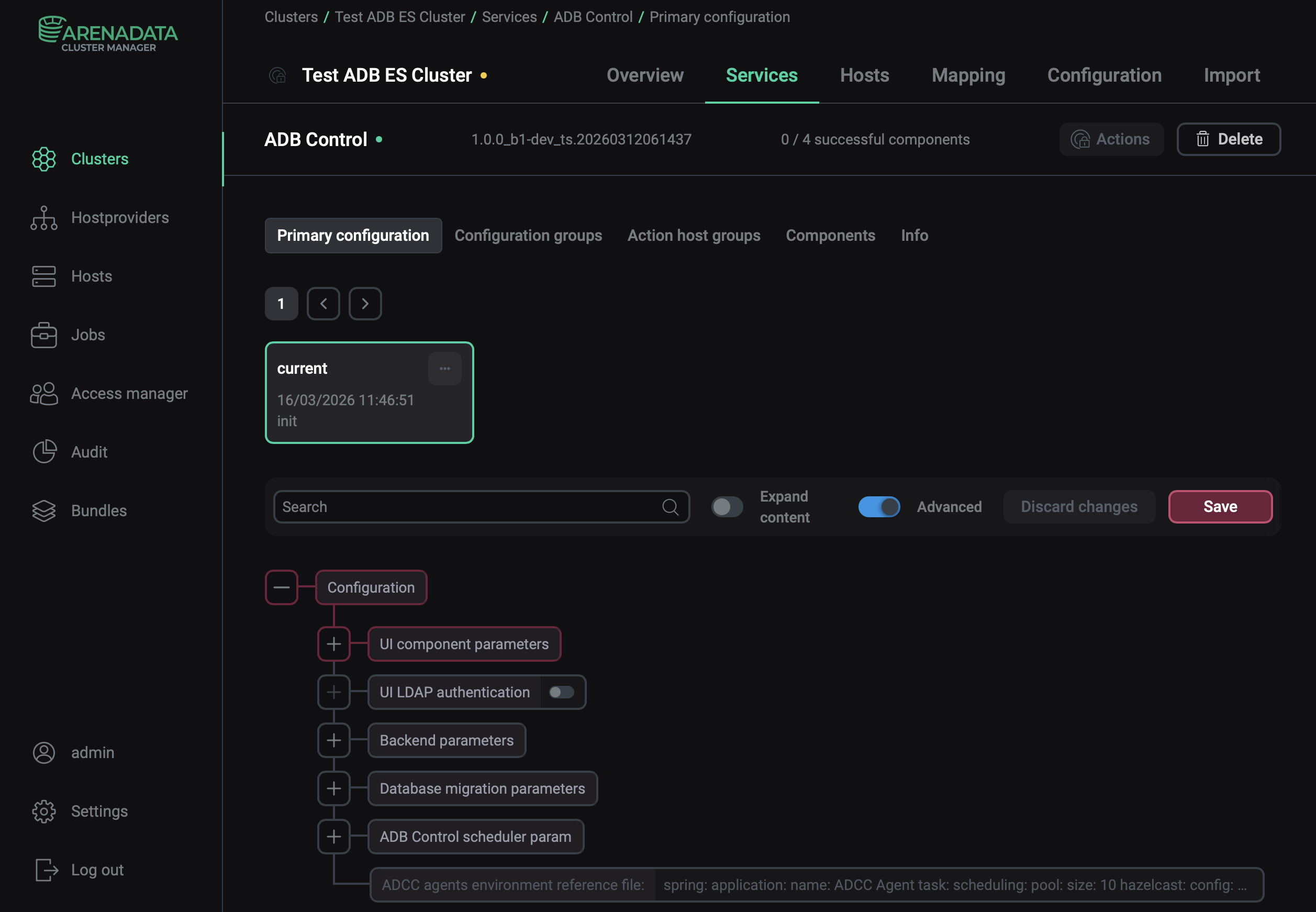 Configure a service
Pay attention to the following parameters:
-
Database → Database type. Select Internal PostgreSQL database and configure the DBMS user password to use the Arenadata Postgres (ADPG) 16 provided by the ADB ES bundle. Or select External PostgreSQL database and specify the IP address and credentials to connect to an external PostgreSQL server.
-
Clickhouse → Database type. Select Internal Clickhouse database parameters and configure the DBMS user password to use the Arenadata QuickMarts (ADQM) instance provided by the ADB ES bundle. Or select External Clickhouse parameters and specify the IP address and credentials to connect to an external ClickHouse server.
-
|
NOTE
For more information about configuration parameters of the services, see Configuration parameters. |