

View jobs
The Jobs page in the ADB Control web interface displays information on planned and completed system jobs in ADB Control/ADB Backup Manager. This page includes multiple tabs, each of which is described in detail below.
Monitoring
Schedule
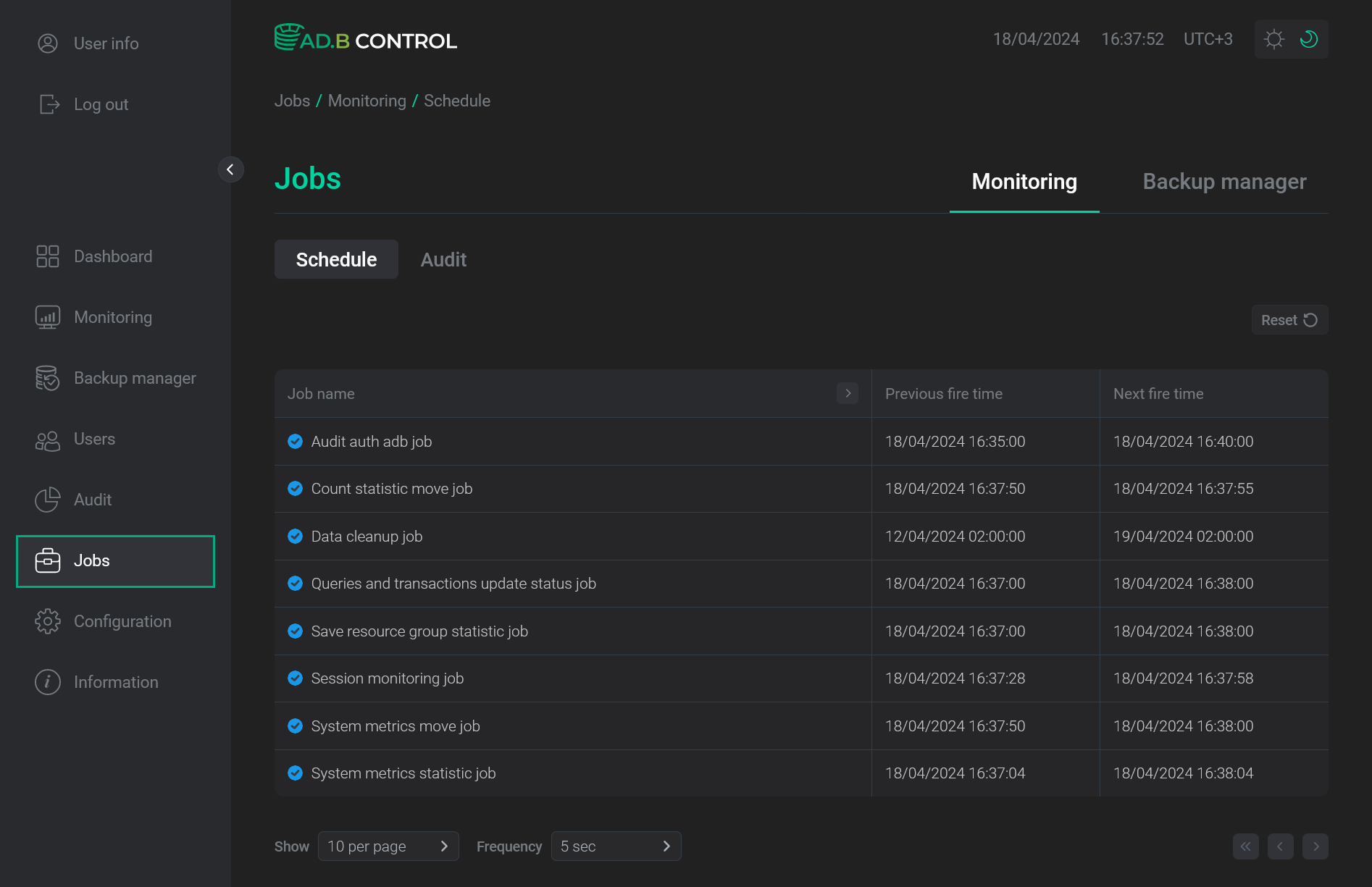
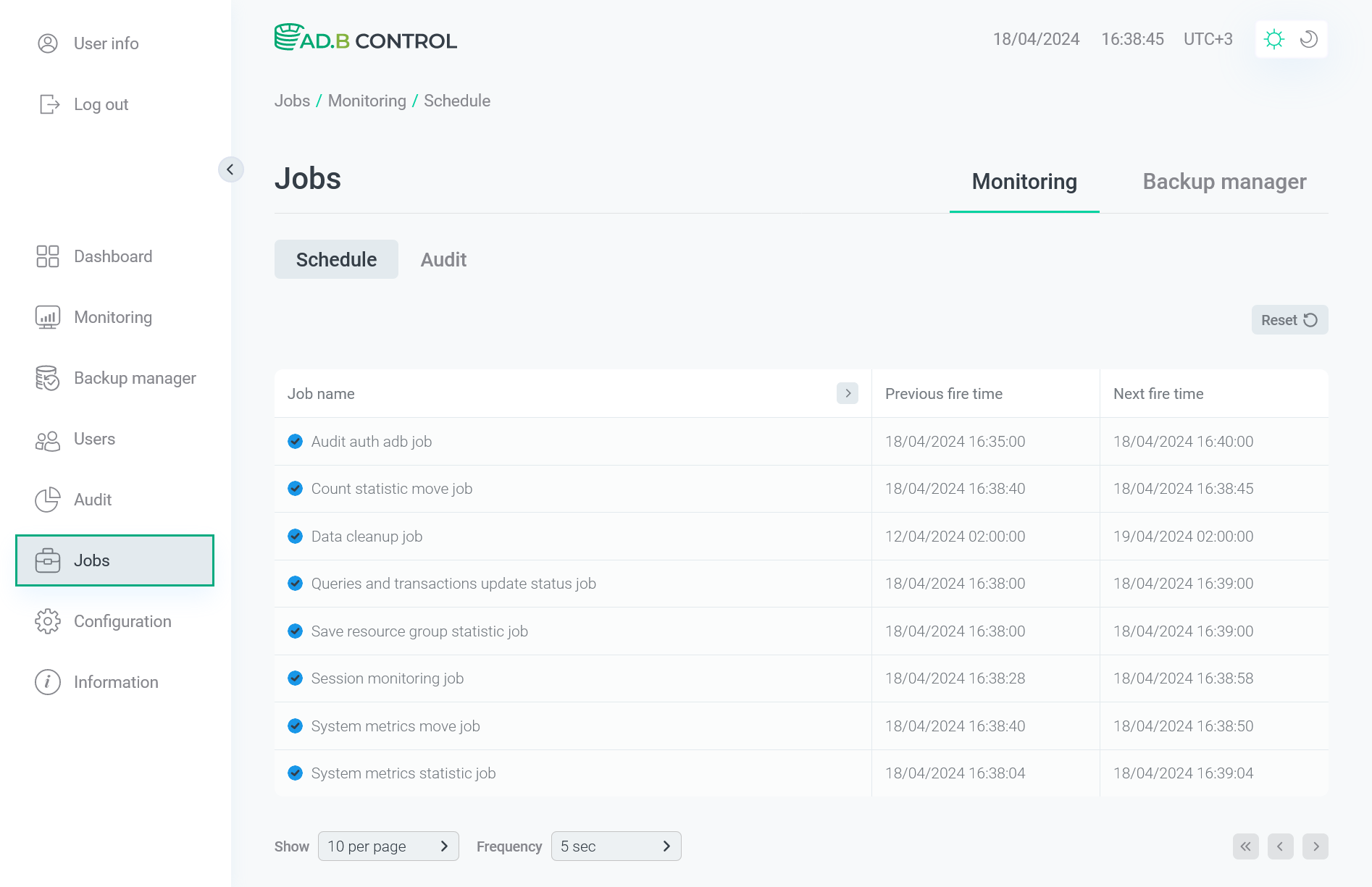
The Monitoring → Schedule tab on the Jobs page displays scheduled system jobs in ADB Control.
On the tab, there is a table with the following information.
| Field | Description |
|---|---|
Job name |
A system job name. You can get a full job description by pointing a cursor at its name |
Previous fire time |
A timestamp of the previous job launch in the |
Next fire time |
A timestamp of the next scheduled job launch in the |
In the Job name column header of the table with a list of scheduled jobs, there is a filter that you can use to select data by the job name.
To open a filter, click the 
 icon.
The
icon.
The 
 icon in the column header indicates that the column is used as a filter.
To reset all filters, click Reset.
icon in the column header indicates that the column is used as a filter.
To reset all filters, click Reset.
Audit
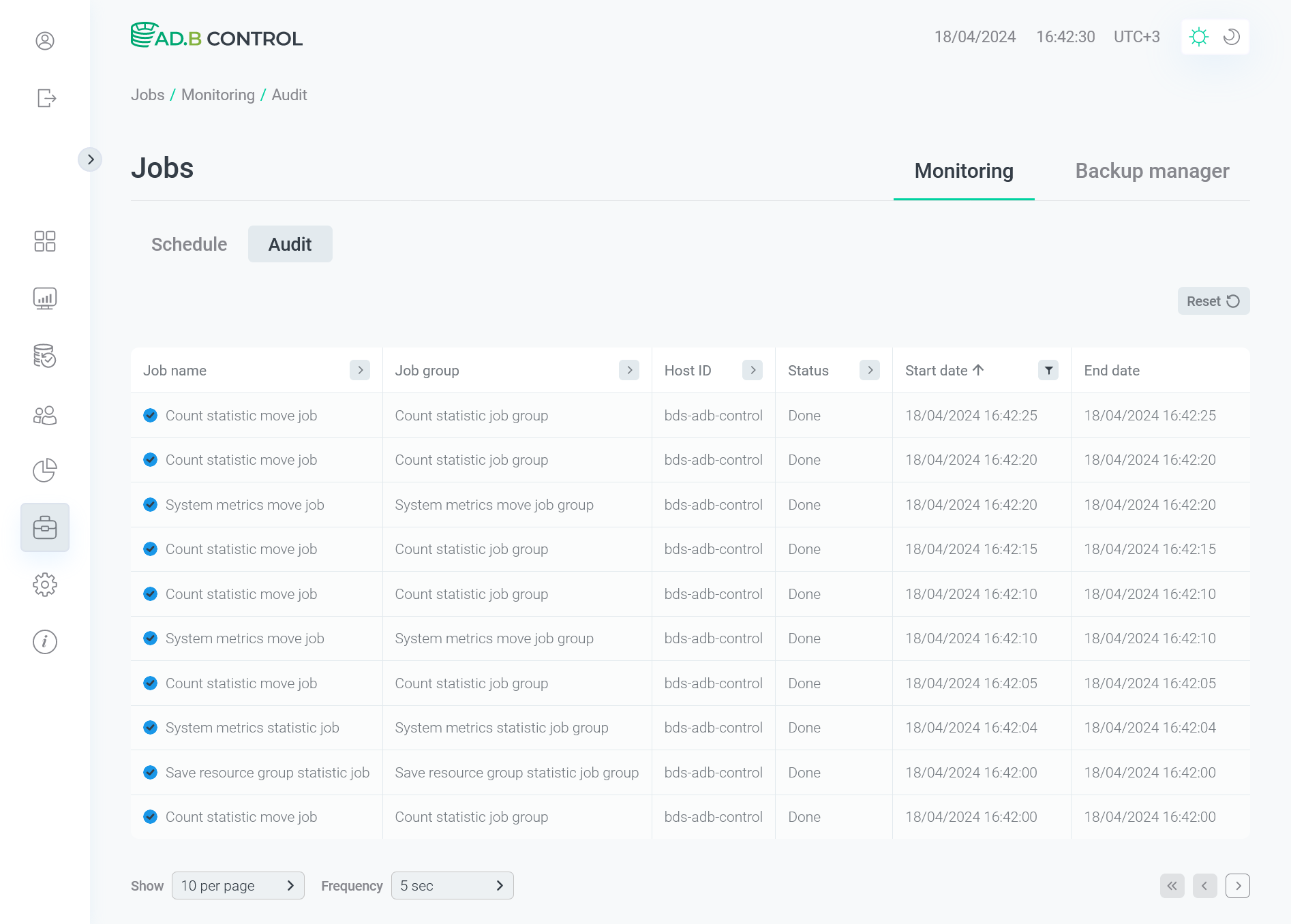
The Monitoring → Audit tab on the Jobs page displays all jobs launched in ADB Control during the specified time period. Current day data is displayed by default.
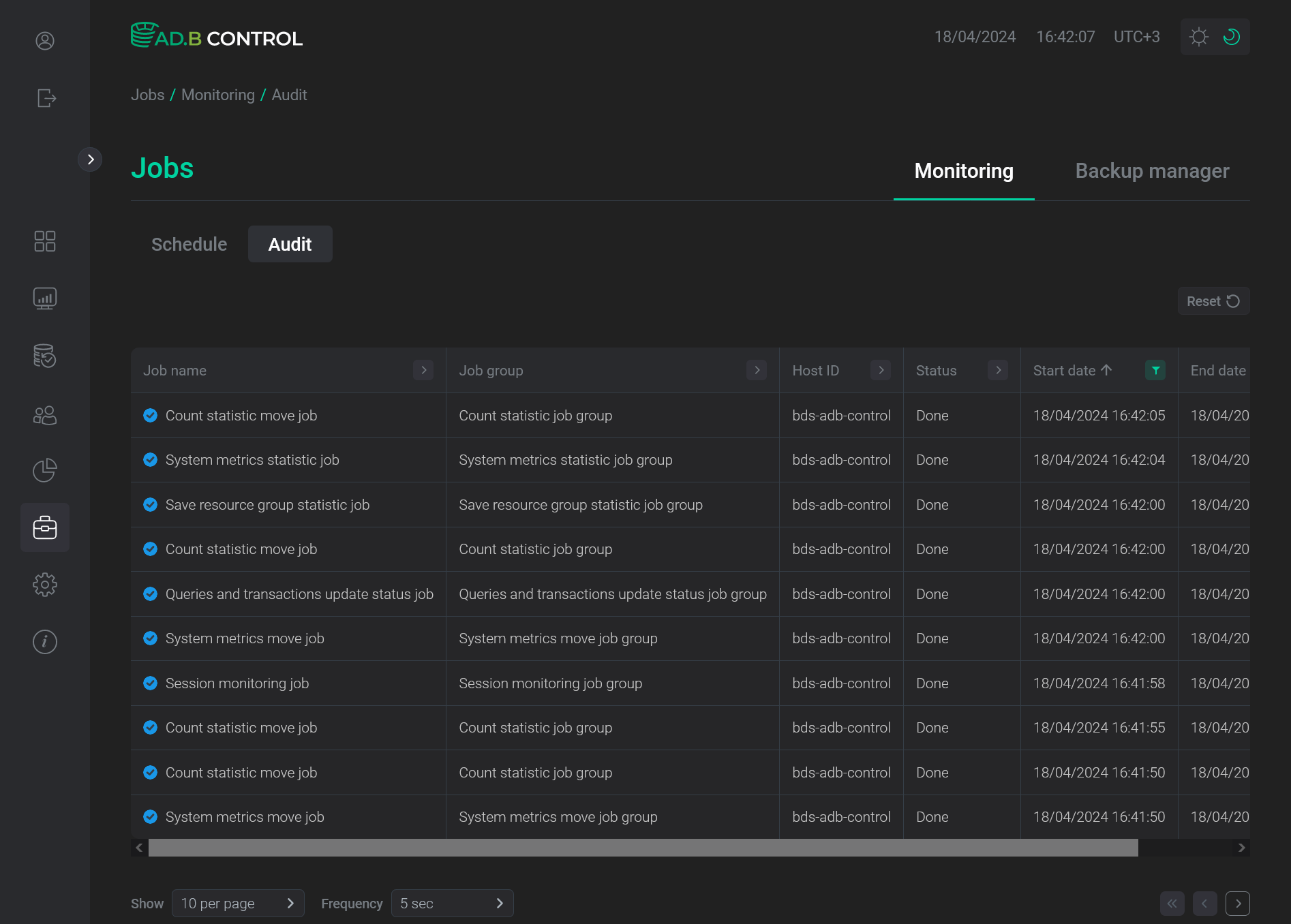
On the tab, there is a table with the following information.
| Field | Description |
|---|---|
Job name |
A job name. If the job has the |
Job group |
A job group name |
Host ID |
An identifier of the host where the job was launched (in the |
Status |
A job status. Possible values:
|
Start date |
A job start timestamp in the |
End date |
A job end timestamp in the |


You can use column headers to filter and sort data in the table.
Backup manager
Schedule
The Backup manager → Schedule tab on the Jobs page displays scheduled system jobs in ADB Backup Manager.
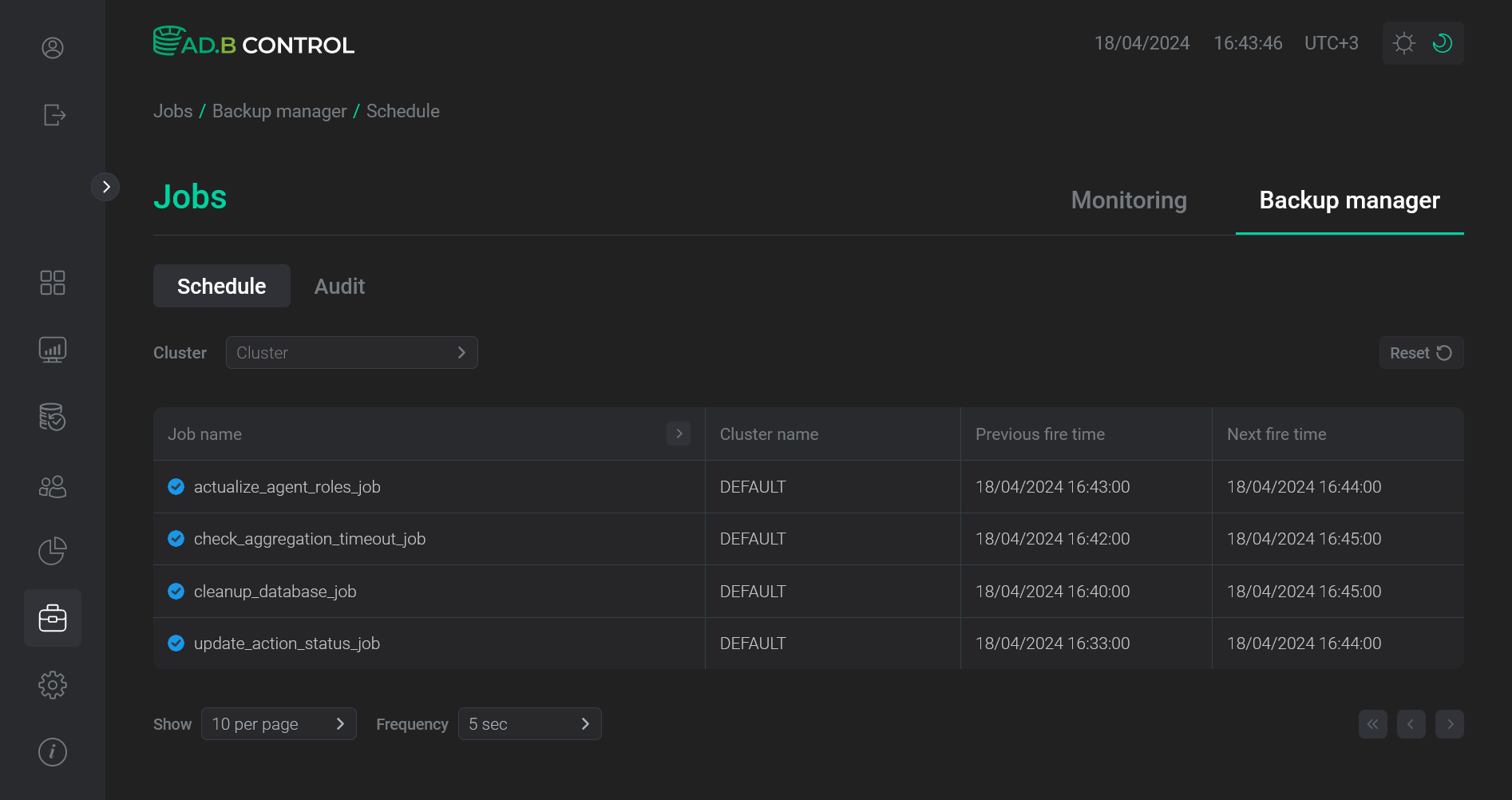
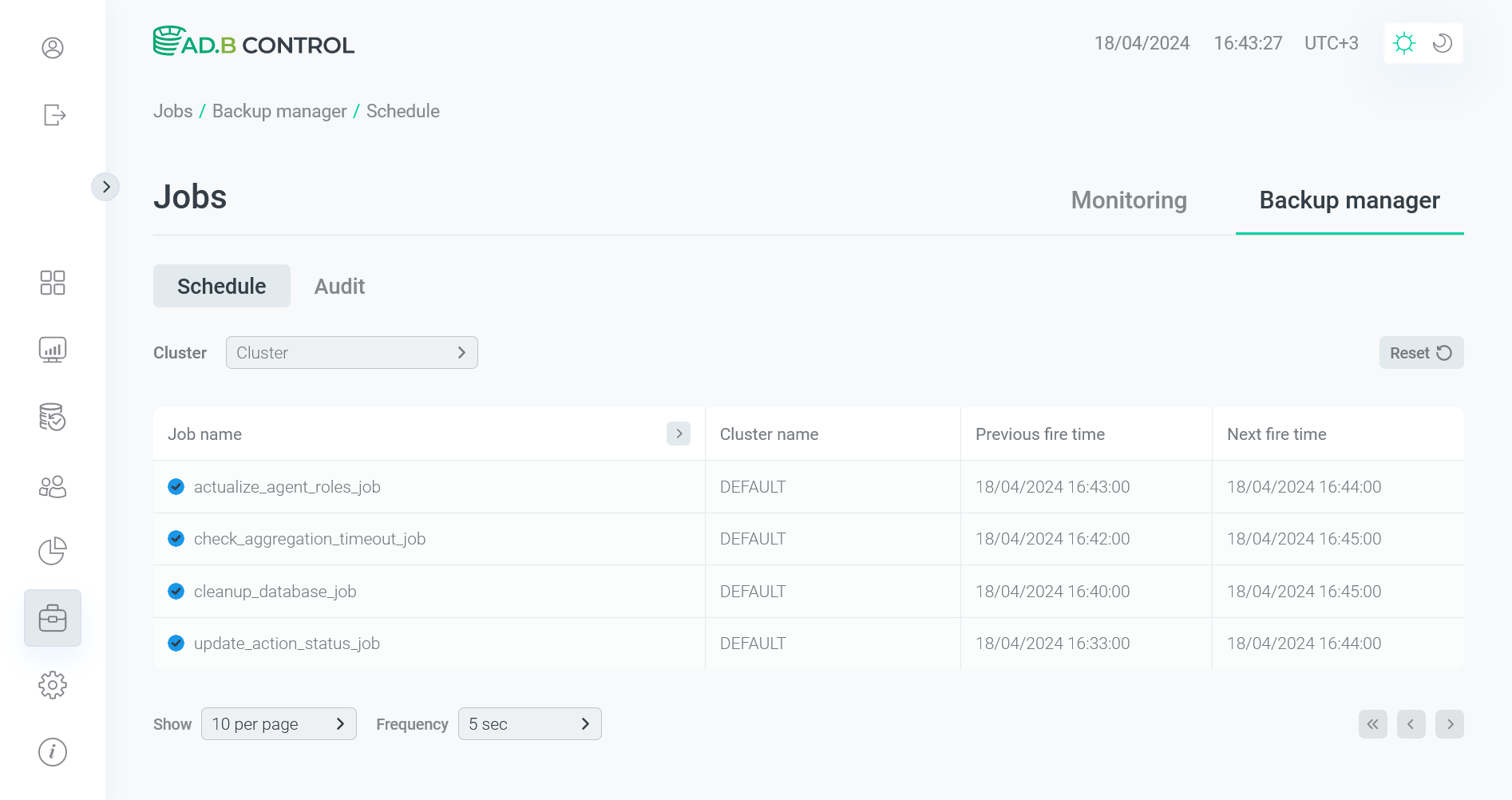
On the tab, there is a table with the following information.
| Field | Description |
|---|---|
Job name |
A system job name. You can get a full job description by pointing a cursor at its name |
Cluster name |
A name of the cluster for which the job is scheduled. The |
Previous fire time |
A timestamp of the previous job launch in the |
Next fire time |
A timestamp of the next scheduled job launch in the |
You can use column headers to filter and sort data in the table.
Audit
The Backup manager → Audit tab on the Jobs page displays all jobs launched in ADB Backup Manager during the specified time period. Current day data is displayed by default.
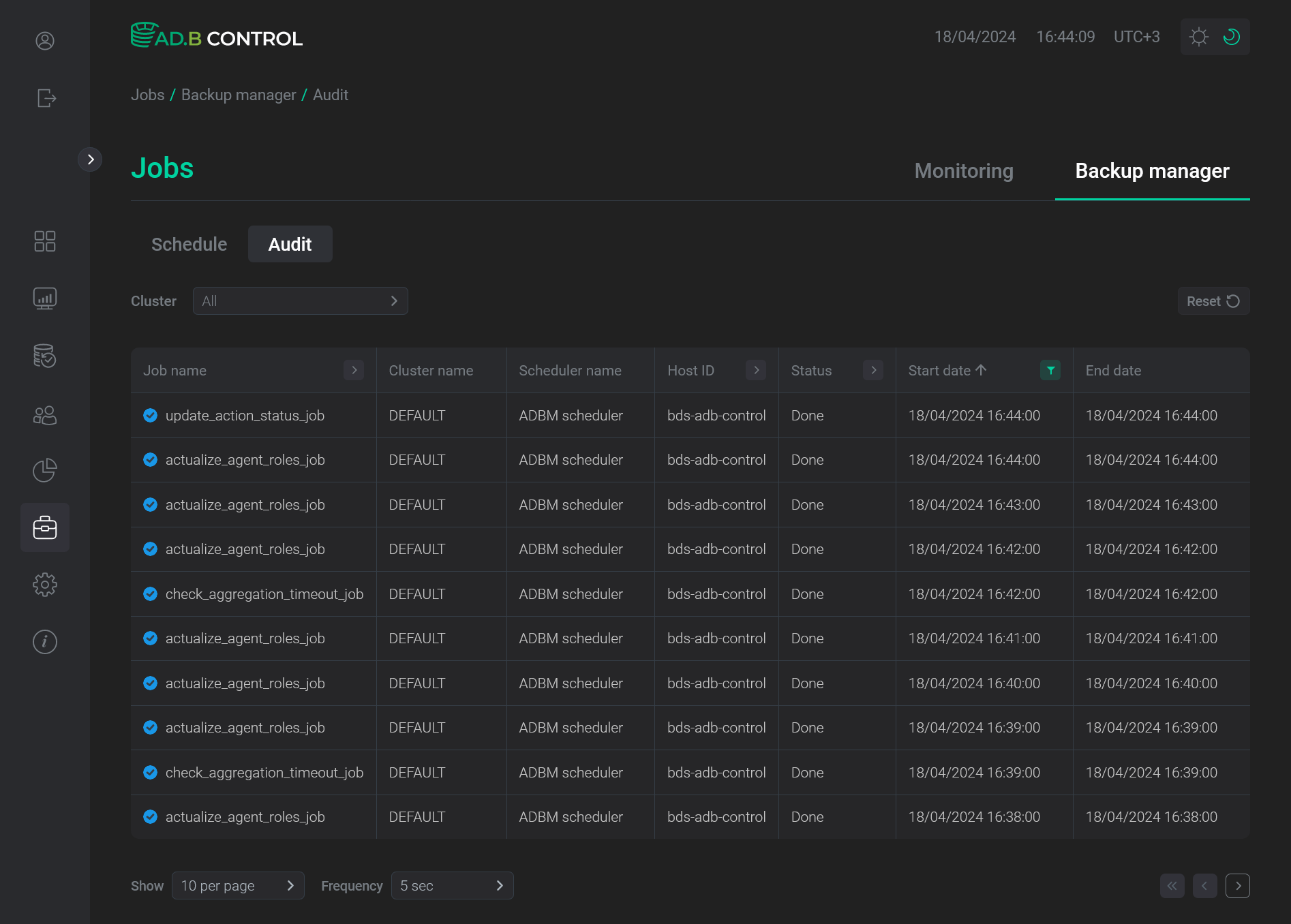
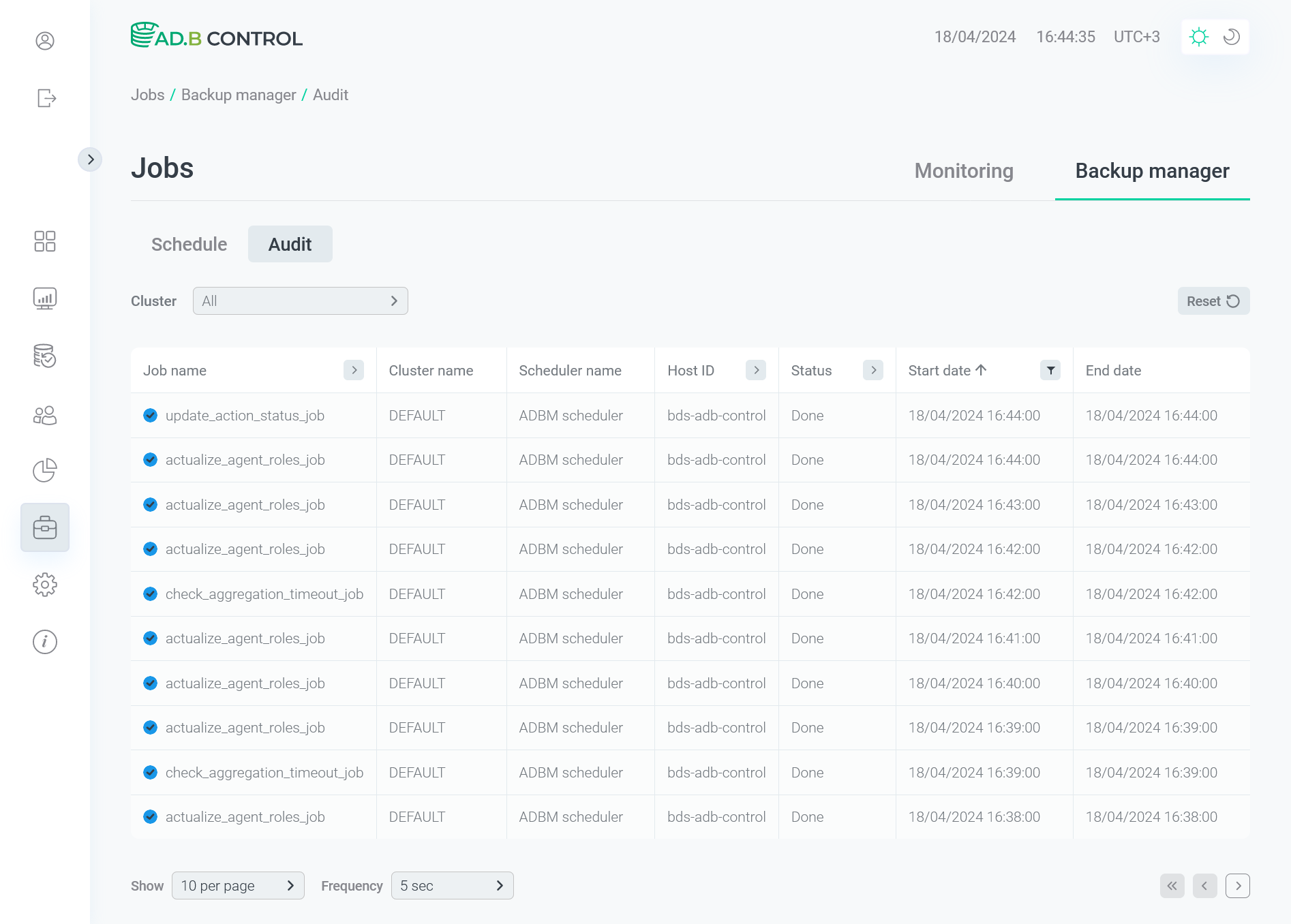
On the tab, there is a table with the following information.
| Field | Description |
|---|---|
Job name |
A job name. If the job has the |
Cluster name |
A name of the cluster where the job was launched. The |
Scheduler name |
A scheduler name |
Host ID |
A name of the host where the job was launched |
Status |
A job status. Possible values:
|
Start date |
A job start timestamp in the |
End date |
A job end timestamp in the |
You can use column headers to filter and sort data in the table.