
ADBM service actions
This article describes the actions available for the Arenadata DB Backup Manager (ADBM) service in the ADCM web interface.
Install
Installs the ADBM service. This action is available only if a service has been added but not yet installed.
Reinstall
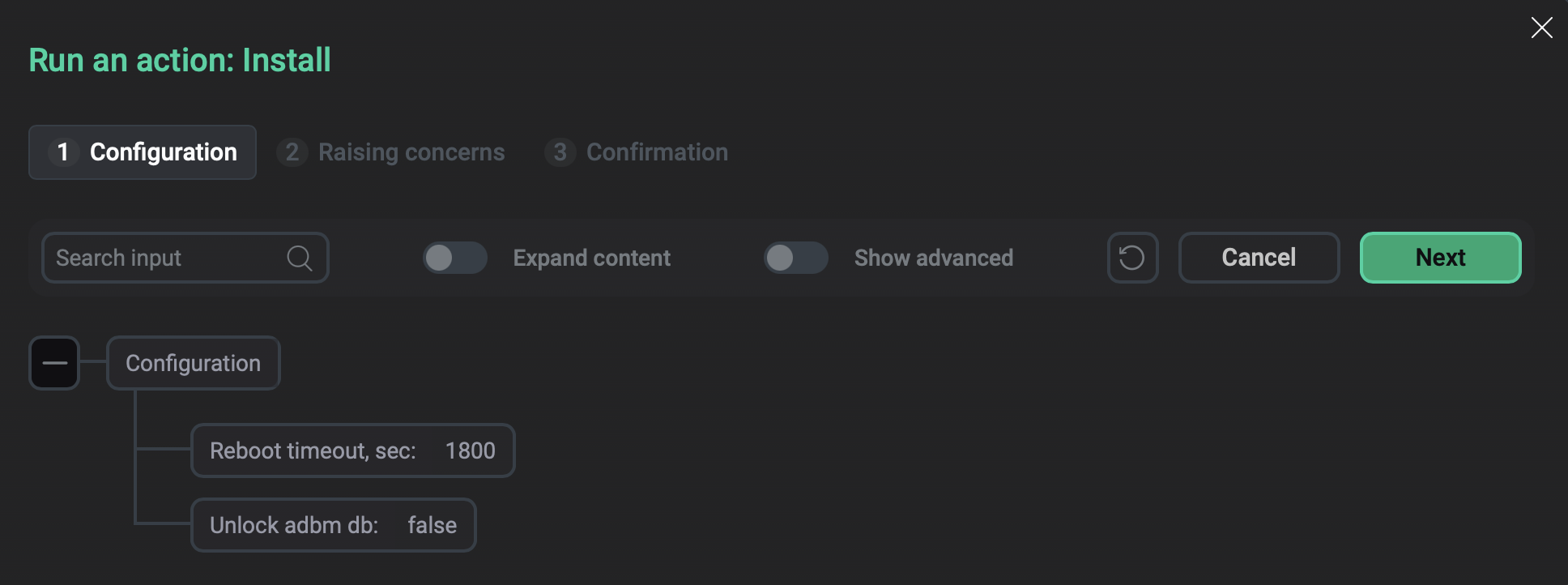
On the Configuration tab of the window that opens, configure:
-
Reboot timeout, sec — enter the timeout to wait for hosts to restart (in seconds). The default value is
1800. The value must be at least600. -
Unlock adbm db — use the flag to determine what to do with database locks that may occur if a migration failed. When the flag is set to
true, ADBM releases the locks and makes the database available for migrations. The default value isfalse: preserve locks to avoid potentially conflicting migrations.
Reconfigure & Restart
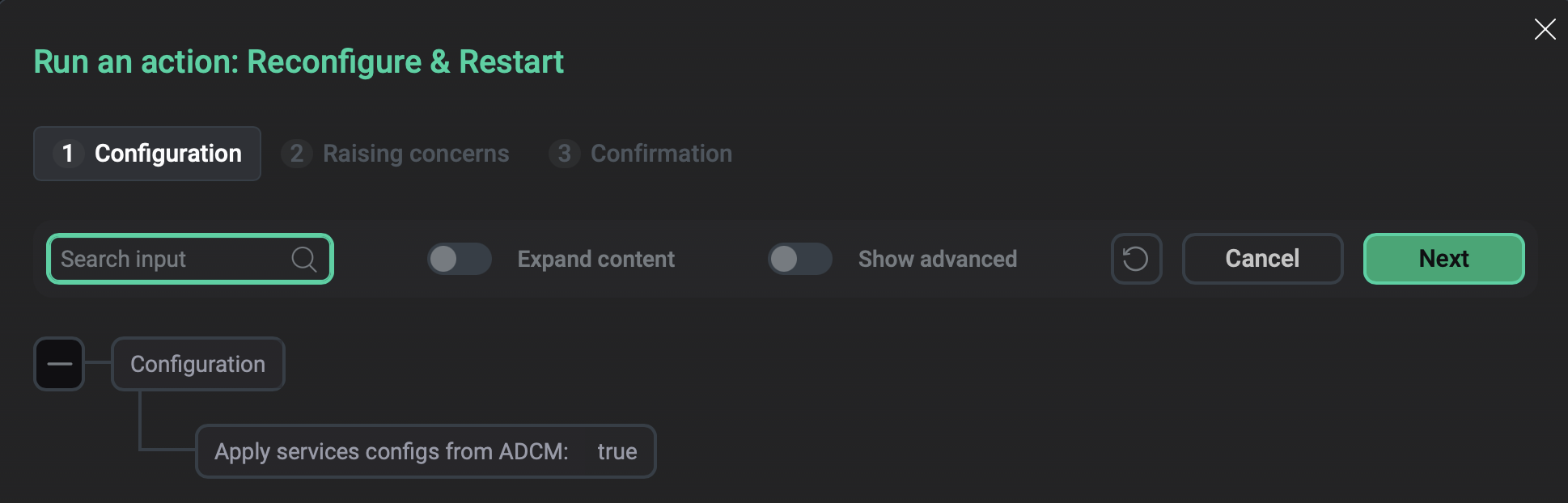
Applies the current configuration to the service and restarts the service.
In the window that opens, use the Apply services configs from ADCM flag to determine whether to apply the current service configuration (true) or just restart the service (false).