

User sessions
The Users → Active sessions tab is designed to monitor active sessions of ADB Control users. This page also allows you to terminate selected sessions.
View a list of sessions
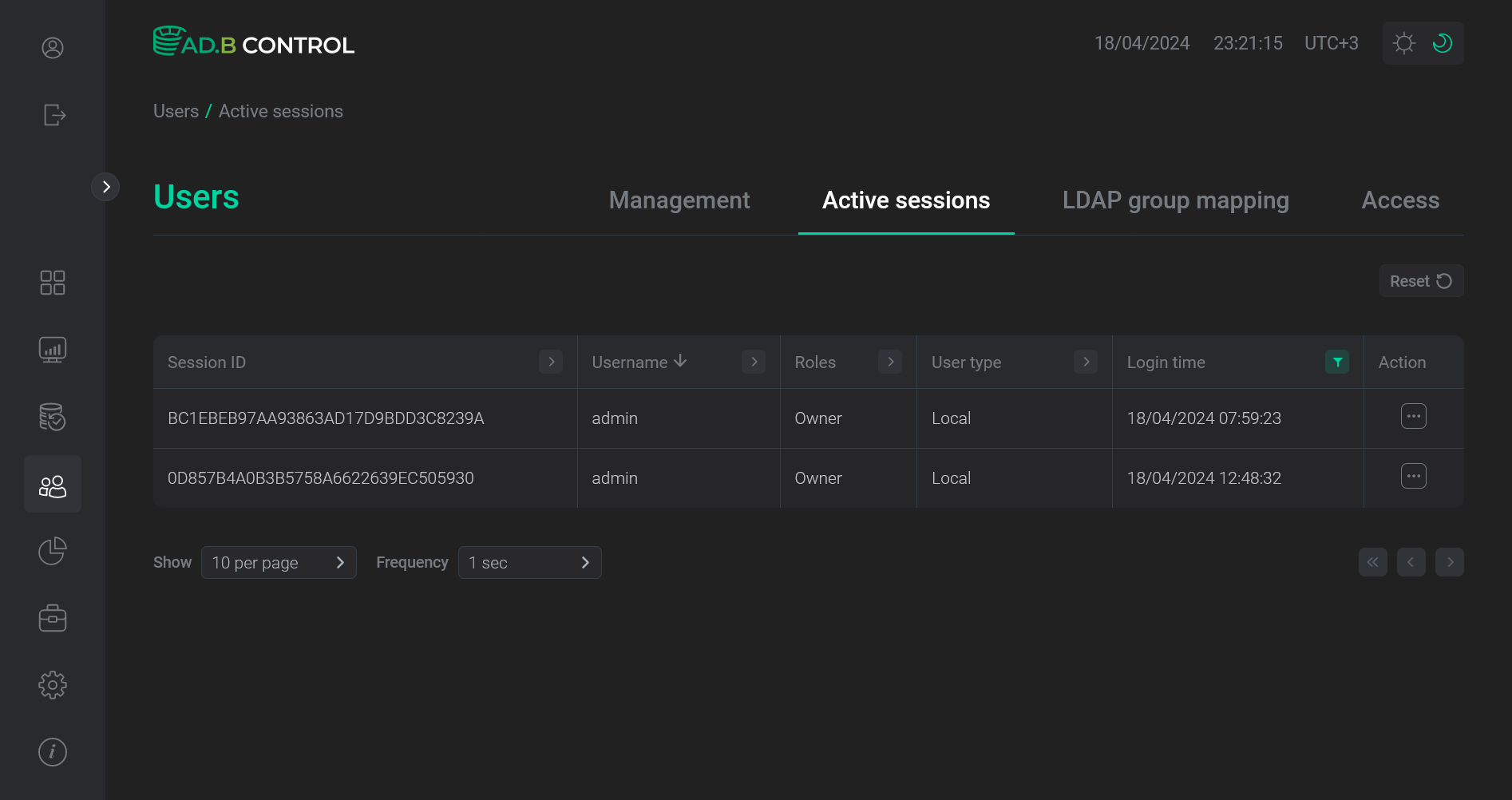
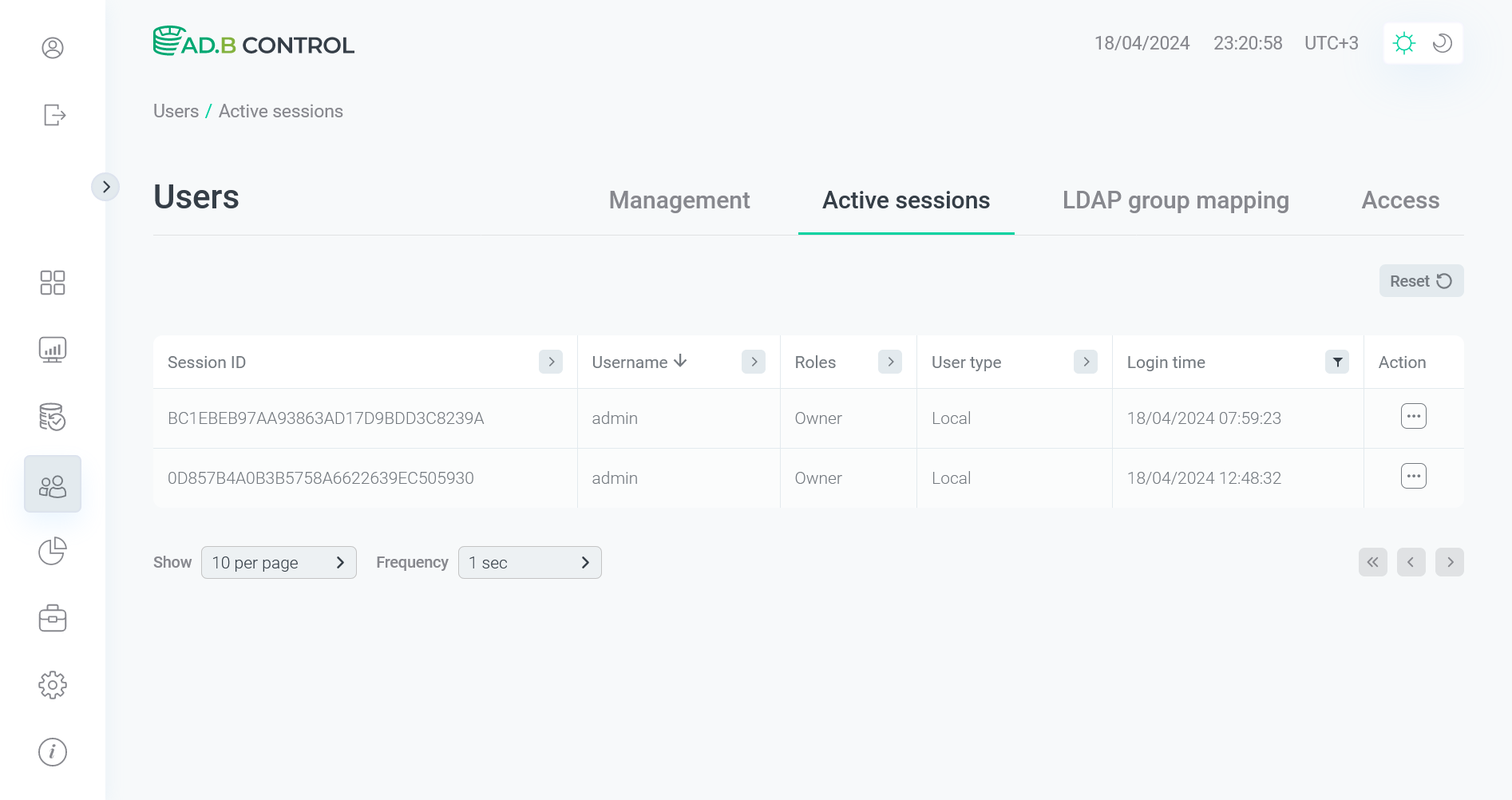
On the Users → Active sessions tab, there is a table with the following information on sessions.
| Field | Description |
|---|---|
Session ID |
A session identifier |
Username |
A name of the user who connected to ADB Control |
Roles |
A role of the user who connected to ADB Control |
User type |
A type of the user who connected to ADB Control. Possible values:
|
Login time |
A session start timestamp |
You can use column headers to filter and sort data in the table.
Terminate sessions
|
NOTE
Termination of user sessions is available for ADB Control users with appropriate permissions (see |
To terminate a session, click 
 in the Actions column on the Users → Active sessions tab.
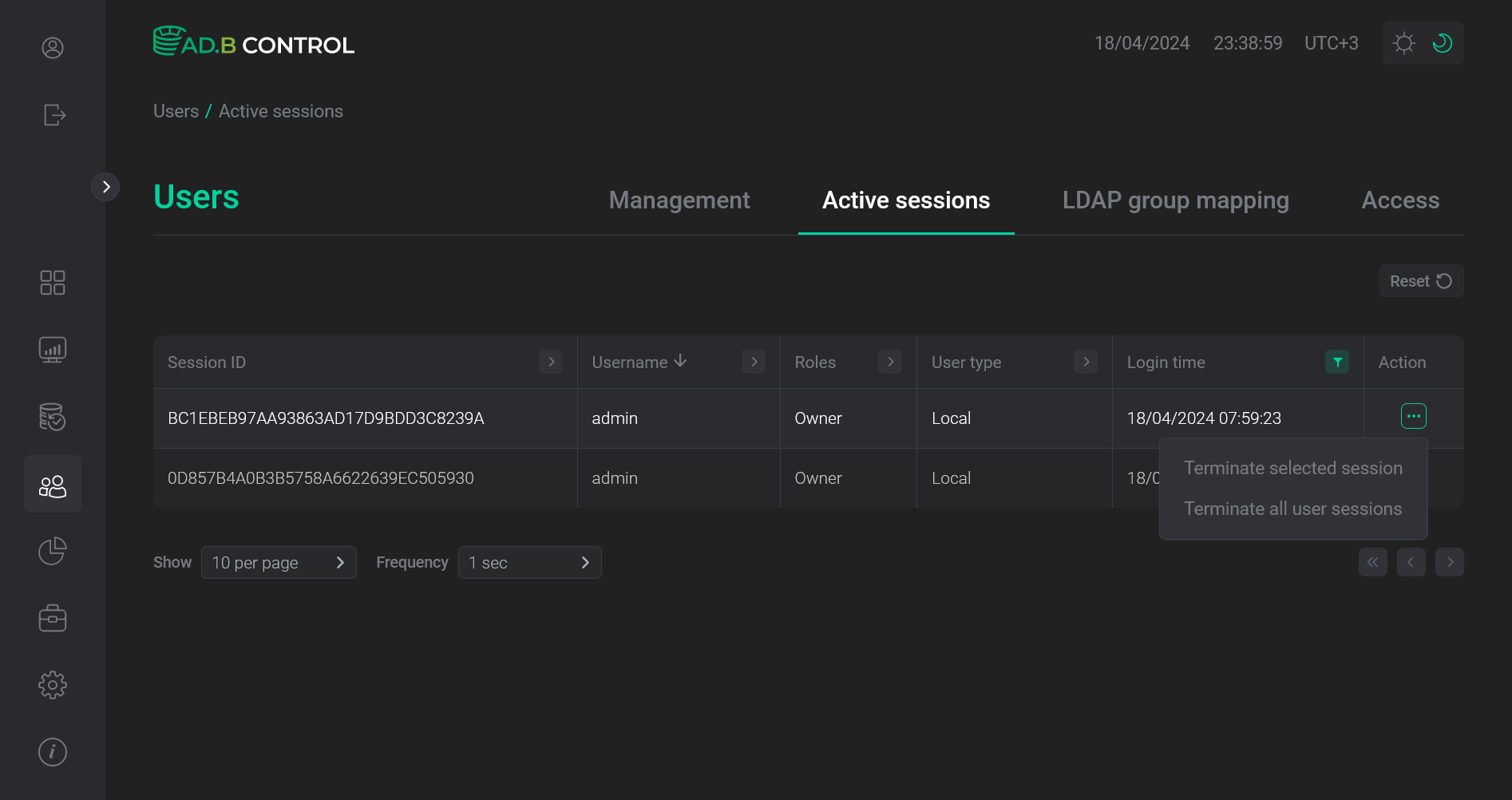
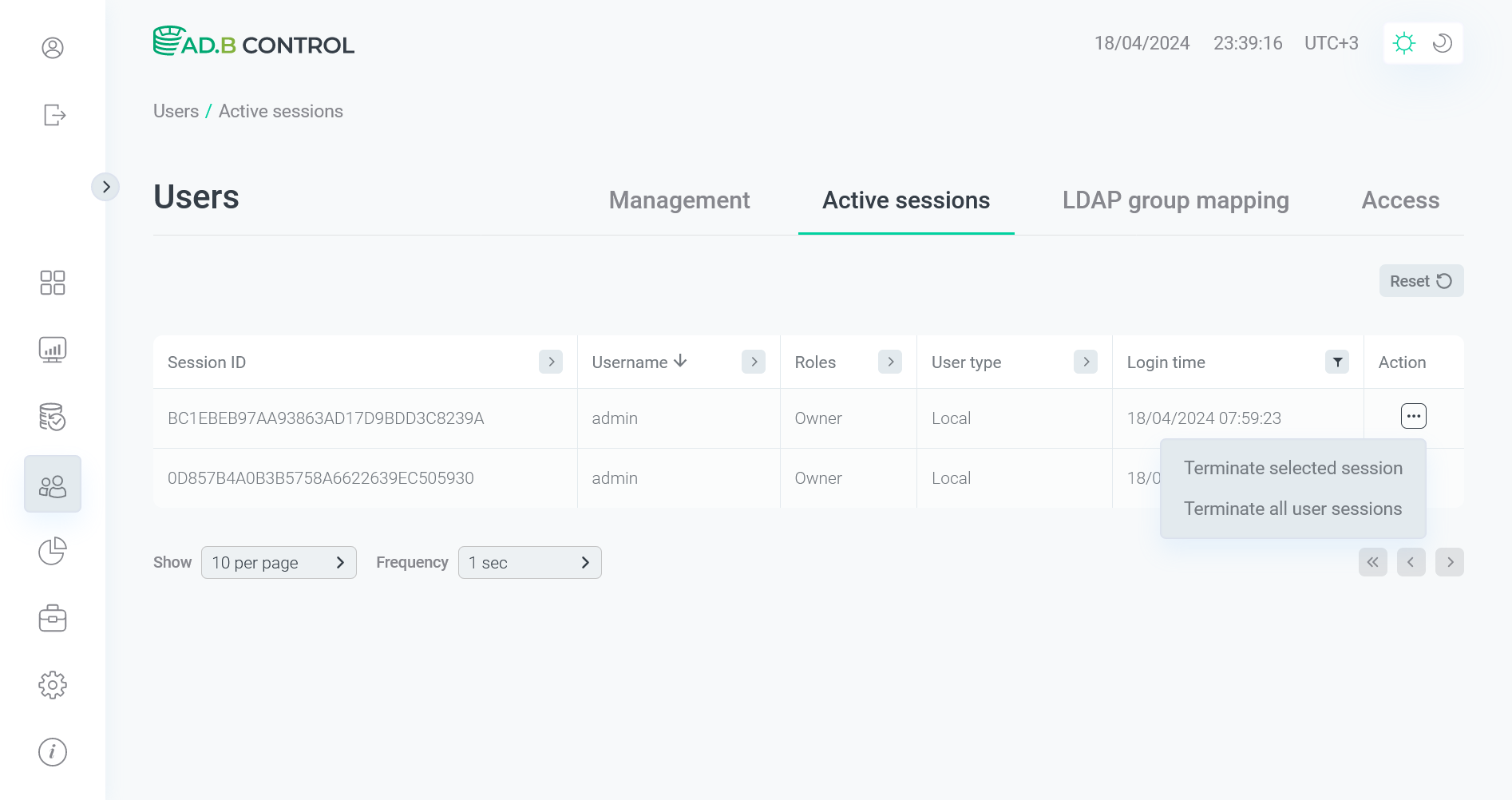
Select one of the options:
-
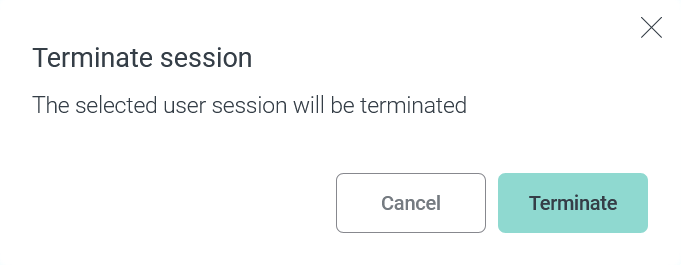
Terminate selected session — terminates only one selected session. To confirm the action, click Terminate in the window that opens.
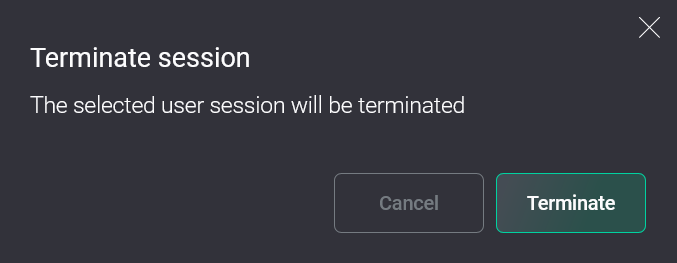 Confirm termination of one session
 Confirm termination of one session
 -
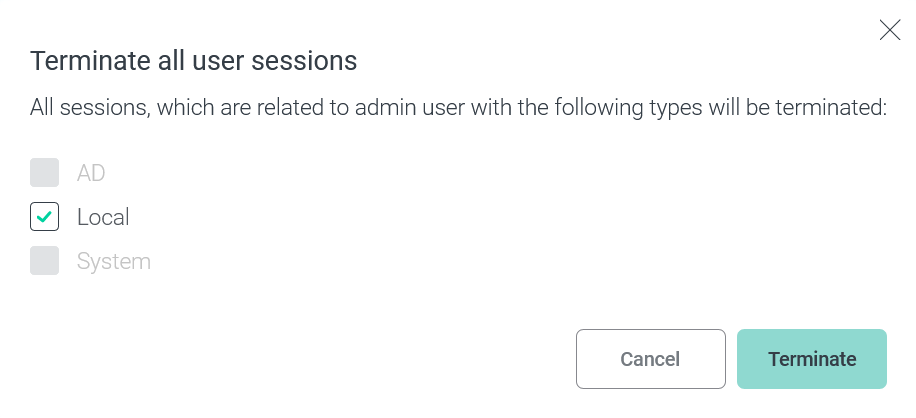
Terminate all user sessions — terminates all sessions of the user who started the selected session. In the window that opens, you can set the user type (see User type above). To confirm the action, click Terminate.
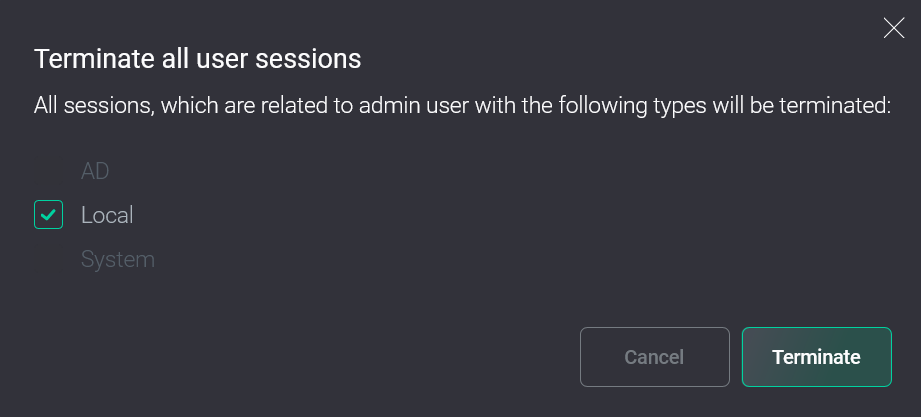 Confirm termination of several sessions
 Confirm termination of several sessions