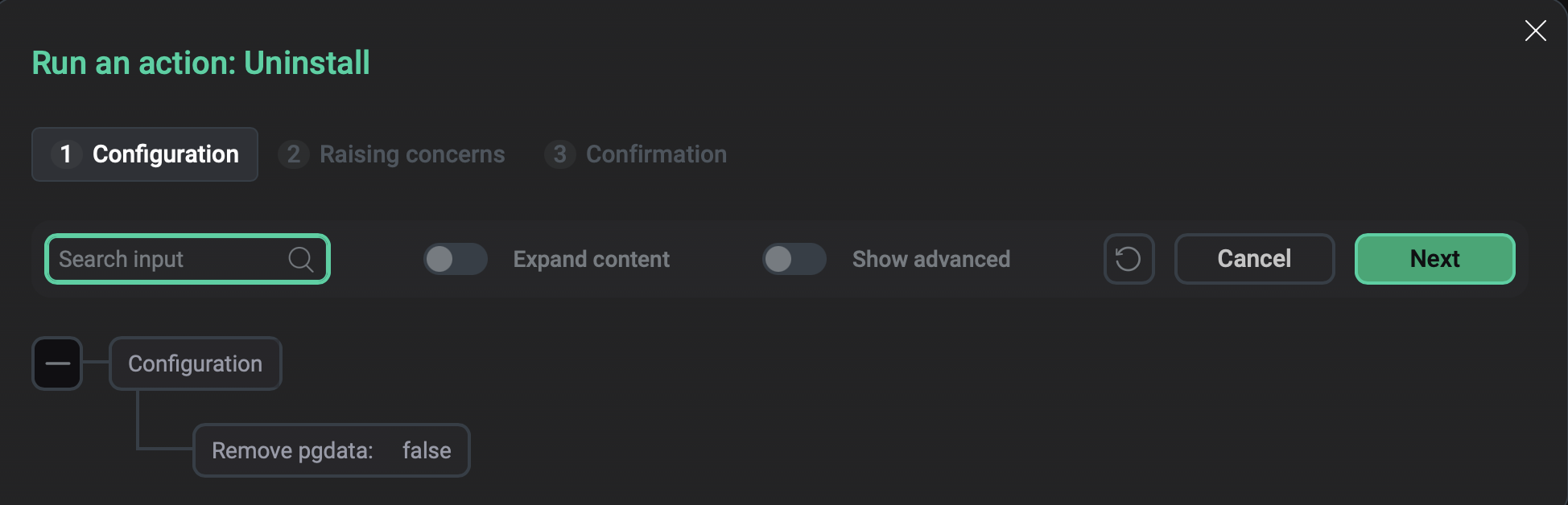

Database service actions
This article describes the actions available for the Database service in the ADCM web interface.
|
IMPORTANT
The full list of actions is available only when the service uses an internal PostgreSQL database (ADPG). When an external database is used, the following actions are available: Note that after changing the database type, you need to reinstall the Database service. Until then, the wrong actions are shown (for the previous database type). |
Install
Installs the Database service. This action is available only if a service has been added but not yet installed.
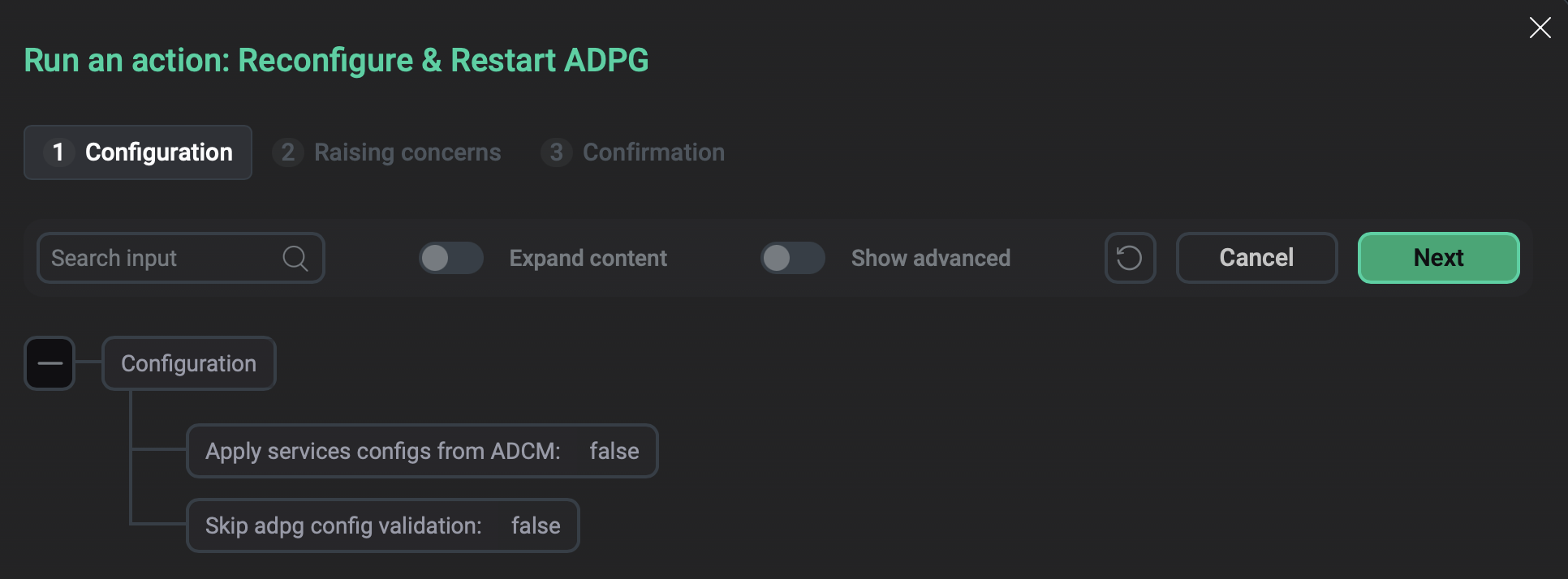
Reconfigure & Restart ADPG
Applies the current configuration to the service and restarts the service.
In the window that opens, select additional options:
-
Apply services configs from ADCM — use the flag to determine whether to apply the current service configuration (
true) or just restart the service (false). -
Skip adpg config validation — use the flag to skip ADPG configuration validation before applying it. The default value is
falsemeaning the validation is performed. If you use an external PostgreSQL instance, the validation is not performed.
Reload
Rereads the ADPG configuration files without restarting the service. The action is available only for the internal type of Database. The type is selected on the Database configuration page.