

PgBouncer service actions
This article describes the actions available for the PgBouncer service in the ADCM web interface.
Install
Installs the PgBouncer service. This action is available only if a service has been added but not yet installed.
|
IMPORTANT
Depending on where you install PgBouncer, the |
Add/Remove
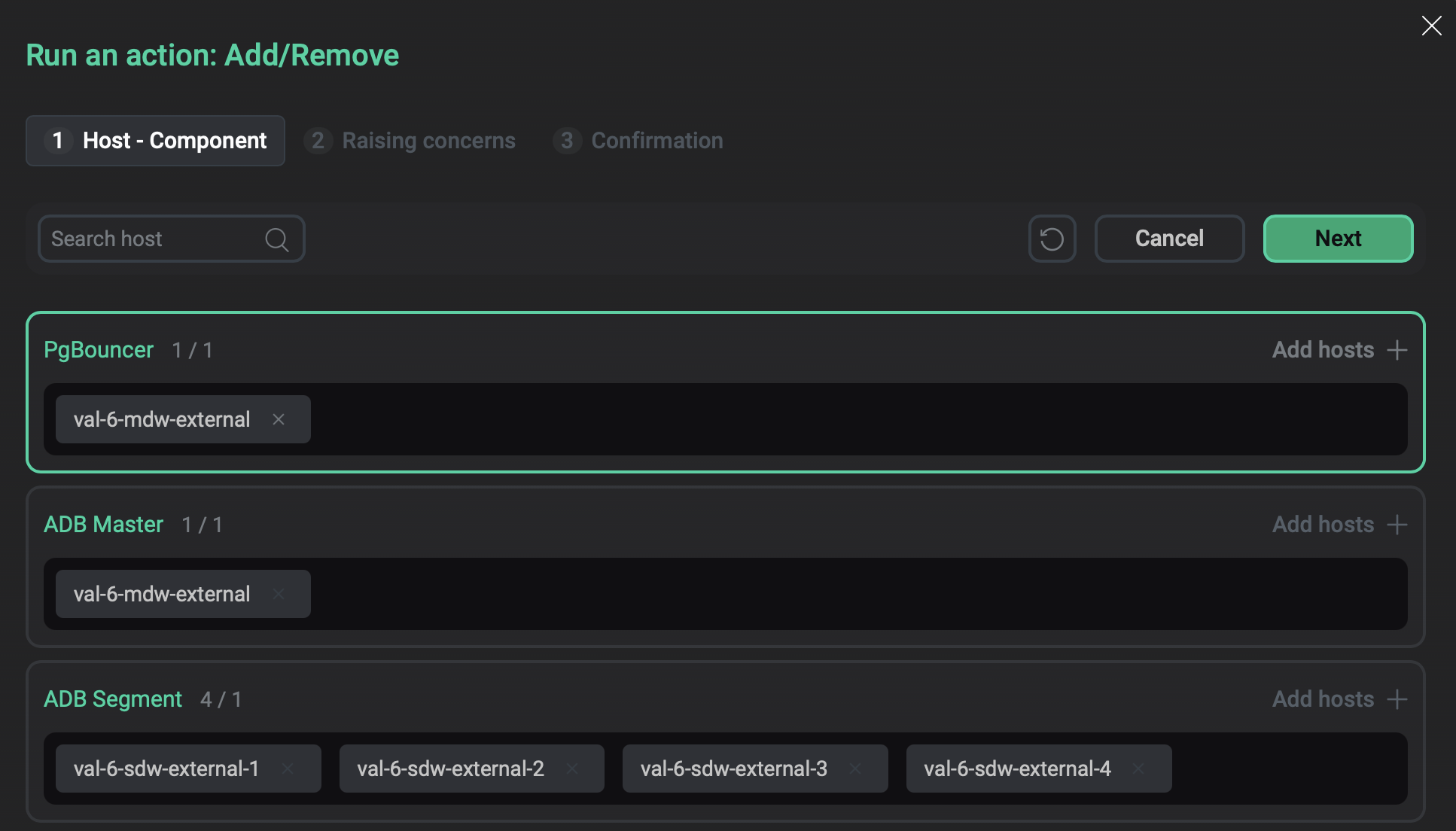
Opens the component-host mapping interface where you can add and remove PgBouncer on the selected hosts.
|
IMPORTANT
If PgBouncer is installed on the master host and you activate the standby master (using the Activate standby cluster action), then remove PgBouncer from the former master using the Add/Remove action. After completing this action, run the Reconfigure action of the PgBouncer service. |
Manage
Allows you to run PgBouncer commands from the ADCM web interface.
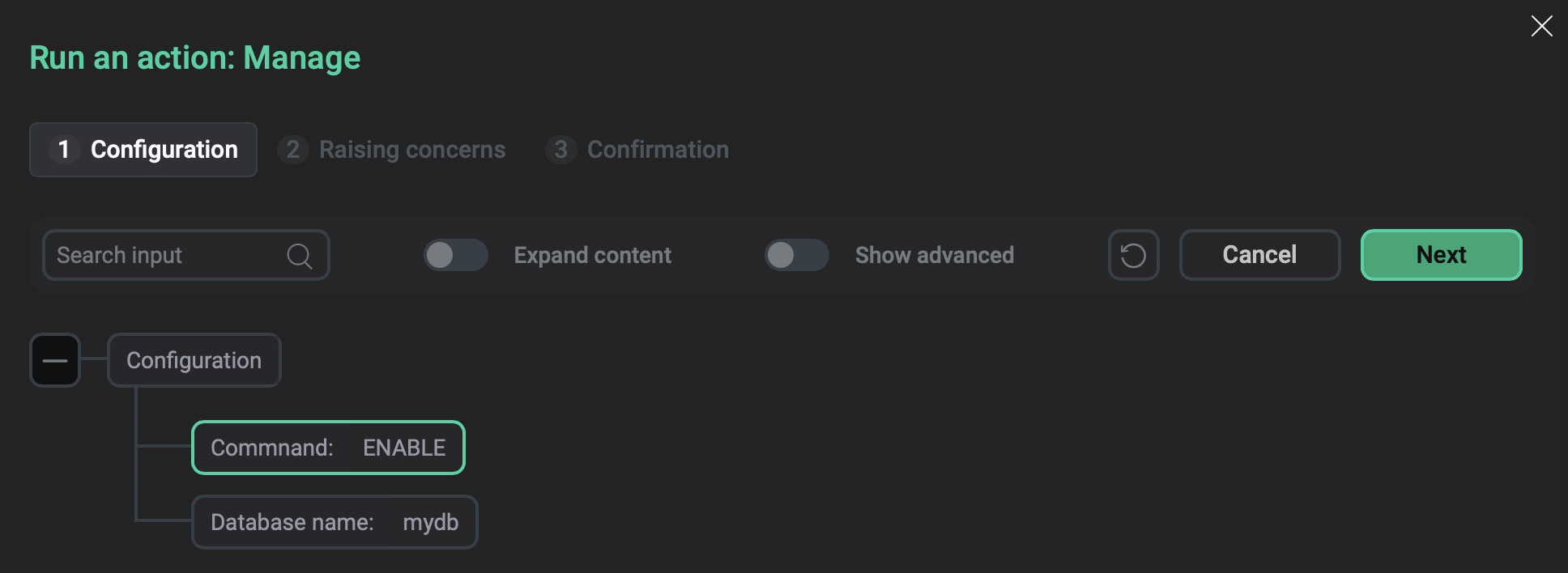
In the window that opens, configure the following parameters:
-
In the Command list, select a command to run.
-
In the Database name field, enter the name of a target database.
-
For
ENABLEandDISABLEcommands, specifying a database name is required; otherwise, the action will fail. -
For
PAUSE,RECONNECT,KILL,RESUME, andWAIT_CLOSE, specifying a database name is optional. If no database is provided, the command is executed on all databases. -
The
SUSPEND,SHUTDOWN, andRELOADcommands apply globally and do not accept a database name as an argument. If the database name is provided with these commands, the action will fail.
-
Reconfigure
Updates the service configuration according to the configuration settings.
During the Reconfigure action, after updating the configuration files, the PgBouncer RELOAD command is executed to apply the settings. The settings will be applied to new connections. Existing connections with the previous parameters will be closed when they are released (according to the pooling mode as defined by the Pool mode parameter in the PgBouncer configuration settings).
The PgBouncer configuration files are stored in /etc/pgbouncer on the host where PgBouncer is installed.