

Cluster
Cluster is a set of services running on the set of hosts. ADCM allows you to create a lot of clusters with different configurations and different service distributions.
A single cluster allows only a certain set of services. For example, if you create a Hadoop cluster using a Hadoop bundle, there will be no way to install services from an ADB cluster created using an ADB bundle.
You can see the list of clusters on the Clusters page.
The Clusters page supports two view modes:
-
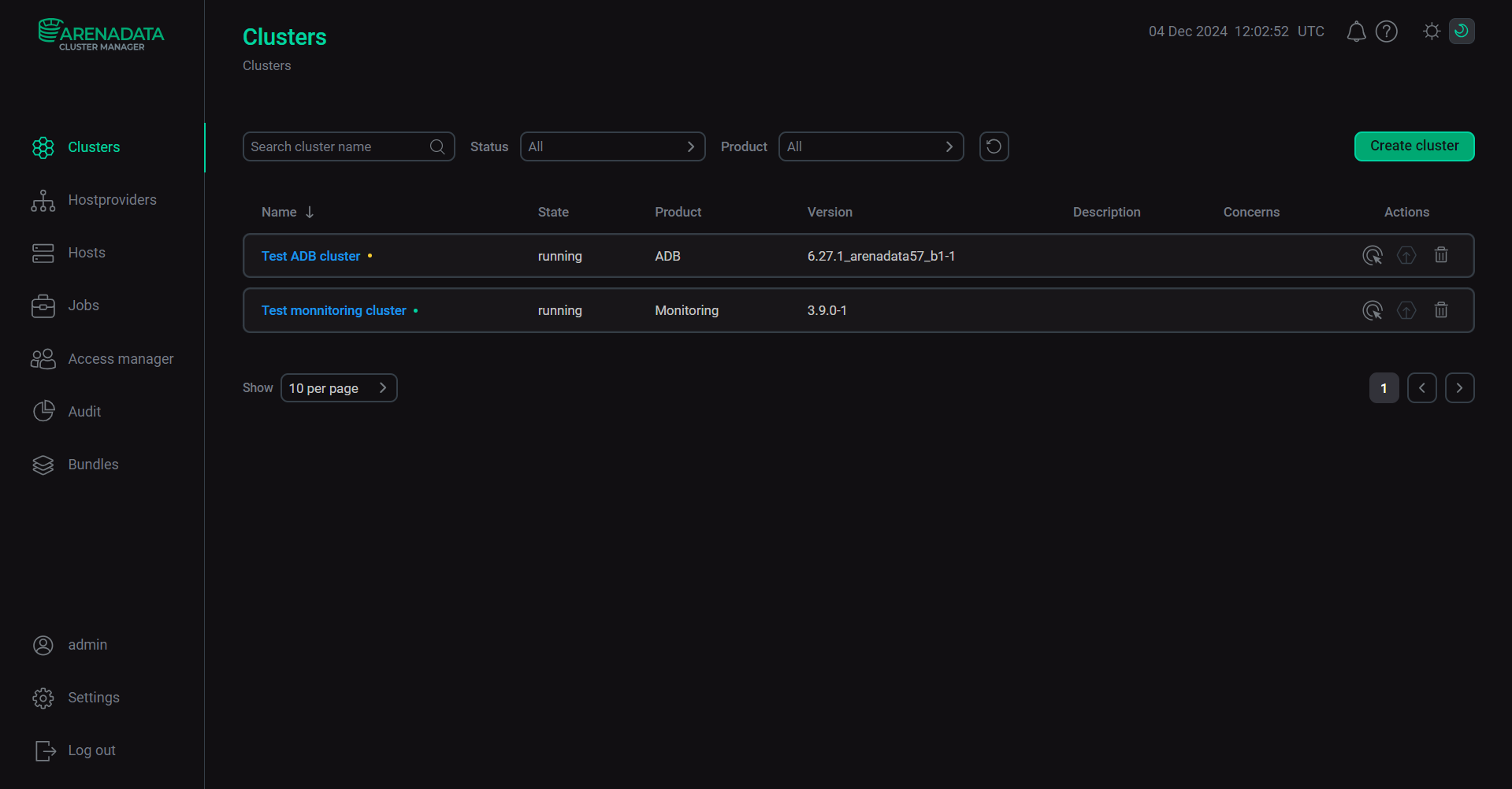
Table view — displays clusters in a table with the following columns: Name, State, Product, Version, Description, Concerns, and Operations.
-
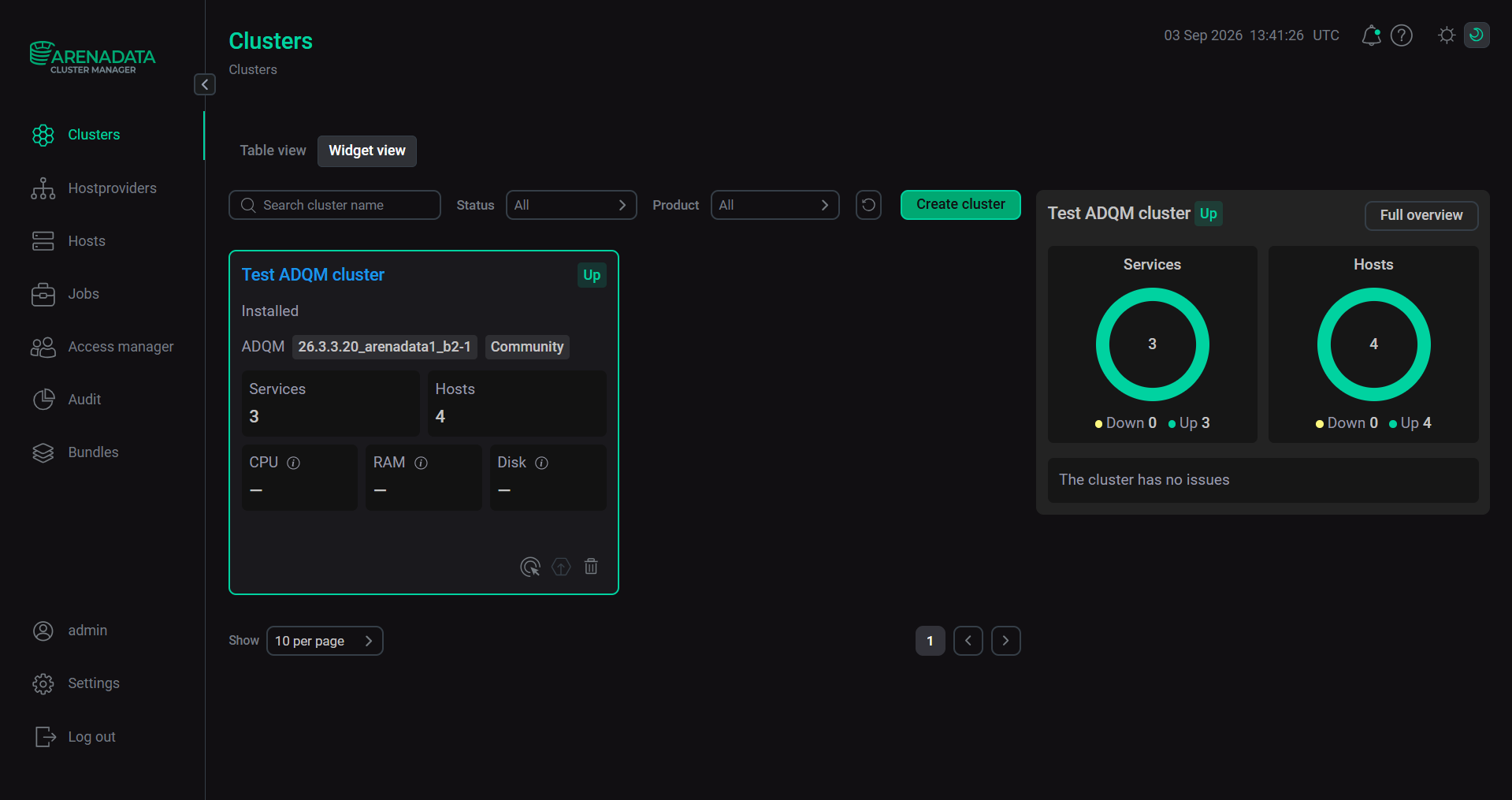
Widget view — displays each cluster as a widget that contains cluster information, including the number of services and hosts, as well as resource usage (CPU, RAM, Disk).
To switch between the modes, use the Table view and Widget view buttons at the top of the page.
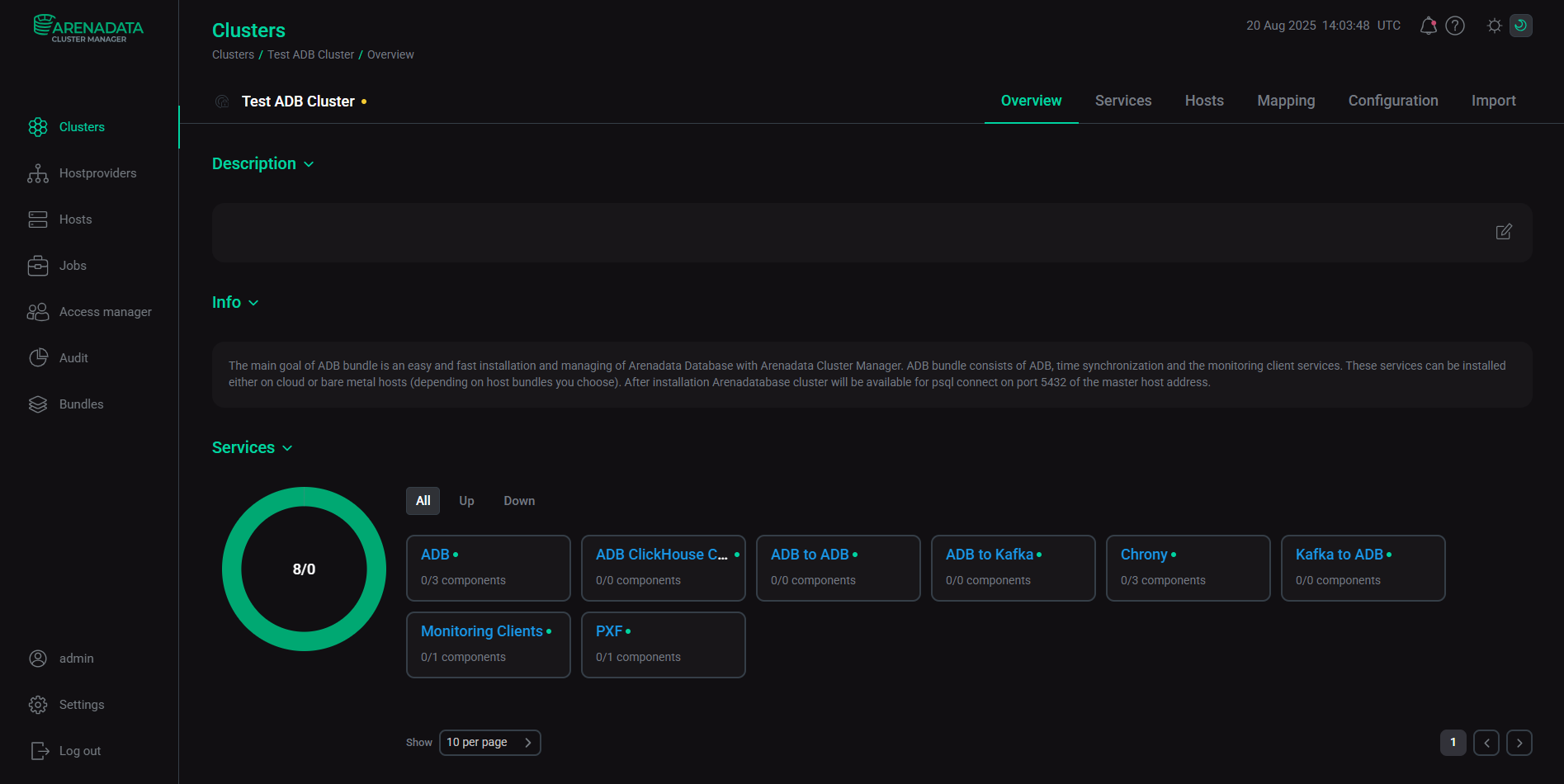
You can see the detailed information about a cluster on the Overview tab of the cluster page.
For detailed information about work with clusters in the ADCM UI, see Overview of the Clusters tab in the ADCM UI.