

Manage SSL
The Manage SSL action allows you to control the SSL encryption of all services in the ADO cluster. For additional information on SSL settings, see Requirements for SSL certificates.
To run an action, go to the Clusters page, click 
 in the Actions column, and select the action from the drop-down list that appears.
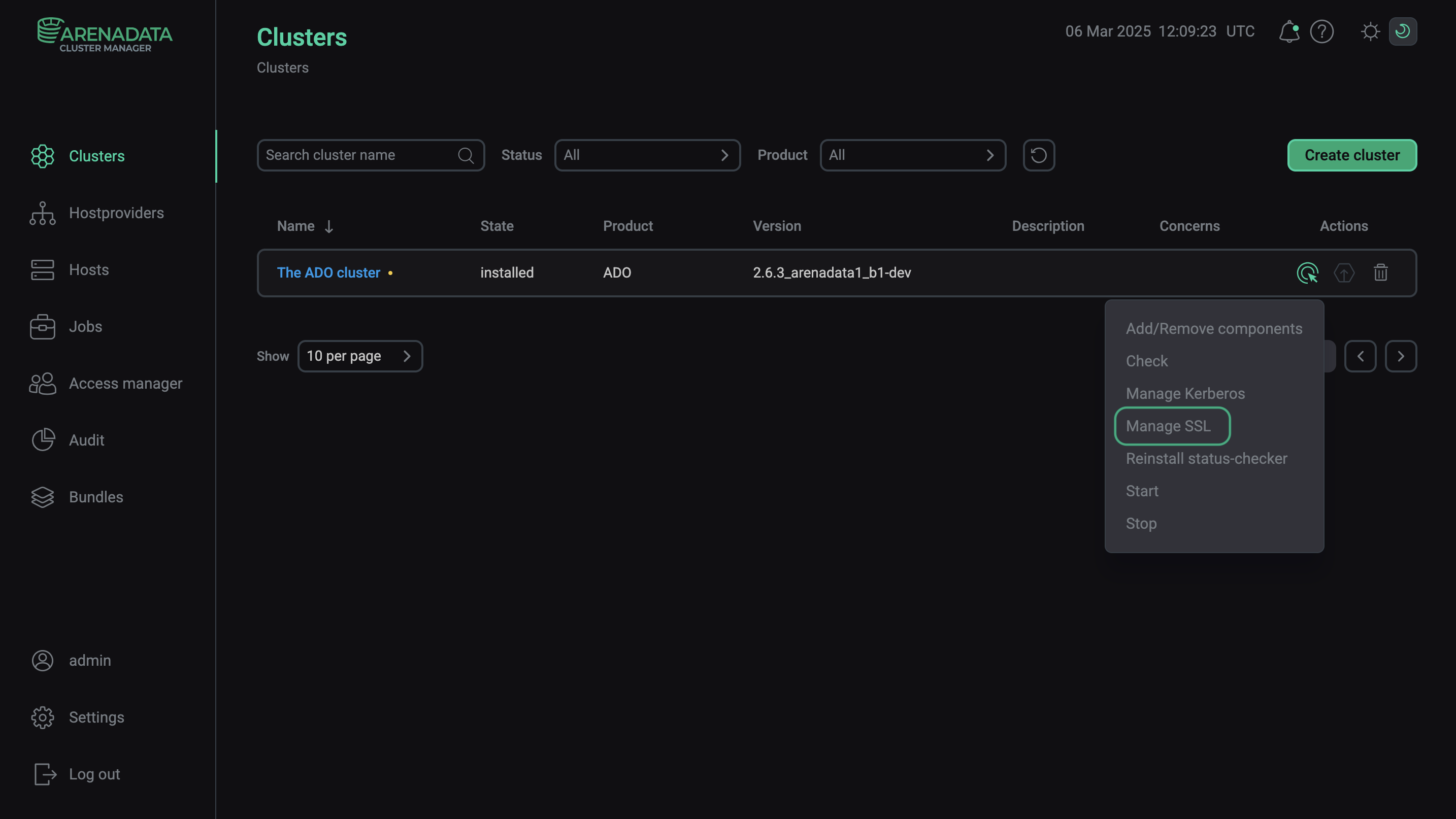
When you choose the action, ADCM displays a dialog window where you can specify SSL settings listed in the table below.
| Parameter | Description | Default value |
|---|---|---|
Web server SSL cert |
The path to the web server SSL certificate |
/etc/ssl/certs/host_cert.cert |
Web server SSL key |
The path to the web server SSL key |
/etc/ssl/host_cert.key |
Run service checks |
Runs the service checks after the setting change |
True |
force |
Defines whether current SSL parameters should be overwritten with the specified values |
False |
To enable SSL, run the action with the Enable SSL parameter group active and the parameters filled in.
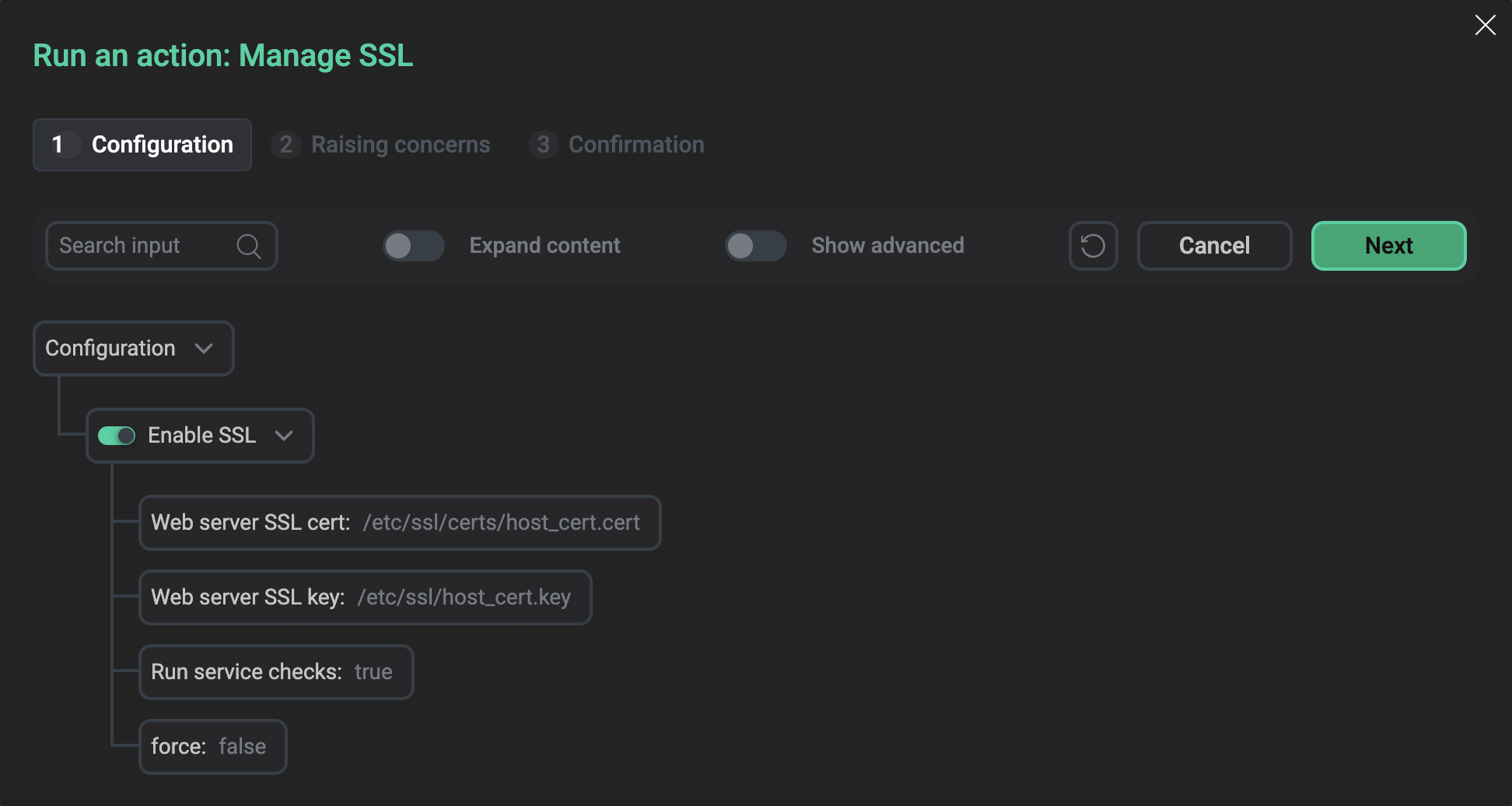
After you specify the parameters, click Run. In the action confirmation window that appears, you can select the Verbose checkbox to see additional execution details.
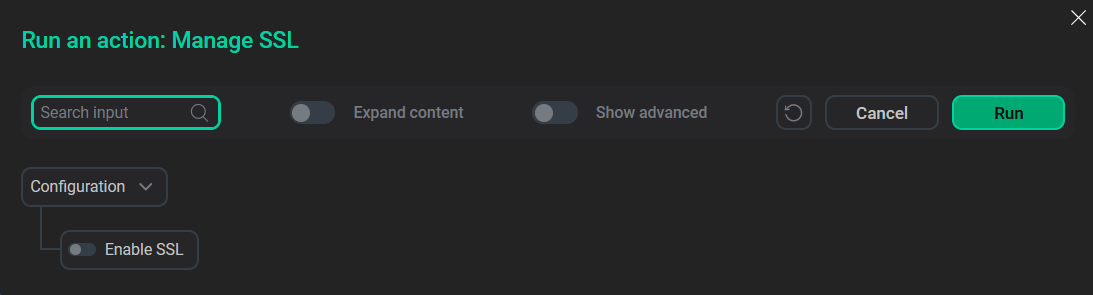
To disable SSL, run the Manage SSL action with the Enable SSL parameter group inactive.
During the execution of the Manage SSL action, ADCM stops all services one by one, reconfigures them to enable or disable SSL encryption, then starts the services and checks them.