

Add/Remove components
The Add/Remove components action opens the component-host mapping interface where you can add, remove, and distribute service components.
To run an action, go to the Clusters page, click 
 in the Actions column, and select the action from the drop-down list that appears.
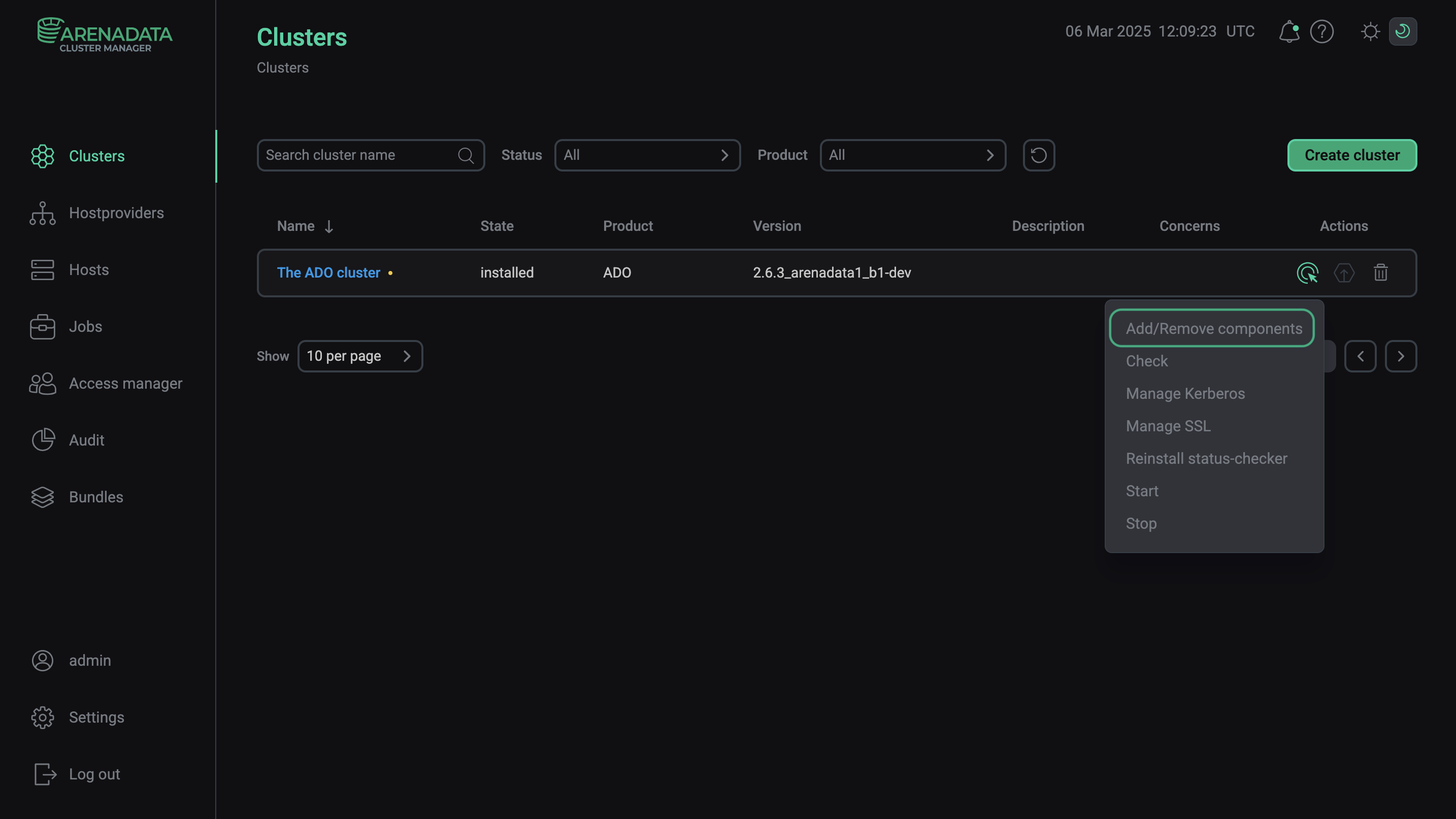
Execute the Add/Remove components action
The dialog window of the Add/Remove components action contains the Run service checks option that determines whether to run the Check action for services after adding or removing components.
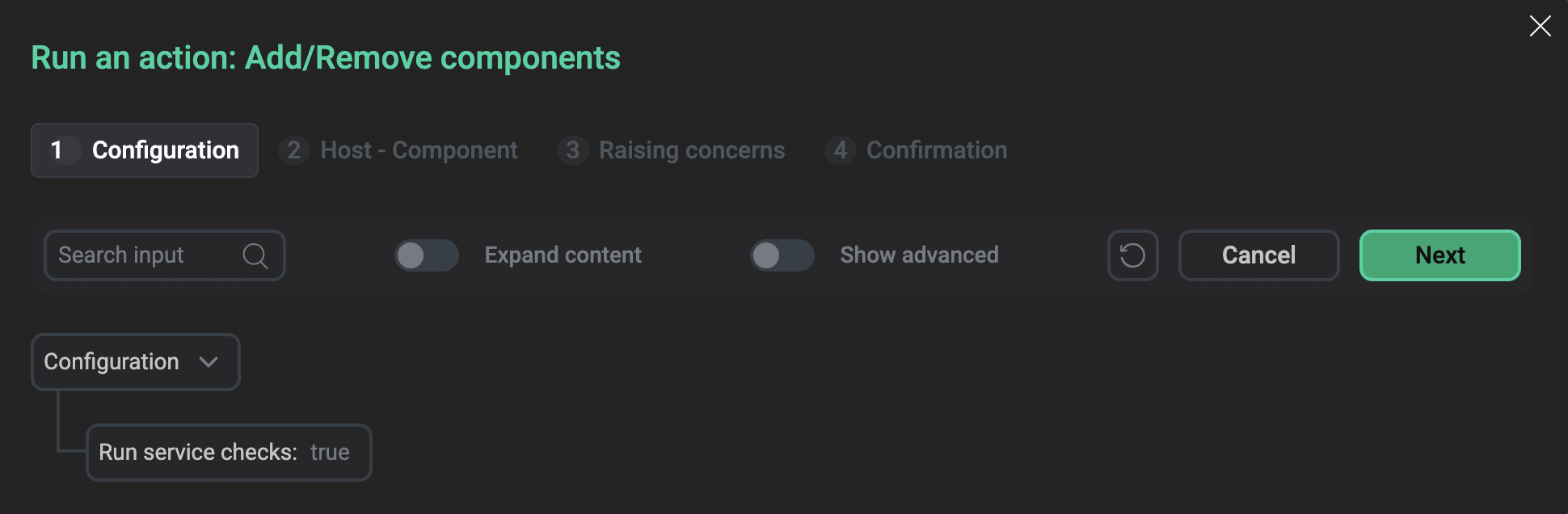
The Run an action window
Alternatively, you can use the Add/Remove components action of a particular service to manually change the number of components.