

Stop
The Stop action stops all the services installed in the ADO cluster in the correct order.
To run an action, go to the Clusters page, click 
 in the Actions column, and select the action from the drop-down list that appears.
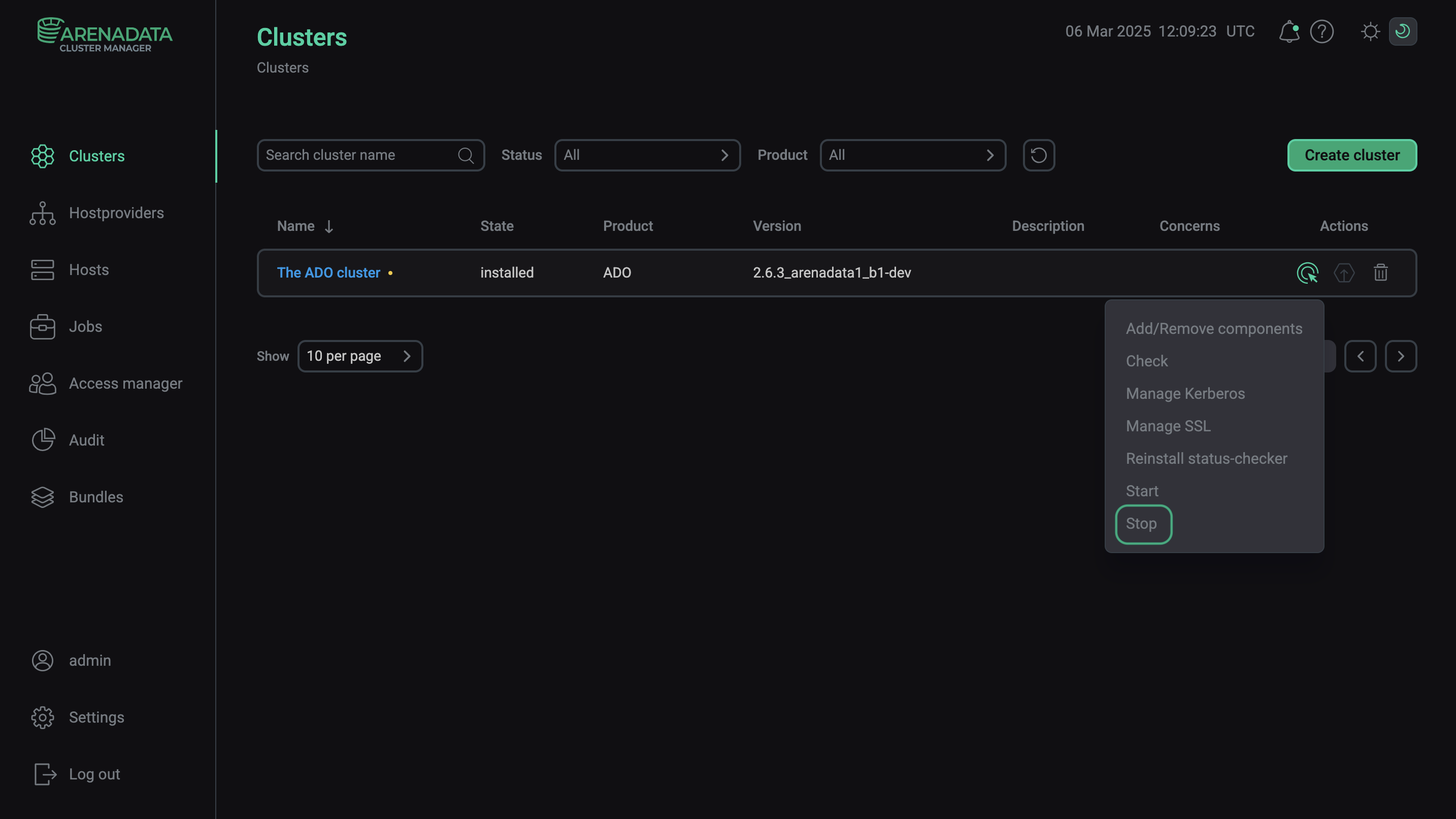
Execute the "Stop" action
Alternatively, you can use the Stop service action of a particular service to manually stop only required services or the entire cluster.