

Check
The Check action verifies whether ADO services work correctly. It sequentially runs service-specific tests for each service to check the health of the service and its components.
To run an action, go to the Clusters page, click 
 in the Actions column, and select the action from the drop-down list that appears.
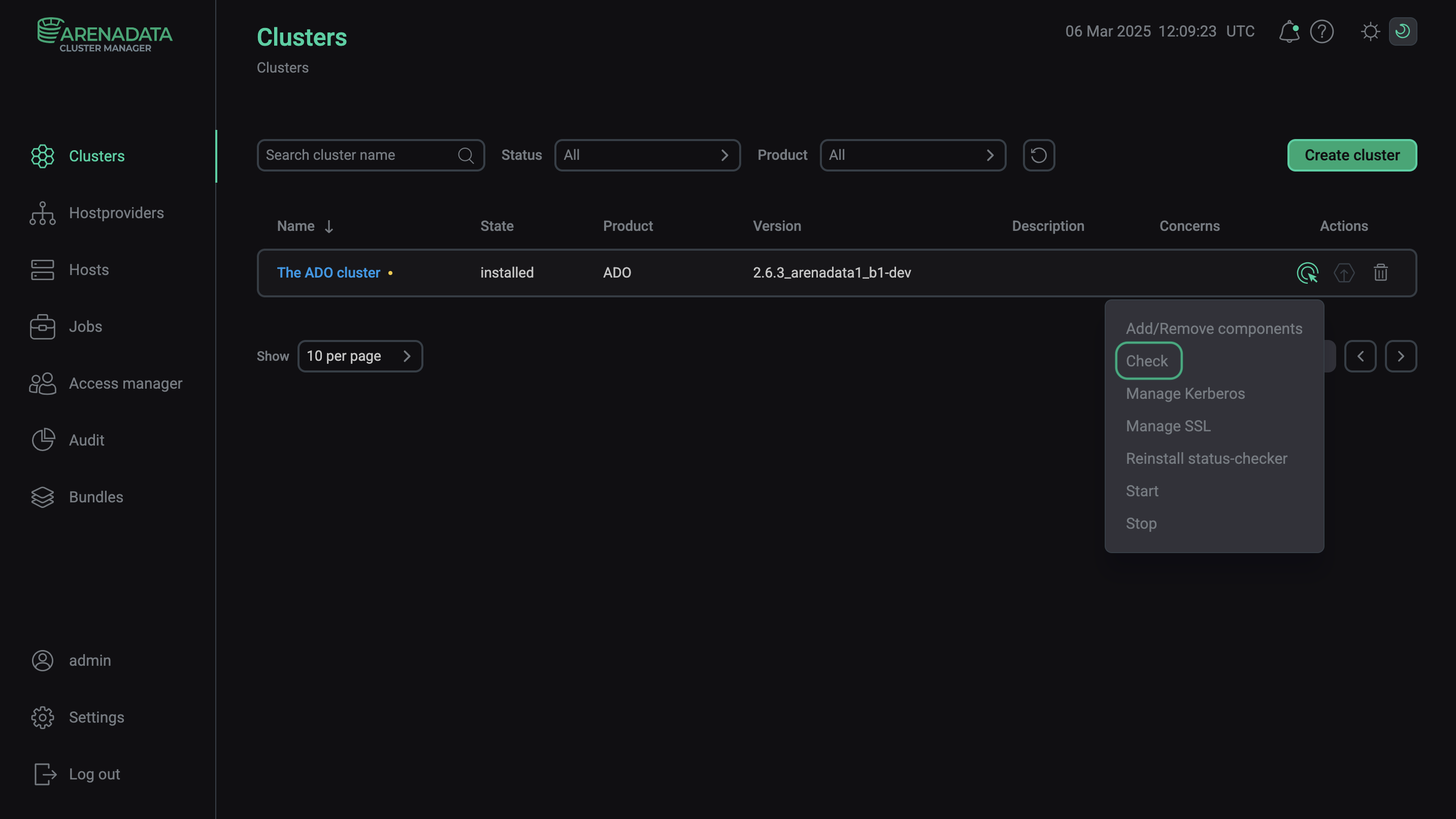
Execute the Check action