

Reinstall status-checker
The Reinstall status-checker action reinstalls status-checker for all services one by one.
To run an action, go to the Clusters page, click 
 in the Actions column, and select the action from the drop-down list that appears.
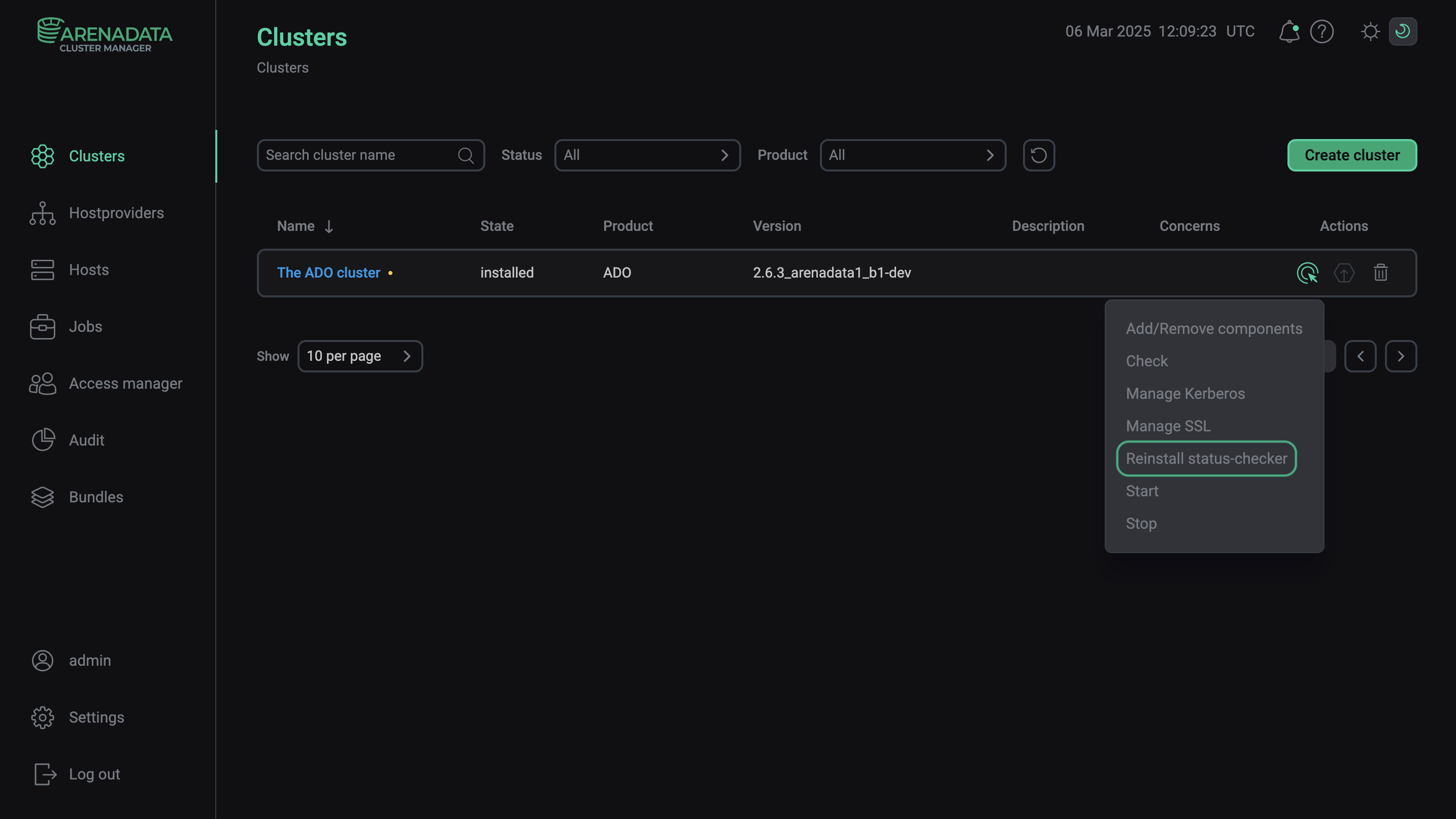
Execute the "Reinstall status-checker" action