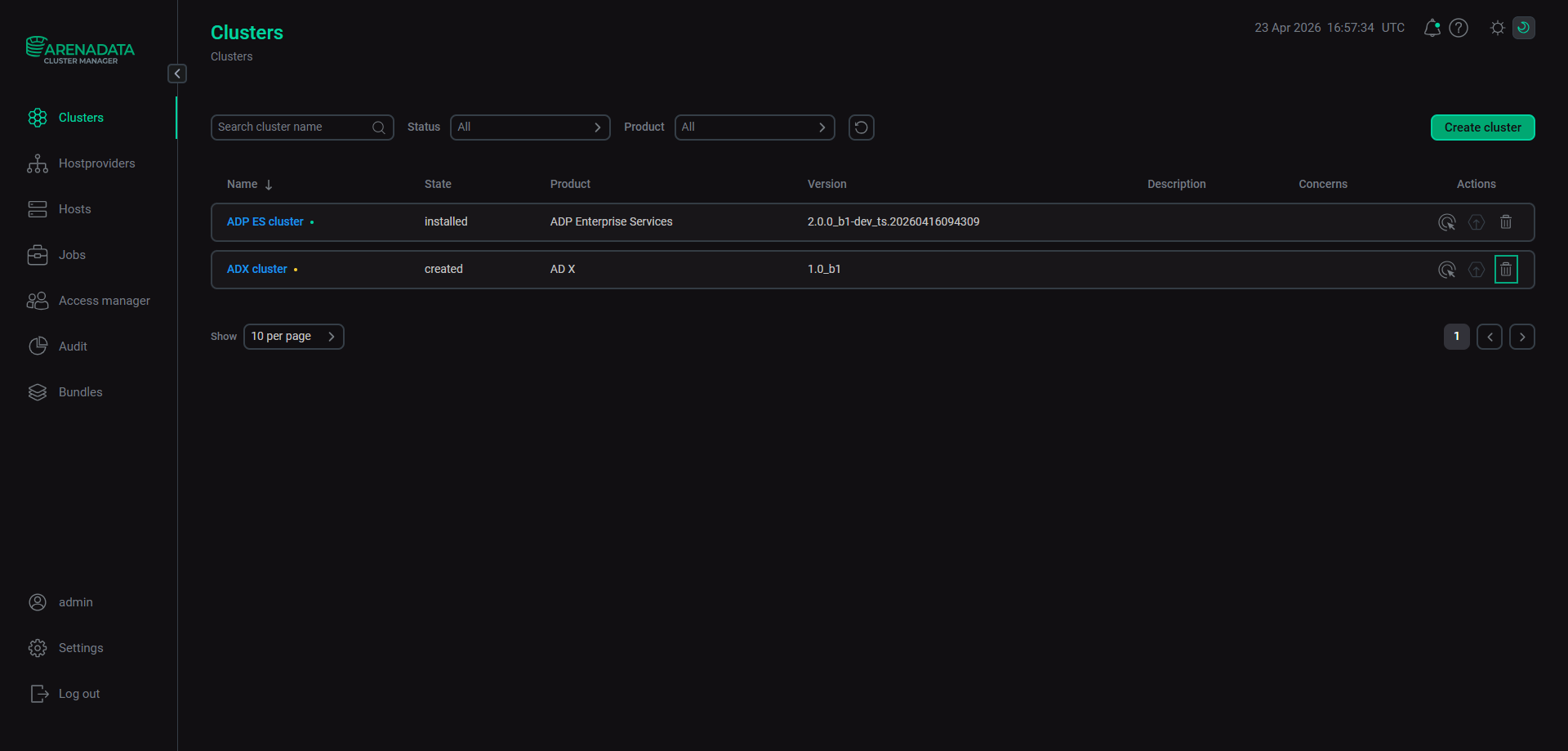

Remove an Arenadata X cluster
Contents
If you need to remove an Arenadata X (ADX) cluster, follow the steps below.
Step 1. Delete the Monitoring service
-
Run the Add/Remove components action of the Monitoring service.
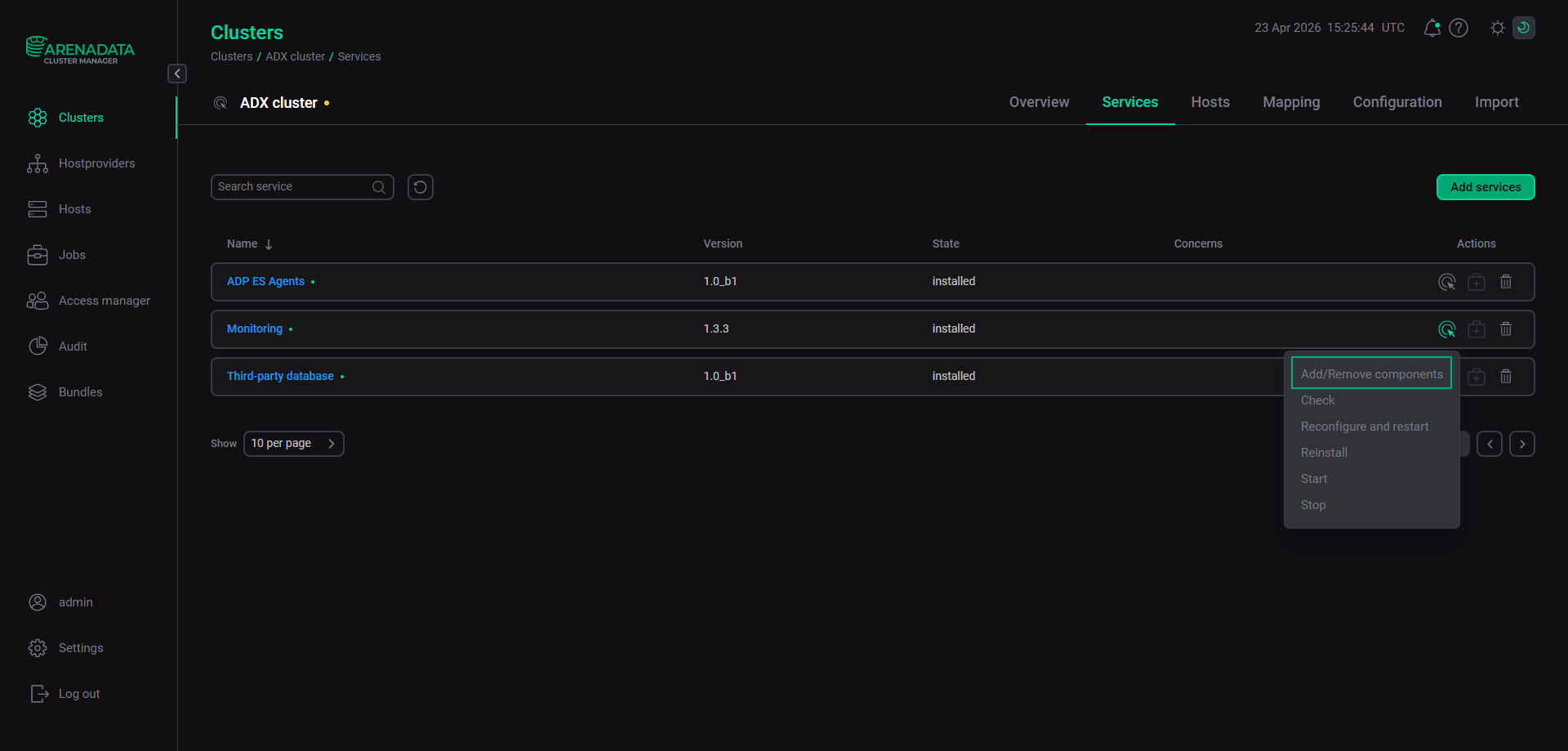 Run the "Add/Remove components" action
On the Host-Component tab, remove hosts from components of the Monitoring service.
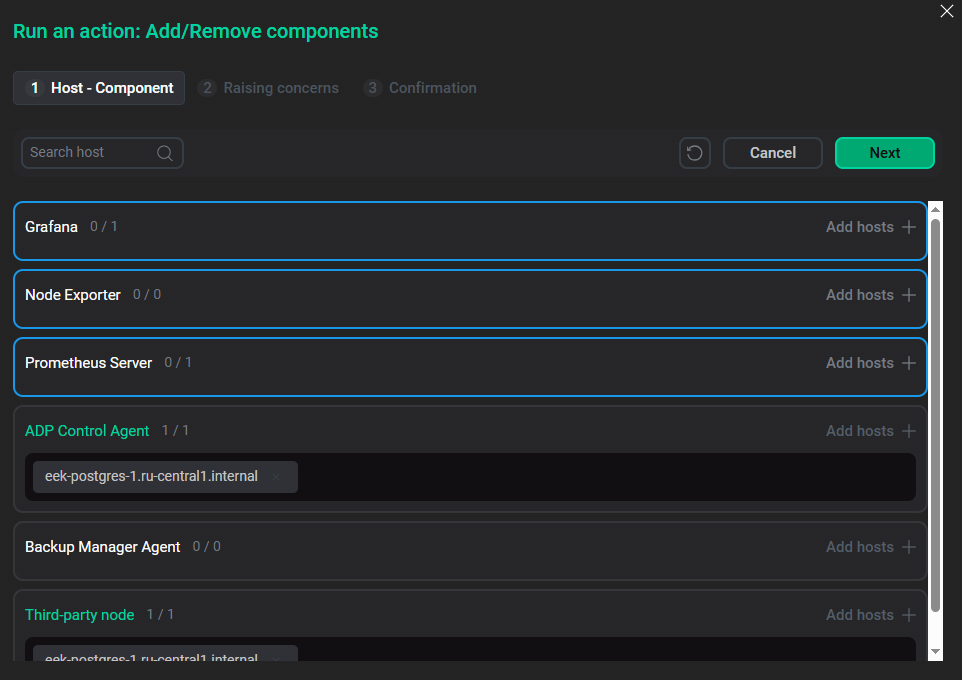 The result of removing hosts
Click Next twice to switch tabs of the Run the action: Add/Remove components window. Then, on the last tab, click Run to execute the action.
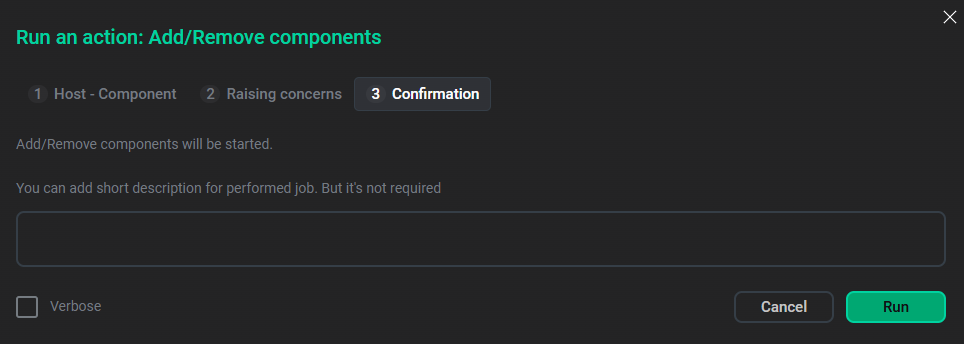 Confirm the "Add/Remove components" action
 -
On the Services tab, in the Actions column, click
 to delete the Monitoring service.
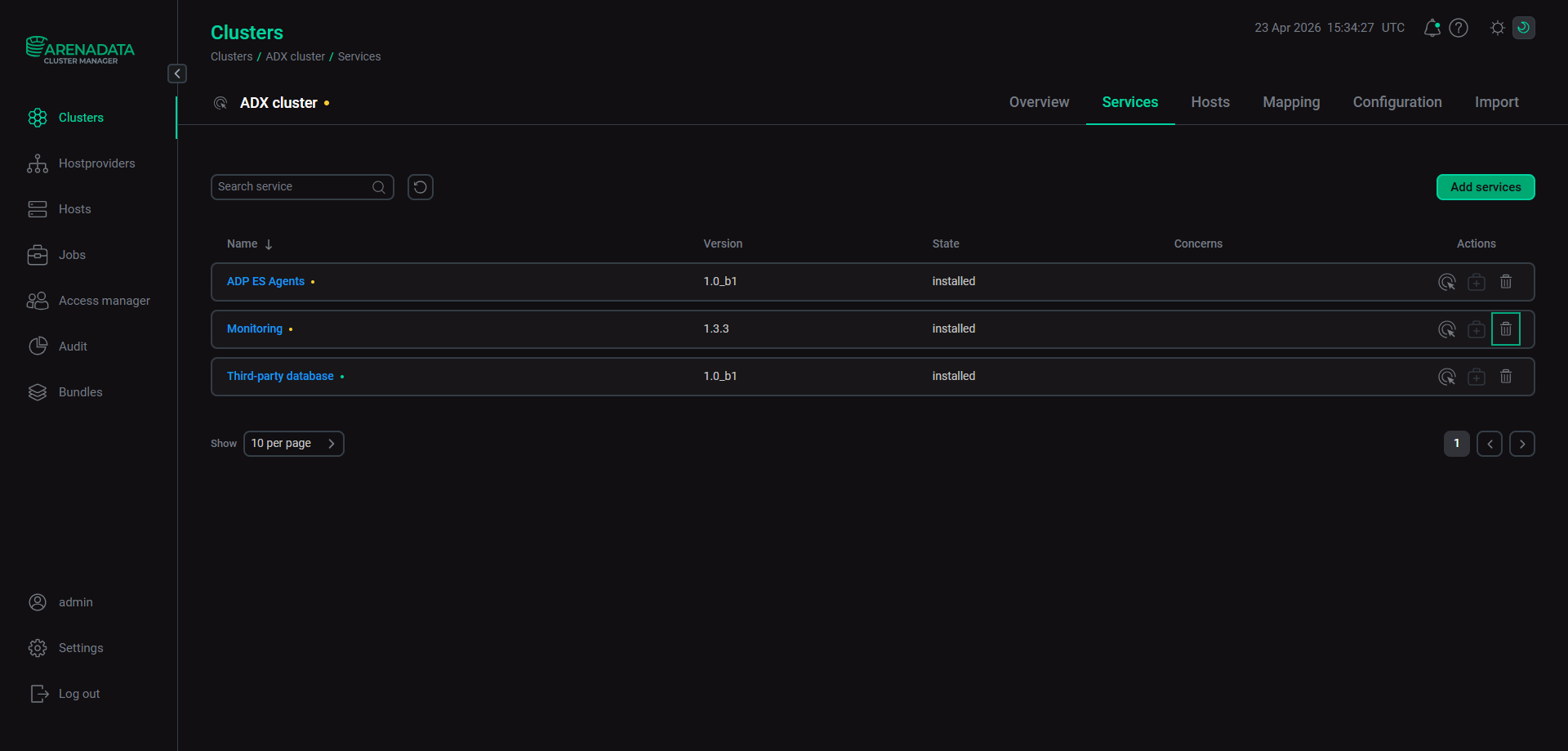 Delete the "Monitoring" service
Step 2. Delete the ADP ES Agents service
-
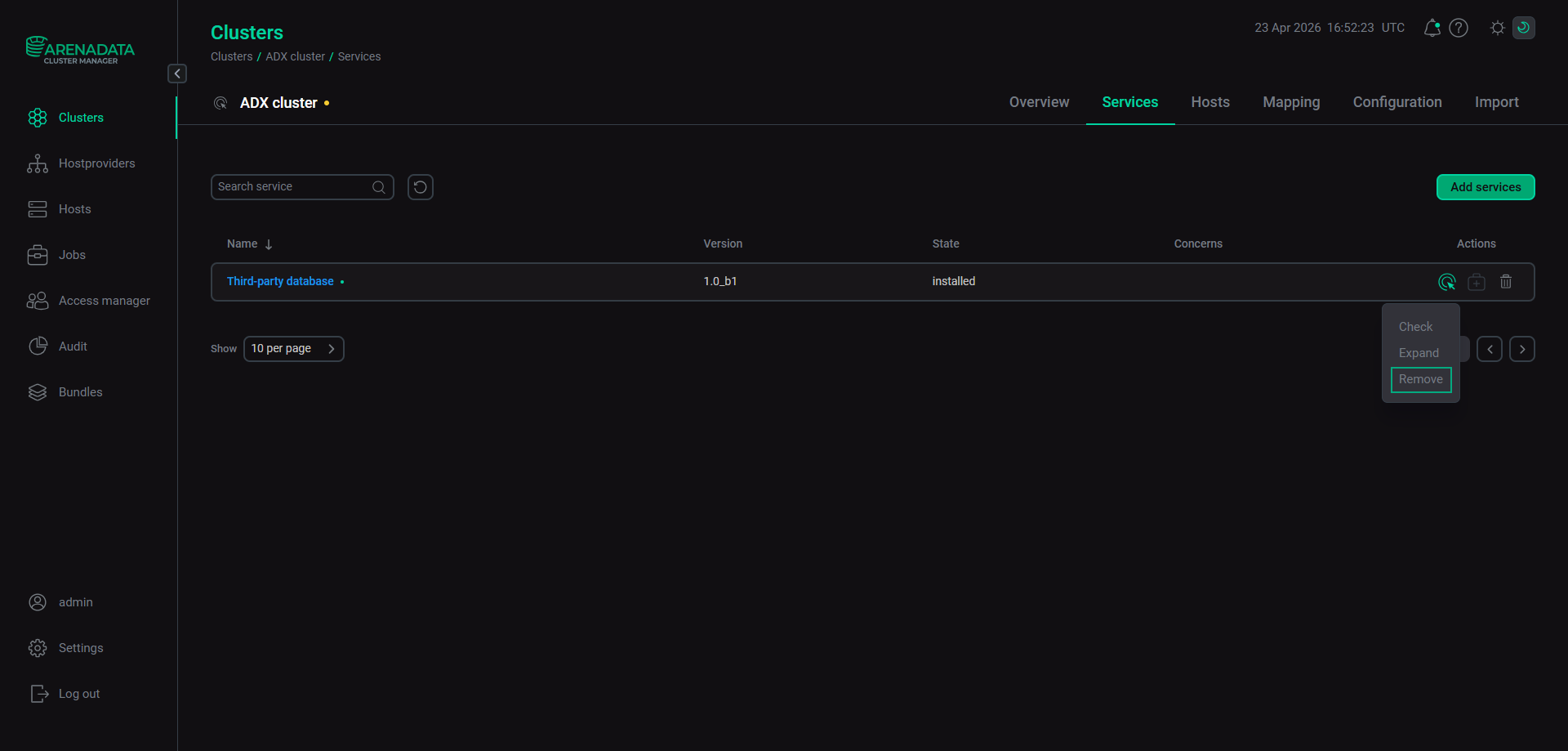
On the Services tab, run the Uninstall action of the ADP ES Agents service.
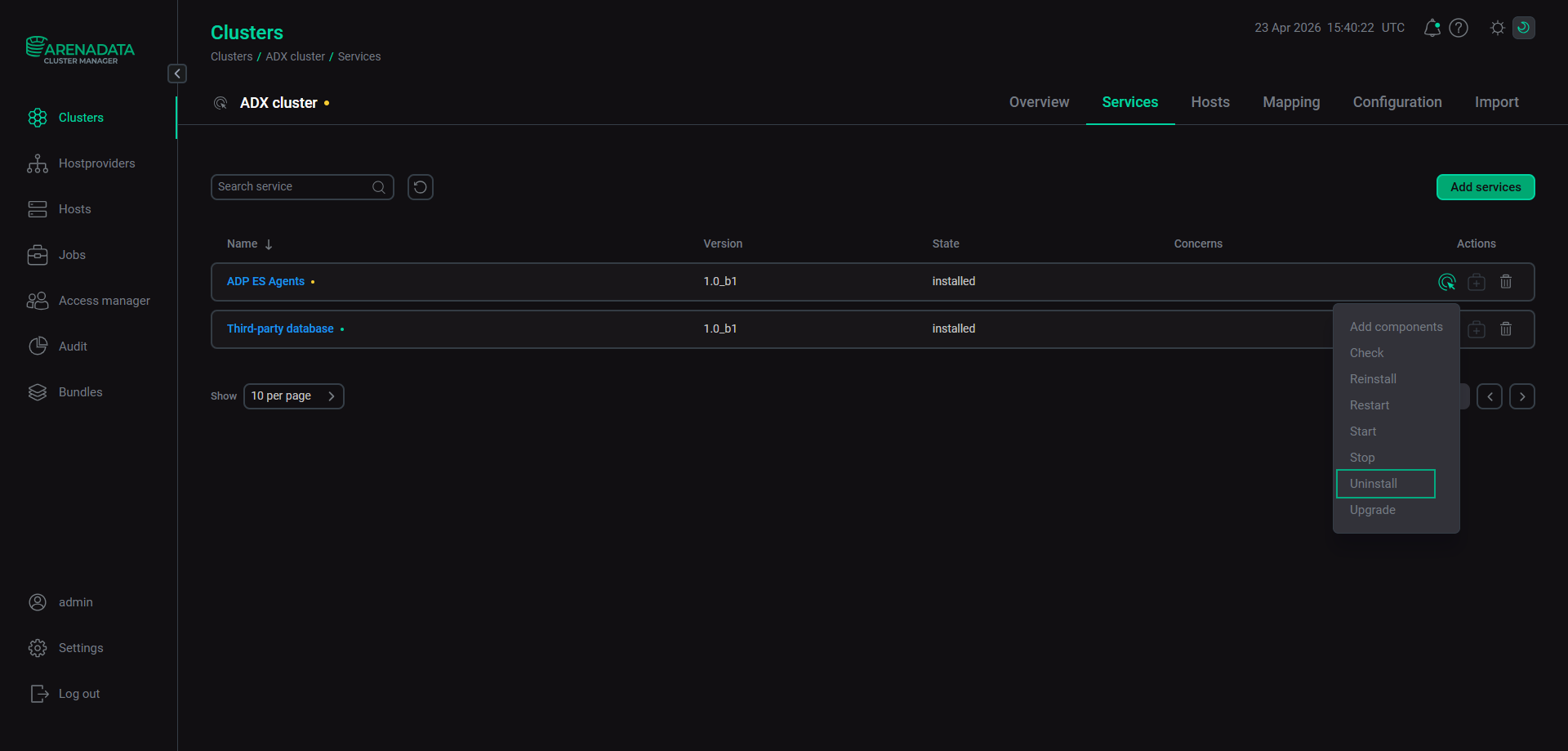 Run the "Uninstall" action
 -
Click
in the Actions column to delete the ADP ES Agents service.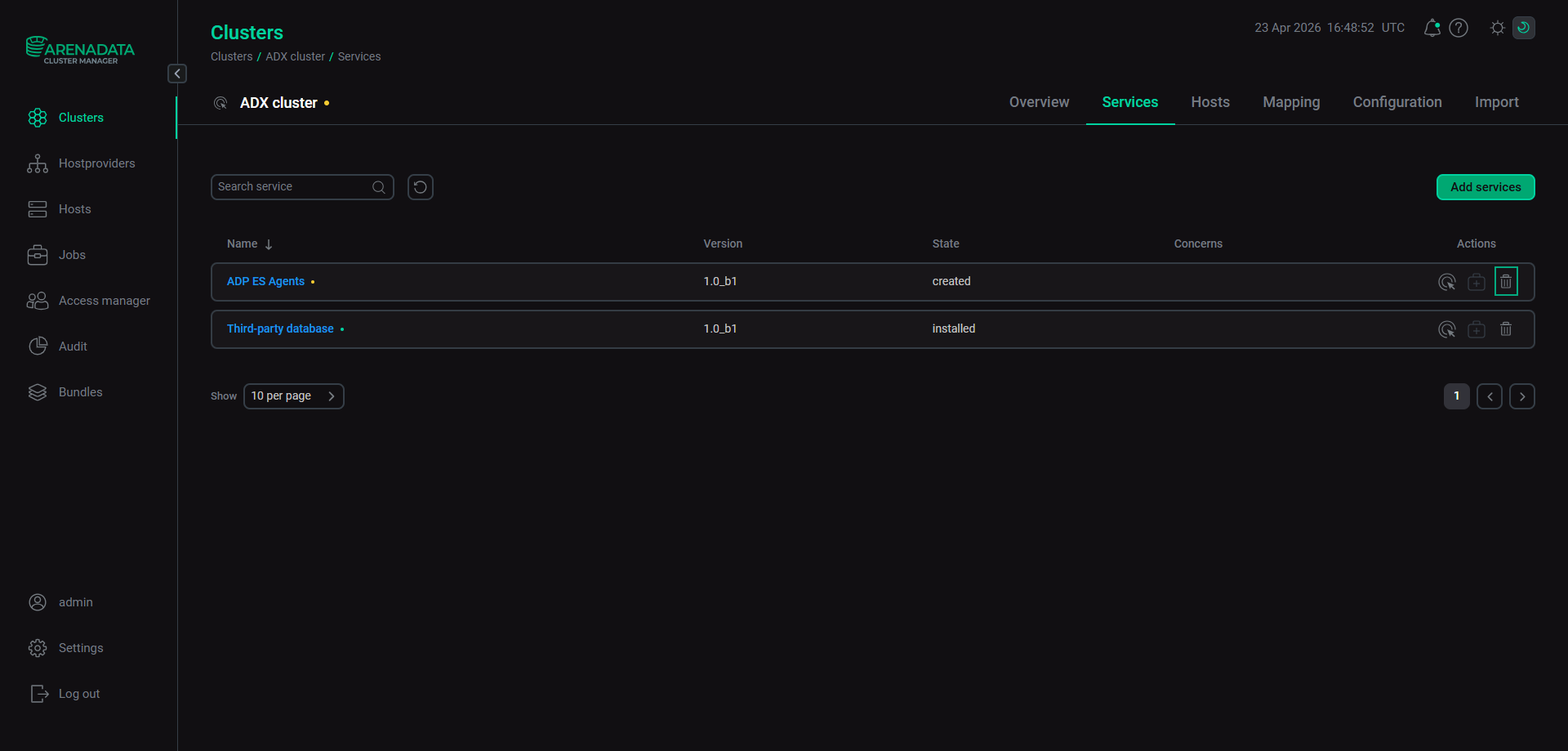 Delete the "ADP ES Agents" service