

Service actions
ADCM UI provides a convenient way to interact with ADM services via actions. To perform an action on a service, do the following:
-
On the Clusters page, select the ADM cluster you want to work with.
-
On the cluster page that opens, go to Services.
-
Click Actions

 for the service you need.
The list of actions available for the given service is displayed in the drop-down.
for the service you need.
The list of actions available for the given service is displayed in the drop-down.
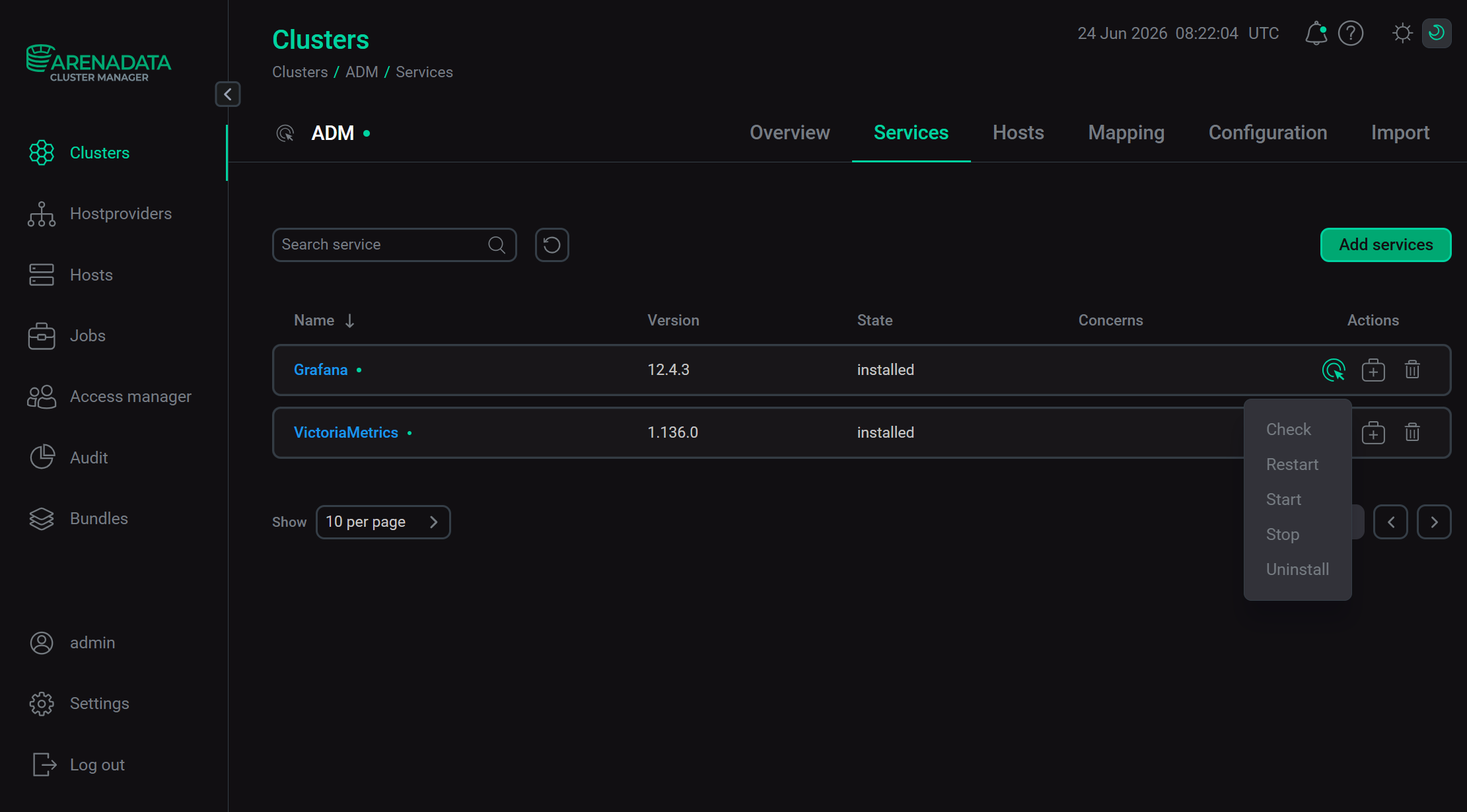
Running service actions
Refer to ADCM documentation for an overview of the Services tab and common actions. For more information on actions for each ADM service, refer to the following links: