

Stop
The Stop action stops all the services installed in the ADM cluster.
To run an action, go to Clusters page, click 
 in the Actions column, and select the action from the drop-down list that appears.
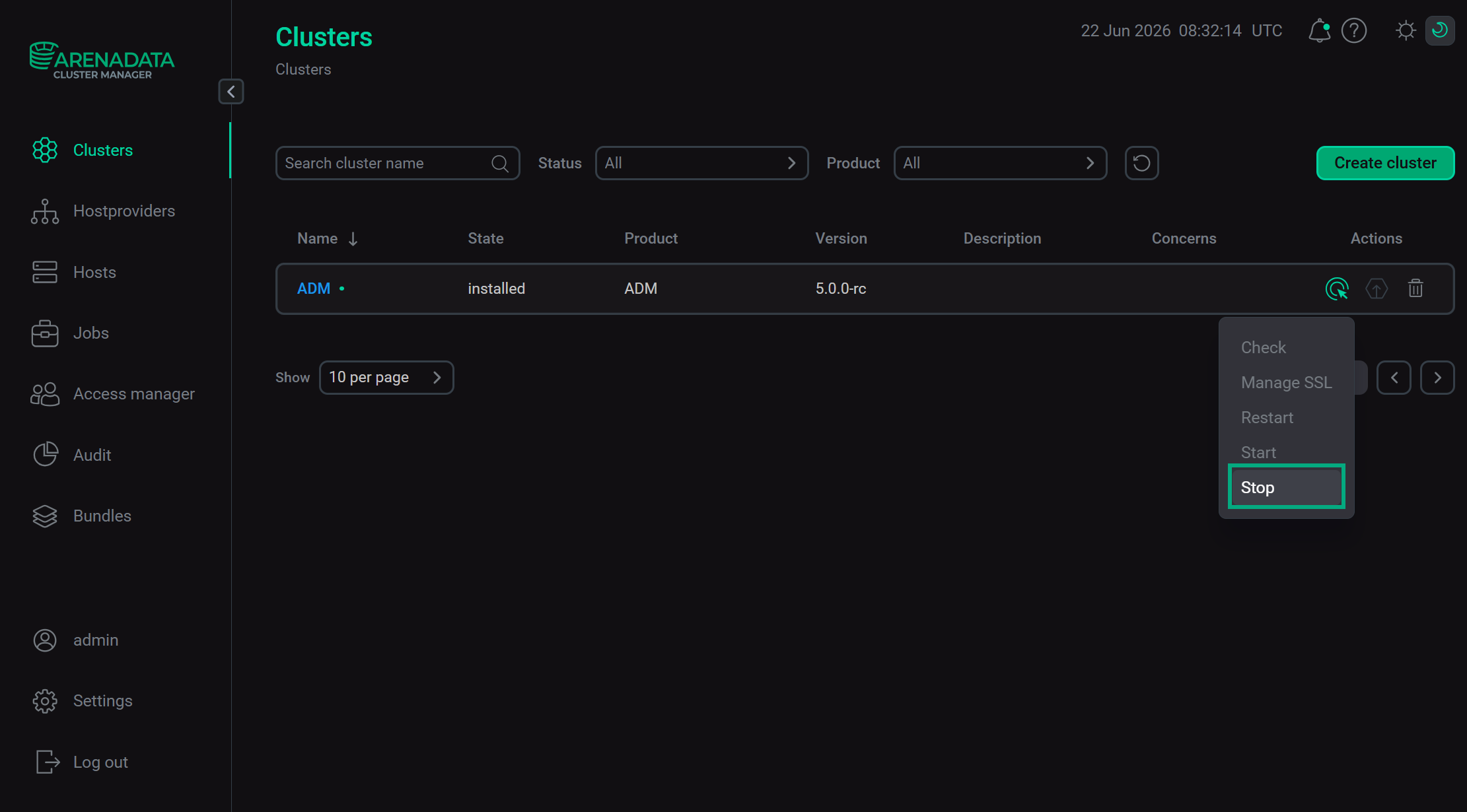
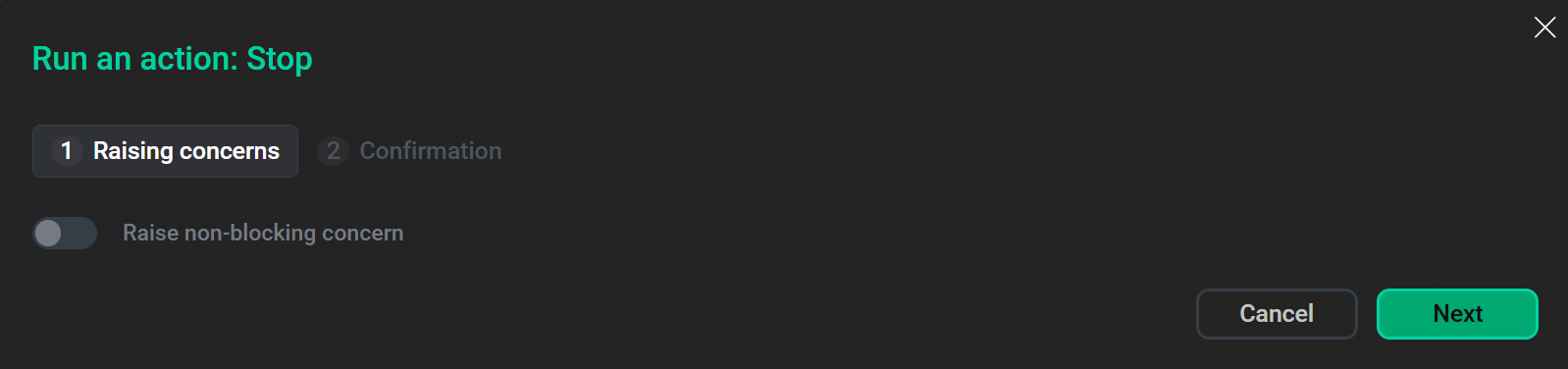
When you choose an action, ADCM displays a dialog window to confirm the choice. In this dialog window, you can select the Verbose checkbox to see additional execution details.
You can find execution process and result of the action on the Jobs page. On this page, you can view action execution details, including verbose Ansible STDOUT/STDERR outputs.
|
IMPORTANT
Stopping the ADM cluster completely stops data ingestion via the VictoriaMetrics Insert component and query processing via the VictoriaMetrics Select component. The ADM cluster services will not work until you start the cluster again. |
Alternatively, you can use the Stop action of a particular service or its component to manually stop only required services or components one after another.