

Cluster actions
This article describes actions available for working with an ADQM Control cluster in the ADCM interface.
Overview
You can find cluster actions on the Clusters page.
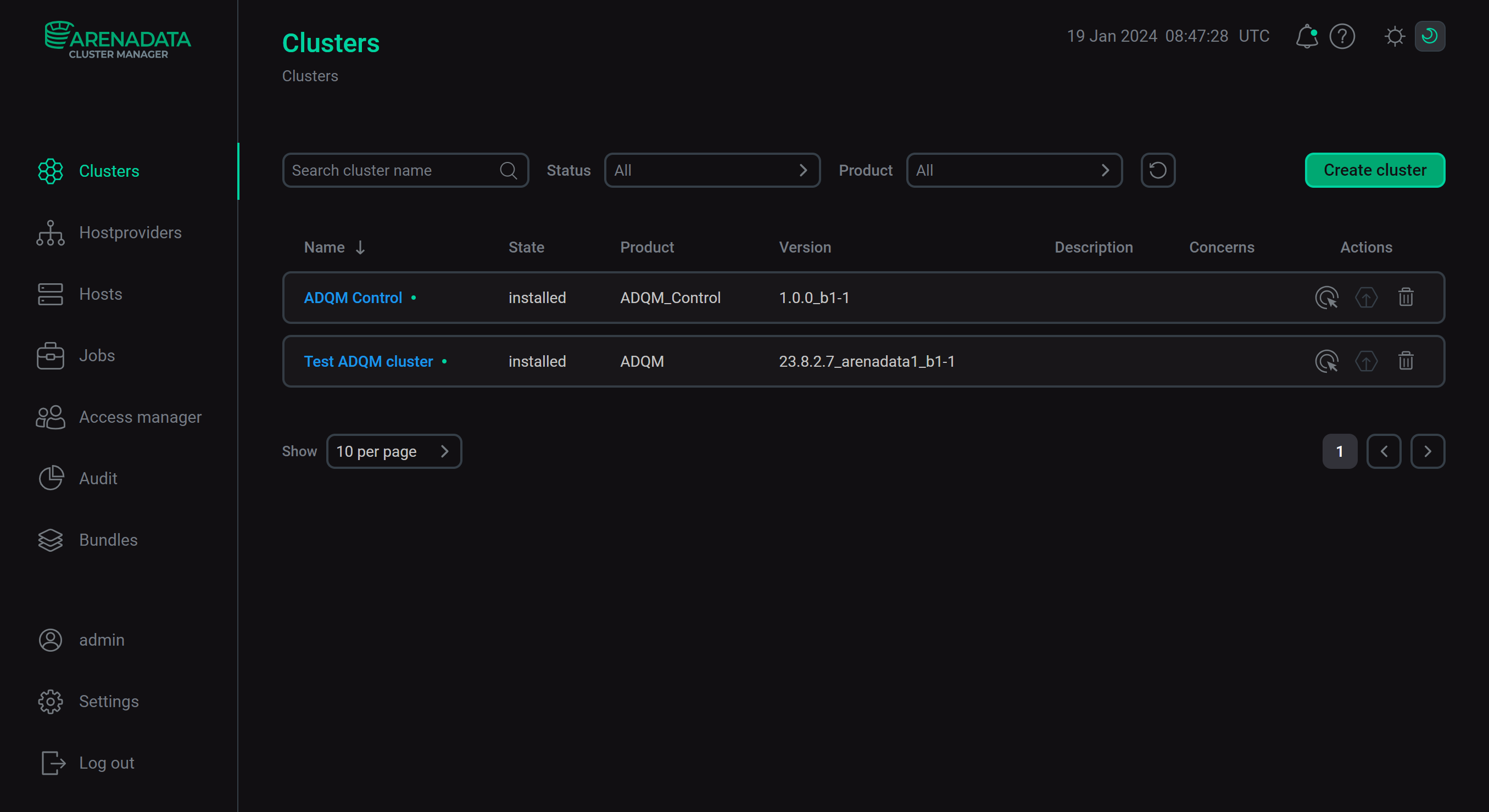
The Clusters page displays a table with the following columns:
-
Name — name specified during the cluster creation.
-
State — the current state of the cluster (
created,installed). -
Product — product name.
-
Version — version of a bundle used to install the cluster.
-
Description — description specified during the cluster creation.
-
Concerns. The icon

 indicates if there are critical errors in the cluster configuration or some job is running. When you hover over it, a pop-up window appears showing a description with a link that you can follow to perform the required configuration or get details. If the cluster is configured correctly and there are no currently running actions, the column is empty.
 -
Actions. The column shows icons for managing a cluster:
-

 — opens a drop-down list that offers actions to manage the cluster.
 -
 — indicates whether a new version of a bundle is available and allows you to upgrade the cluster version.
 -
 — deletes information about the cluster from ADCM (it does not remove ADQM Control or make any changes to hosts that belong to the cluster).
-
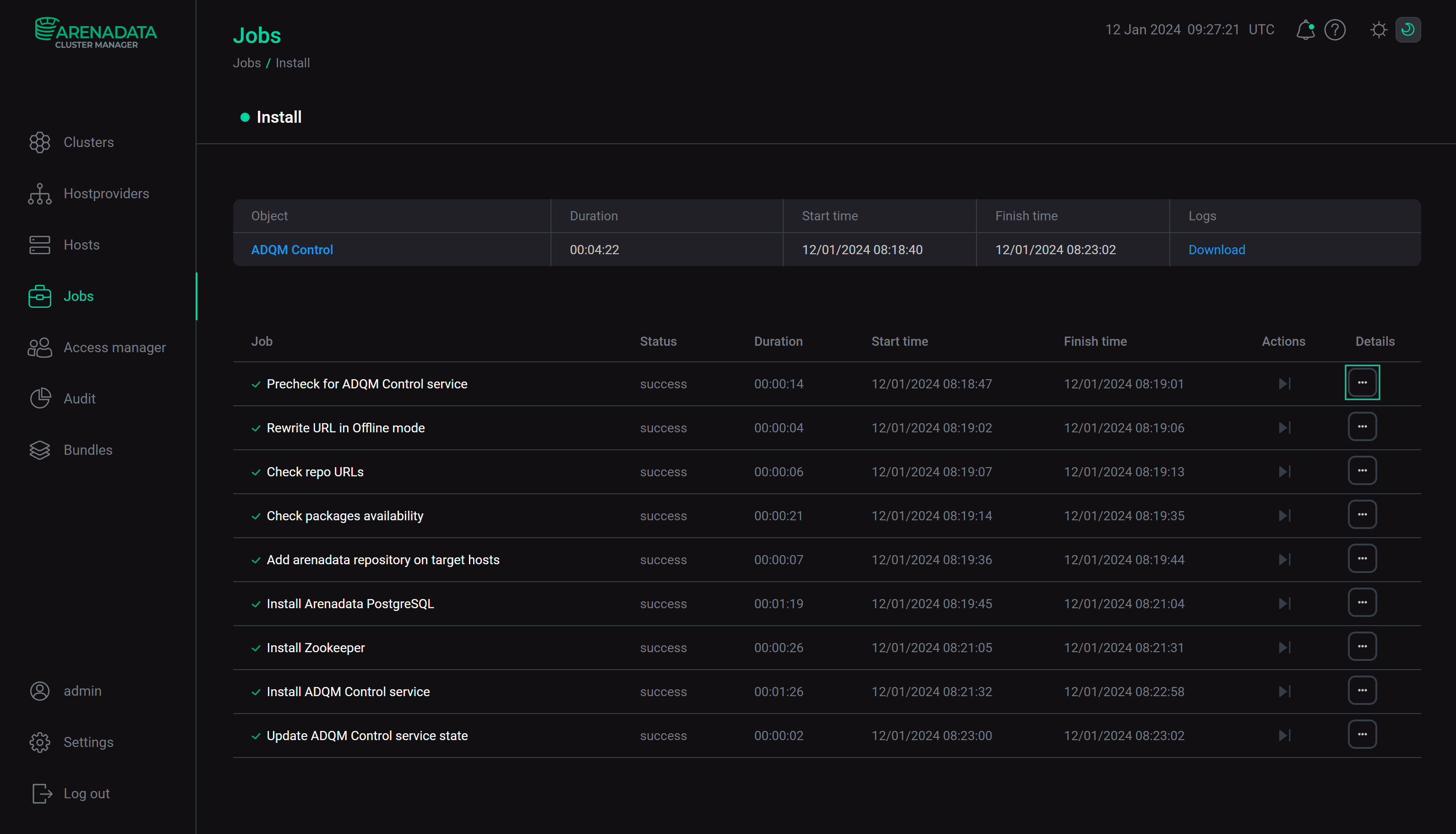
You can click icons described above to perform the corresponding cluster actions. When an action starts, ADCM displays the process and result of its execution on the Jobs page. From this page, you can navigate to a page with details on an individual job (by clicking a job name) to see inner steps of that job execution and analyze errors if they occur. If a job includes multiple inner steps, click the ellipsis in the Details column for additional information on a specific step.
Manage a cluster
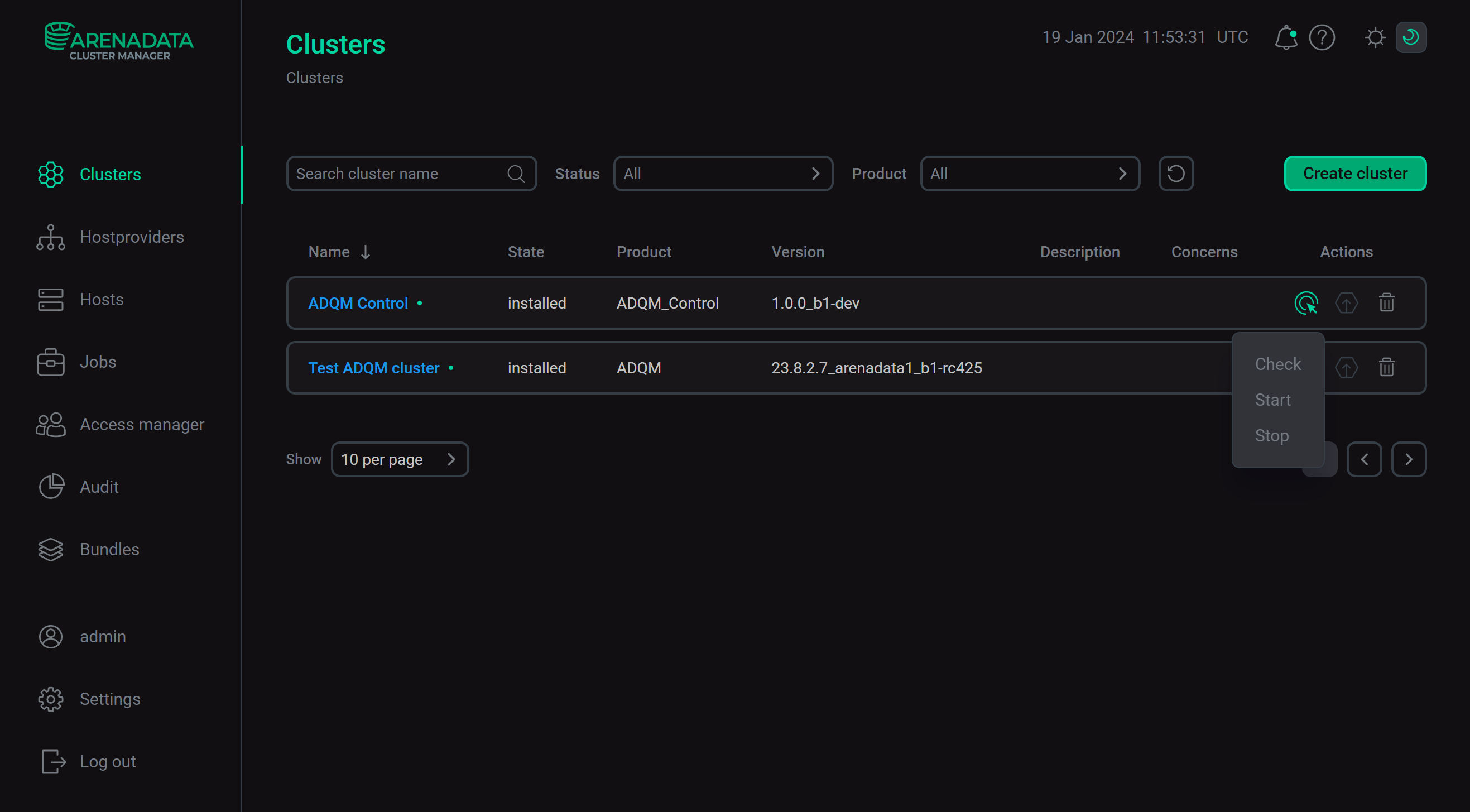
Click the icon in the Actions column to open a drop-down list with available actions and select an action to run it.
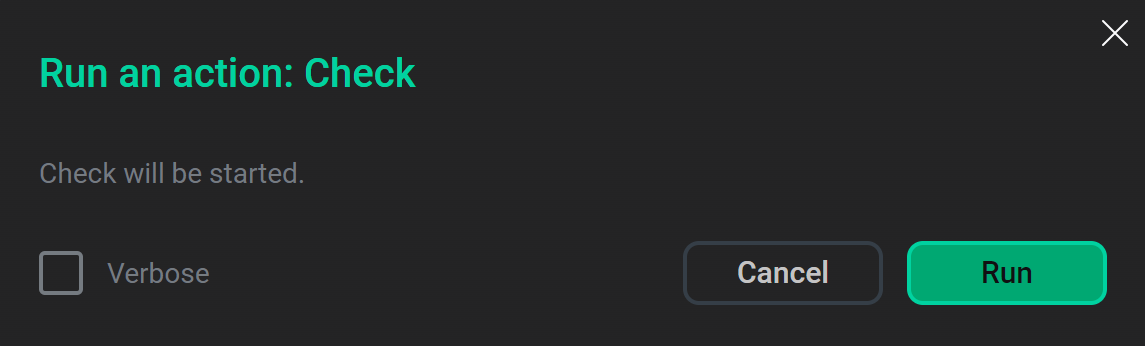
When you choose an action, ADCM displays a dialog window to confirm the choice. In this dialog window, you can select the Verbose checkbox to see additional execution details on the Jobs page.
A set of available actions depends on the cluster state:
-
For a new cluster (the cluster state is
created), an available action is:-
Install — installs all cluster services.
-
-
After a cluster is installed (the cluster state is
installed), the following actions are available:-
Check — checks if all components of the installed cluster work correctly.
-
Start — starts all services of the cluster.
-
Stop — stops all services of the cluster.
-